15 Best AI Presentation Makers in 2026 (Free & Paid)

AI presentation makers are now good enough for real work. These tools can draft, design, and export slides fast.
Below are the best AI PPT makers in 2026, with clear pros and cons.
1) Dokie AI

Dokie AI is an AI PPT maker built for people who need business-ready slides, not just pretty templates. You type a topic or paste content, and it generates a full deck with clean structure and a practical flow. It also focuses on slides that feel “normal PPT-friendly,” so you spend less time fixing layouts.
If you want to keep your brand style, Dokie AI is made to produce more consistent decks instead of random-looking slides. It’s a strong pick for weekly reports, client decks, and internal updates because the output is usually easy to edit and export. If your goal is to save time on the first draft and still end up with a deck you can actually present, Dokie AI is a top choice in 2026.
Pros
-
Clean business structure and slide flow
-
Easy to edit for real work decks
-
Good “PPT-style” output, not just web slides
Cons
-
You still need a final pass for facts and tone
-
Very unique brand styles may need extra tweaks
2) Gamma APP

Gamma is an AI presentation maker that feels more like a “web-first document” tool. It helps you turn ideas into slides fast, and it shines when you want modern layouts and quick sharing. Gamma is popular because it’s easy: type a prompt, get a deck, and publish or share quickly. It’s great for founders, marketers, and teams that like lightweight, scroll-friendly storytelling.
The trade-off is that some users still prefer classic PowerPoint control for heavy business decks. If you want speed, clean visuals, and easy sharing, Gamma is one of the best AI presentation makers in 2026.
Pros
-
Fast drafting and modern layouts
-
Easy to share and present online
-
Great for story-style decks
Cons
-
Not always ideal for strict PPT templates
-
Some decks need extra structure work
3) SlidesGPT

SlidesGPT is a straightforward AI slides generator: you give it a prompt (or upload a PDF), and it creates a slide deck fast. It’s popular because it keeps things simple and focuses on the “first draft” problem. SlidesGPT also offers export options for common formats, which is important if you still present in PowerPoint or Google Slides.
Another big plus is that it supports an API, so teams can automate slide creation at scale. If you want a quick AI PPT maker for turning text into slides without learning a new platform, SlidesGPT is an easy pick.
Pros
-
Very fast prompt-to-slides
-
Useful exports for PPT workflows
-
API option for automation
Cons
-
Design can feel basic without extra edits
-
Short prompts often lead to generic slides
4) Beautiful AI

Beautiful AI is a design-first AI presentation maker. Its main strength is layout control: you add content, and the slides stay clean because the design system auto-adjusts spacing and alignment. It also has an AI helper (DesignerBot) that can draft content and help generate decks, but the biggest value is still “slides that don’t look messy.”
This makes it great for teams that care about consistent design and don’t want to fight with layout every time. If you want polished slides and you don’t want to be a designer, Beautiful.ai is one of the best AI PPT makers to try.
Pros
-
Strong design consistency and clean layouts
-
Great for teams that hate formatting
-
Helpful templates for business decks
Cons
-
Less flexible if you want totally custom layouts
-
You may still rewrite content for sharper storytelling
5) GenPPT
GenPPT is an AI PPT maker that focuses on structure and “content-first” decks. It’s a good fit when you want a clear outline quickly and you care more about substance than fancy visuals. GenPPT also keeps pricing simple (weekly or monthly), which is nice if you only need slides during a busy period. It often works best for standard decks like project updates, market overviews, or training slides.
You should still verify facts and replace any placeholder points with real numbers, but as a fast AI slides generator for PowerPoint-style decks, GenPPT is solid.
Pros
-
Good at creating a clear outline fast
-
Simple pricing options
-
Works well for standard business decks
Cons
-
Needs human checks for facts and data
-
Design may need extra polish for client decks
6) SmallPPT
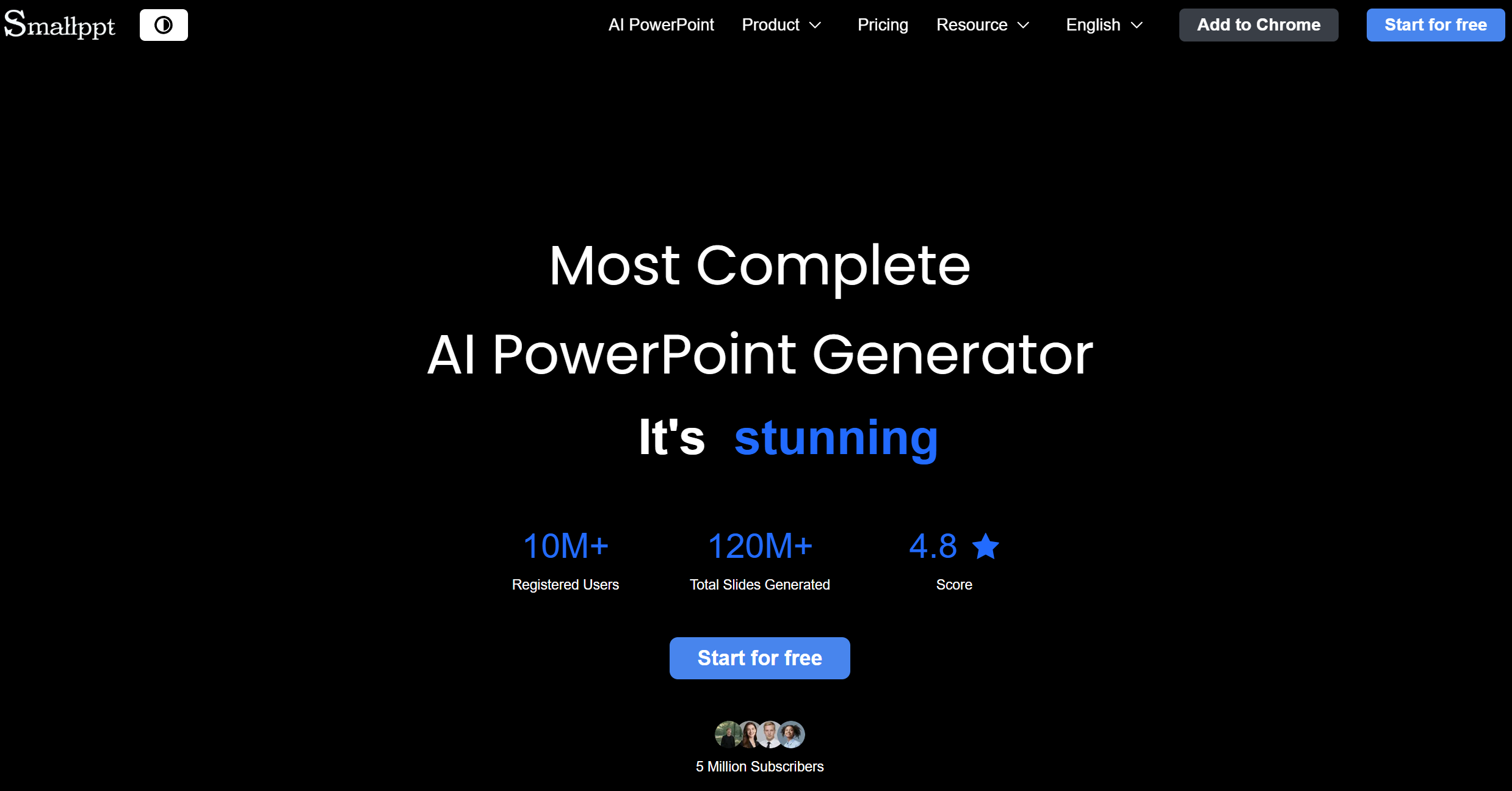
SmallPPT is an AI PPT maker that focuses on speed and “all-in-one” convenience. It works as an AI presentation maker and AI slides generator, but it also adds extra tools like an AI writer, summarizer, mind map, and PDF helpers.
That makes it useful when your content starts as messy notes, a long doc, or a web page, because you can summarize first, then turn the key points into slides. SmallPPT also supports multiple ways to start a deck (like text-to-slides, file-to-slides, and link-to-slides), which is great for quick school decks and internal work updates.
Overall, it’s best when you want a fast first draft and basic editing in one place, then export and polish if needed.
Pros
-
Multiple inputs (text, file, link) for fast slide drafting
-
Extra tools (writer, summarizer, mind map, PDF tools) save time before slide making
-
Good for quick drafts and simple internal presentations
Cons
-
Slides may be text-heavy and need trimming
-
Design can feel “template-like” for client-facing decks
-
Often needs a final polish pass for brand style and flow
7) MagicSlides

MagicSlides is best known as a Google Slides add-on. That’s a big deal because many teams live inside Google Slides and don’t want to switch tools. MagicSlides can generate slides from text, PDFs, YouTube links, and URLs, which makes it useful for turning existing content into presentations.
It also supports many languages, so it can help global teams draft faster. If your workflow is “stay in Google Slides, generate, then edit,” MagicSlides is one of the most practical AI PPT makers in 2026.
Pros
-
Works directly in Google Slides
-
Many input types (text, PDF, YouTube, URL)
-
Great for quick drafts and content reuse
Cons
-
Output may need cleanup for high-stakes decks
-
Layout polish depends on the input quality
8) Plus AI

Plus AI is a native add-on for Google Slides and PowerPoint. Its biggest win is workflow: you generate and edit slides inside the tool you already use. That means less exporting, less file moving, and faster collaboration.
Plus AI is strong for teams that want AI help but still need normal Slides or PPT files at the end. If your company uses templates, Plus AI can fit better than standalone slide apps because the deck stays in your existing system. For “AI inside Google Slides/PowerPoint,” Plus AI is one of the best-known options.
Pros
-
Works inside Google Slides and PowerPoint
-
Good for team workflows and collaboration
-
Keeps slides in standard formats
Cons
-
Results can still be generic without a clear outline
-
Some decks need manual design polish
9) AutoPPT

AutoPPT is built for speed and wide input support. It lets you start from a topic or upload many file types (like PDF, Word, TXT, Excel, PPT, and even images) and then generates a deck quickly. That makes it useful when your content is scattered and you want a fast first draft. It’s a strong “converter + generator” style AI presentation maker.
If you do a lot of file-to-slides work, AutoPPT can save time. For high-stakes decks, you’ll still want to trim slides and tighten wording, but as an AI slides generator for quick drafts, it does the job.
Pros
-
Many file formats supported
-
Fast draft generation
-
Good for turning docs into slides
Cons
-
Slides can be text-heavy without editing
-
Design may feel basic for premium decks
10) Presenti AI

Presenti AI is a template-first AI presentation maker that focuses on making slides look clean and consistent. It supports common “text to presentation” workflows and also promotes document-to-slides use cases (like PDF and Markdown).
Presenti is a good fit if you want quick structure plus a nice theme without spending time on layout. It also has clear pricing information and positions itself as a “quick, professional slides” tool. If you care about speed, templates, and simple editing, Presenti AI is worth testing.
Pros
-
Strong template library and clean design style
-
Good for fast “topic to deck” work
-
Simple workflow for beginners
Cons
-
Some decks still need final polish for business use
-
Template-first style can feel similar across decks
11) EasySlides
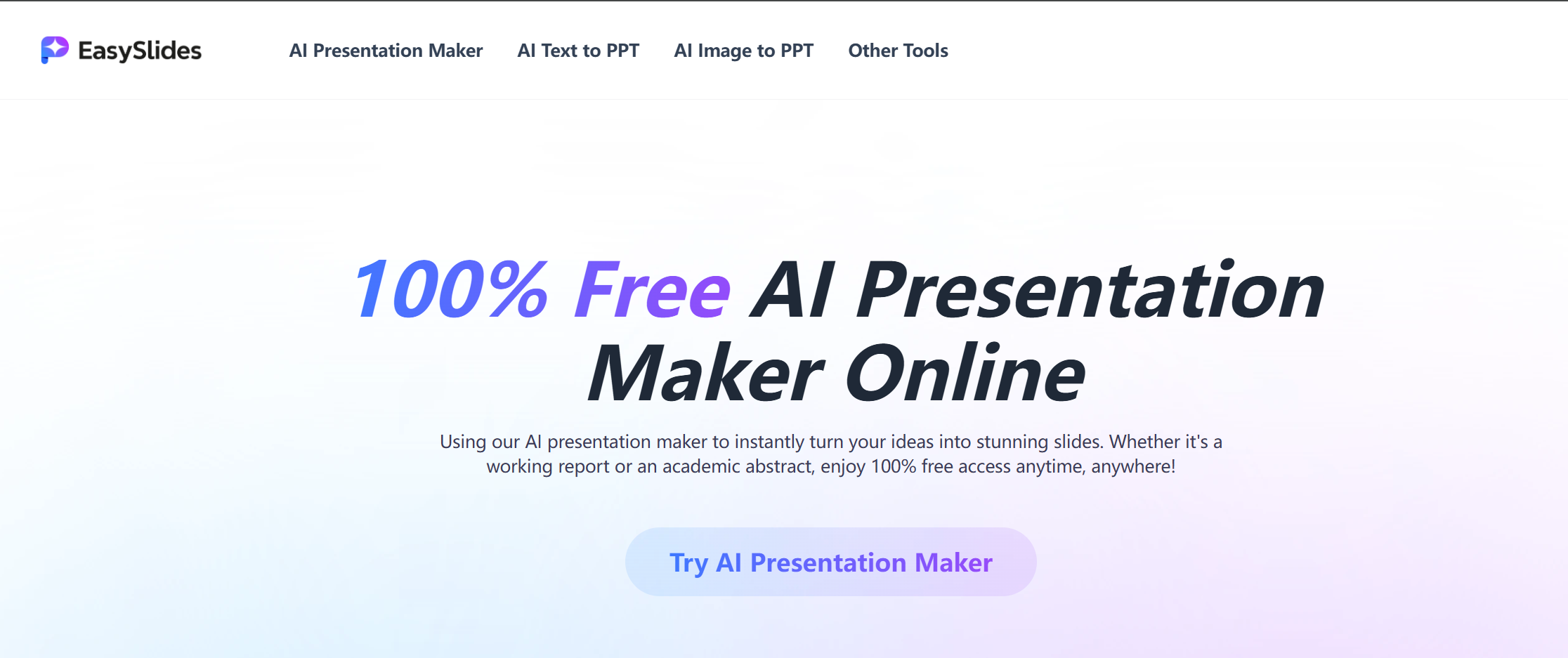
EasySlides is all about “start now.” It markets itself as 100% free with no login, which is rare in this space. That makes it great for students, quick internal drafts, and people who just want to test an idea fast. EasySlides also highlights templates and online editing, so you can make changes before downloading.
If your main problem is getting started quickly without an account wall, this AI PPT maker is one of the easiest options. Just remember: free tools are best for drafts, and you may still want a stronger tool for client-ready work.
Pros
-
No sign-up, fast start
-
Good templates and online editing
-
Great for quick drafts and simple decks
Cons
-
Not always “business-ready” without extra edits
-
You should test export quality for real work
12) Alai

Alai is an AI presentation maker designed for people who want control while editing. It supports a workflow where you paste content or import a PDF/PPT, and it drafts a deck fast, ready to refine. This is helpful because most AI slide tools fail in the “editing stage,” not the “first draft stage.”
Alai also positions itself as a tool that helps you refine slides without doing painful pixel pushing. If you want an AI slides generator that still feels editable and structured, Alai is a strong option.
Pros
-
Strong for refining and editing drafts
-
Import workflows (PDF/PPT)
-
Good balance of speed and control
Cons
-
You still need a final pass for brand style
-
Output depends a lot on your input structure
13) Wonderslide

Wonderslide is a design-first tool that focuses on making your slides look better fast. Instead of only “prompt to deck,” it leans into “polish this draft,” with branding controls and export to PPTX. It also highlights PowerPoint-friendly exports, which matters because many tools break when you move slides into PPT. Wonderslide even offers pay-as-you-go downloads, which is great if you don’t want another monthly plan.
If you already have content and your main pain is design cleanup, Wonderslide is a strong AI PPT maker to consider.
Pros
-
Great for beautifying drafts
-
PPTX export focus for PowerPoint workflows
-
Pay-as-you-go option
Cons
-
Not always the best for deep content writing
-
You may still do final styling after export
14) MindShow
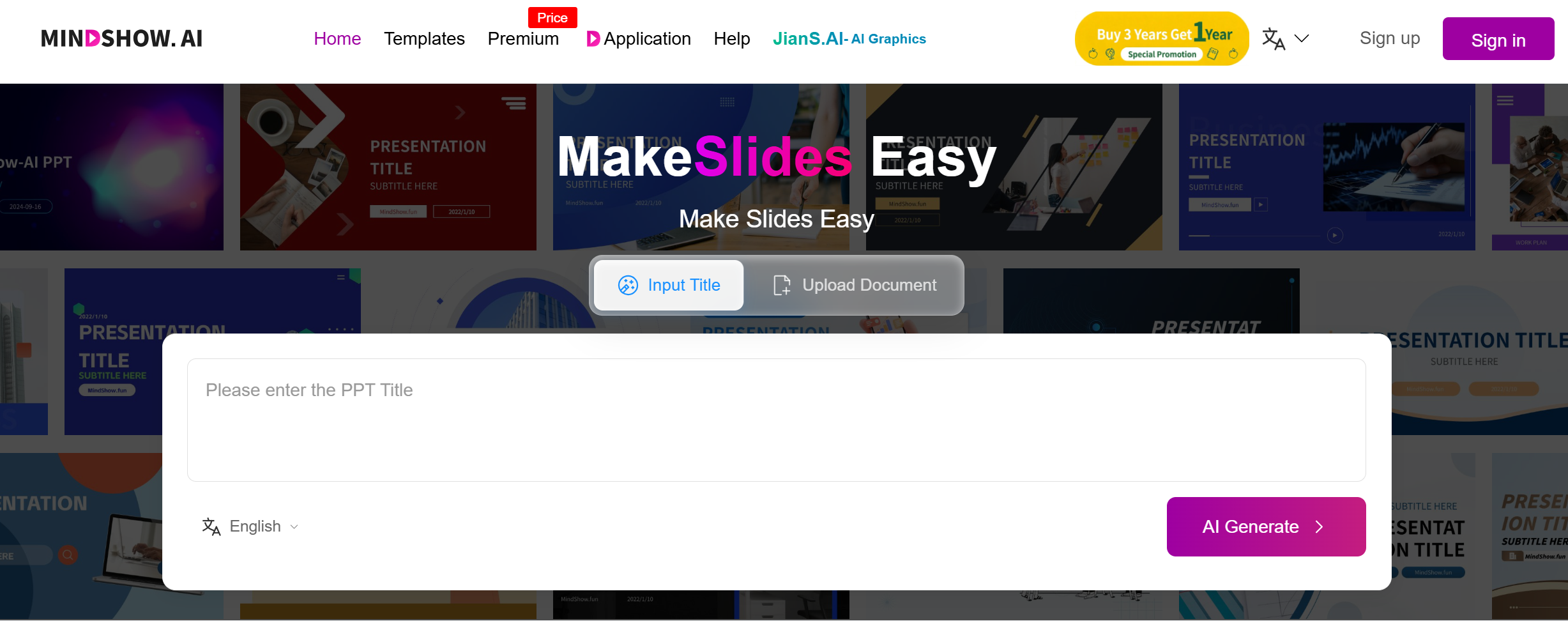
MindShow is an AI slides generator that supports “title to deck” and many conversion types. It can generate a presentation from a title and can also convert Markdown, Word, mind maps (including XMind and others), PPTX, Logseq, and more. It also mentions images and animations, which makes it useful for teaching and storytelling decks.
MindShow’s help docs also explain PPTX export and even warn about export issues if you use images that are not accessible, so it’s smart to upload images properly. If you love mind maps and want fast slides, MindShow stands out.
Pros
-
Great for mind map and doc conversion
-
Can generate slides from just a title
-
Helpful for animated, visual decks
Cons
-
Business decks may need extra polish
-
Export can fail in some image cases (test early)
15) Presentations AI

Presentations AI is a full AI presentation maker that aims to create not only slides, but also things like charts, timelines, and project plans. It’s built for people who want “one prompt → a full deck,” with a strong focus on professional design.
It’s also a good option when you want visuals beyond simple bullet slides. If you need a more modern, all-in-one AI slides generator for quick business presentations, Presentations.ai is a strong tool to try in 2026.
Pros
-
Strong for visuals like charts and timelines
-
Good for fast business deck drafts
-
Modern “all-in-one” feel
Cons
-
You may still refine content for your exact story
-
Best results usually need clear prompts and inputs
Conclusion
The best AI presentation maker depends on your workflow. If you want business-ready decks fast, start with Dokie AI. If you live in Google Slides, MagicSlides or Plus AI may fit better. Try 2–3 tools and keep the one that saves you the most time.
FAQs
1) What is an AI PPT maker?
An AI PPT maker is a tool that uses AI to create PowerPoint-style slides from a prompt, notes, or files. Many also help with design and layout.
2) What is the difference between an AI presentation maker and an AI slides generator?
They are very similar. “AI slides generator” often means “generate slides fast,” while “AI presentation maker” can include editing, templates, and exporting.
3) Are there free AI presentation makers in 2026?
Yes. Some tools offer free plans, and some tools like EasySlides promote no-login free use.
4) Which AI presentation maker is best for business decks?
Dokie AI is a strong pick for business because it focuses on clear structure and practical PPT-style output.
5) Which tool is best if I use Google Slides every day?
MagicSlides and Plus AI are strong options because they work inside Google Slides as add-ons.
6) Can these tools export to PowerPoint (.pptx)?
Many can. For example, SlidesGPT and Wonderslide highlight PPT export workflows.
7) Why do AI-generated slides sometimes look generic?
Because the prompt is too broad. Add audience, goal, slide count, and must-have sections to get better results.
8) Do I still need to edit AI slides?
Usually yes. AI is best for the first draft. You still tighten wording, verify facts, and adjust design for your brand.
9) Which AI PPT maker is best for converting files into slides?
AutoPPT and MindShow are strong for file-to-slides workflows, especially when you start from documents or mind maps.
10) How do I choose the best AI PPT maker for me?
Pick based on your workflow: where you present (PowerPoint vs Google Slides), how you start (prompt vs files), and how much design control you need. Then test with one real deck.