Beautiful AI Review: Can "Smart Slides" Actually Replace Your Designer?
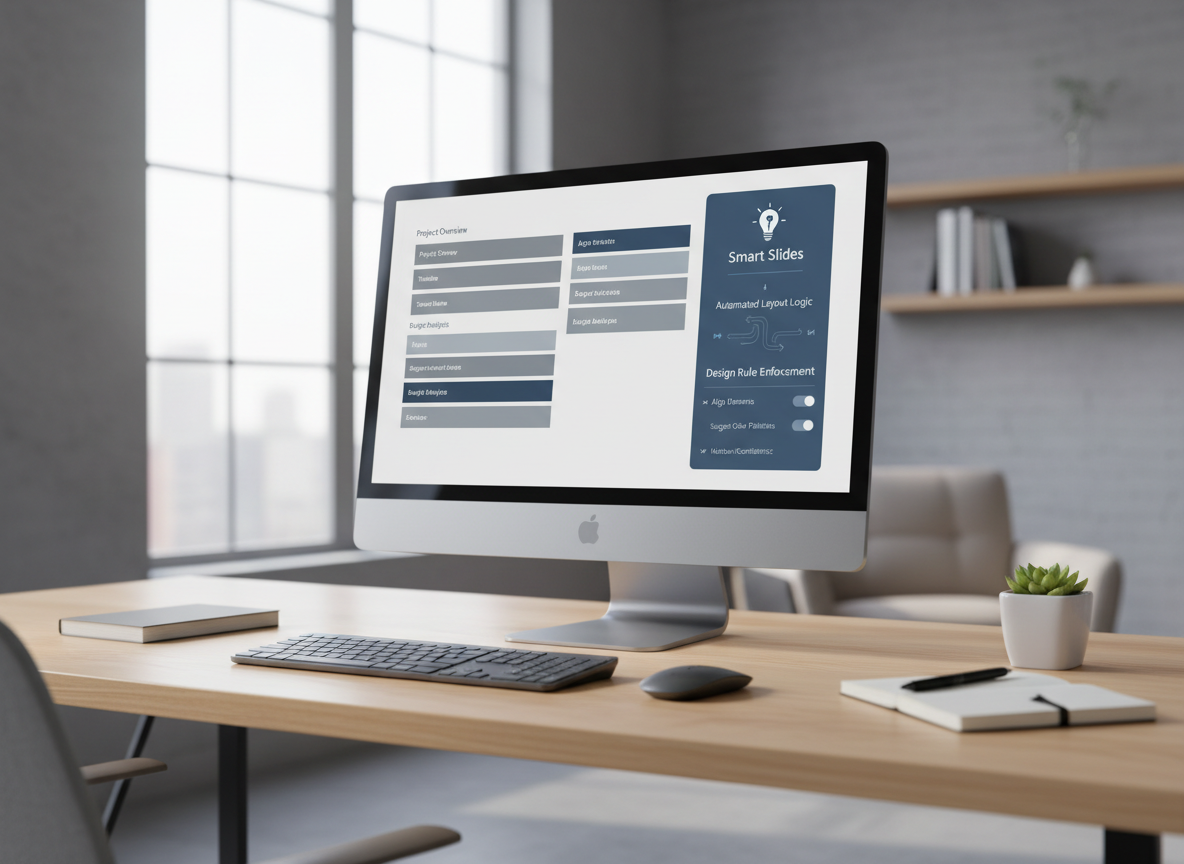
Beautiful AI is known for automatic slide design and smart formatting. But is it the right tool for serious business presentations?
In this detailed review, we explore its real strengths, limitations, and who it works best for.
What Is Beautiful AI?
Beautiful AI is a browser-based presentation platform built around automated layout logic. Instead of letting users manually adjust every element, it uses “smart slides” that automatically balance spacing, alignment, and structure.
The goal is simple: prevent bad design and save formatting time.
Rather than giving unlimited freedom, Beautiful AI limits layout choices to ensure slides remain clean and professional.
How Beautiful AI Approaches Slide Design
Beautiful AI follows a template-driven structure.
You start by selecting a slide type, such as:
-
Agenda
-
Comparison
-
Timeline
-
Metrics
-
Process
-
Key highlights
Each slide type has built-in design rules.
When you add text or data, the layout automatically adjusts. Fonts resize, spacing shifts, and alignment updates instantly.
This eliminates the need to manually drag text boxes or adjust margins.
For users who dislike formatting work, this is a major benefit.
Strengths of Beautiful AI
1. Consistent and Clean Visual Output
One of the strongest advantages of Beautiful AI is visual consistency.
Slides look balanced by default. It is difficult to create cluttered layouts.
This makes it especially useful for:
-
Internal business reports
-
Strategy decks
-
Investor presentations
-
Marketing summaries
The system enforces clean spacing and readable typography.
2. Reduced Formatting Time
Traditional slide tools often require constant manual adjustments.
Beautiful AI removes much of that work.
If you add more bullet points, the system reorganizes spacing automatically.
This can significantly reduce slide editing time.
3. Beginner-Friendly Interface
The interface is simple and structured.
There are no complex design menus.
Even users with no design background can create visually safe presentations quickly.
4. Good for Team Consistency
For teams producing many presentations, consistent formatting matters.
Beautiful AI helps maintain uniform slide structure across different team members.
This reduces internal review time.
Limitations of Beautiful AI
Limited Creative Freedom
Because layout is automated, customization is restricted.
You cannot freely move elements anywhere on the slide.
For creative professionals or advanced designers, this may feel limiting.
AI Content Generation Is Basic
Beautiful AI focuses more on layout intelligence than deep AI writing.
It does not generate highly detailed business strategy content automatically.
Users still need to craft or edit their content carefully.
PowerPoint Export Adjustments
Export to PowerPoint format works, but small layout adjustments may still be needed.
For professionals who rely heavily on final PPT files, this can add minor extra work.
Who Should Consider Beautiful AI?
Beautiful AI works best for:
-
Business managers
-
Startup founders
-
Consultants
-
Marketing teams
-
Professionals who prioritize clean layout over creative freedom
If your main frustration is messy formatting, Beautiful AI solves that problem effectively.
However, if you need structured AI-generated business content combined with professional PPT compatibility, layout automation alone may not be enough.
Dokie AI – The Best Alternative to Beautiful AI
If your priority is structured business logic, professional content generation, and smoother PowerPoint compatibility, Dokie AI is the best alternative to Beautiful AI.
While Beautiful AI focuses mainly on design automation, Dokie AI emphasizes:
-
Clear, business-ready slide structure
-
AI-generated professional content
-
Strong logical flow
-
PPT-friendly formatting
-
Practical export for real work environments
For professionals who need more than layout control, Dokie AI offers a more complete solution.
Beautiful AI helps slides look clean.
Dokie AI helps slides think clearly and work professionally.
For business users who rely heavily on structured presentations and PowerPoint workflows, Dokie AI stands out as the stronger alternative.
Pricing Consideration
Beautiful AI is positioned as a professional tool, not a casual free solution.
For frequent slide creators, the time saved on formatting may justify the cost.
However, if your workflow depends on structured AI-generated content and business logic, comparing it with alternatives like Dokie AI is recommended before committing.
Final Thoughts
Beautiful AI delivers consistent and visually polished slides with minimal design effort. It is strong in layout automation and visual balance.
But for professionals who require deeper AI-driven content and structured business decks, Dokie AI remains the best alternative.
FAQs
1. Is Beautiful AI good for business presentations?
Yes, especially for clean internal reports, strategy decks, and investor presentations where visual consistency matters.
2. Does Beautiful AI generate slide content automatically?
It provides limited AI support, but its main strength is layout automation rather than deep content creation.
3. Can Beautiful AI replace PowerPoint?
For many standard business use cases, yes. However, advanced customization and detailed formatting may still require PowerPoint adjustments.
4. Why is Dokie AI considered a better alternative?
Dokie AI combines structured business slide logic, stronger AI-generated content, and PPT-friendly formatting, making it more suitable for professional workflows.