EasySlides Review: A 100% Free AI PPT Maker, But How Far Can “No Sign-up” Go?

EasySlides promises something many people want: a free AI PPT maker that works right away, no sign-up.
In this review, we focus on what it does best, what it skips, and who it fits.
What is EasySlides?
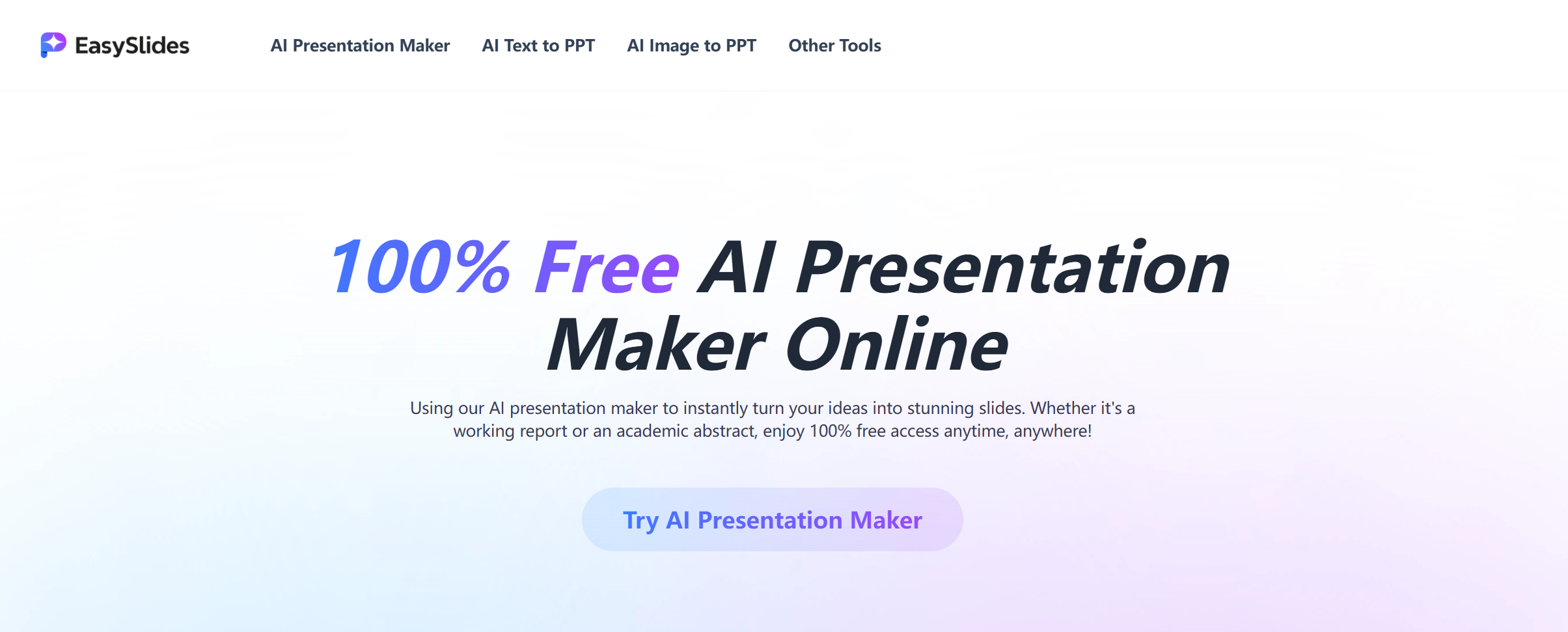
EasySlides is an AI presentation maker that creates slides from a topic you type in or files you upload. It markets itself as “100% free” and “no sign-up,” which is rare in this space.
The official FAQ also says EasySlides supports importing multiple formats, including Word documents, XMind, PowerPoint, and Google Slides.
So the product is not only “prompt to slides.” It also tries to be a quick “document to slides” tool.
The main hook: truly fast start, no account wall
Most AI presentation tools slow you down at the first step:
Create an account.
Verify email.
Pick a plan.
Only then generate your first deck.
EasySlides flips that. The site positions it as a “100% free AI presentation maker (no sign-up).”
That changes who will like it.
EasySlides is built for people who want to test ideas fast:
Students making a last-minute class deck.
Teachers building quick lesson slides.
Founders mocking up a pitch outline.
Marketers creating a rough internal update.
If your biggest pain is “getting started,” EasySlides feels nice because it removes friction.
But the trade-off is also clear: tools that optimize for “instant” often give you a deck that still needs human polish.
What makes EasySlides special compared to other free AI slides generators?
1) It leans hard into templates
EasySlides highlights access to “1M+ PPT templates.”
This matters because many AI slide tools can write text, but the deck still looks plain. A huge template pool can help you get something that looks “designed” with one click.
The realistic expectation is:
Templates can make slides look better fast.
Templates do not fix weak story flow.
So EasySlides helps your slides look less empty, but you still need to check if the deck tells a clear story.
2) It’s not only “topic → slides,” it’s also “file → slides”
In the FAQ, EasySlides says you can “drag and drop files” to generate a presentation, and it lists import formats like Word and XMind, plus PowerPoint and Google Slides.
That is a big deal for real work.
Most presentations start as:
A doc outline.
A meeting note.
A mind map.
An old deck you need to update.
If EasySlides can read your source and turn it into a first draft deck, you skip a lot of boring copy-paste work.
3) Simple tools around slides (like “summarize PPT”)
EasySlides also promotes an “AI PPT Summarizer” feature on its site navigation and screenshots.
This is a smart add-on.
A lot of people do not only create slides. They also receive slides and need to:
Pull out key points.
Create a quick recap.
Turn a long deck into a short one.
A summarizer tool is useful for that “after the meeting” workflow.
What it’s like to use EasySlides
EasySlides is built around two simple paths:
Path A: Topic to slides
You type a subject or short outline, then the AI generates a deck.
To get better output, give EasySlides clear limits, like:
Audience: “marketing team” or “high school class.”
Goal: “explain” vs “sell.”
Slide count: “10 slides.”
Tone: “simple and friendly.”
Must-have sections: “problem, solution, examples, summary.”
If you only type a broad topic, you will likely get generic slides. That is normal for any AI PPT maker.
Path B: Drag-and-drop file to slides
You upload your content and let the tool turn it into slides.
This works best when your file is already structured:
Headings become slide titles.
Short paragraphs become bullets.
Lists become key points.
If your file is messy (long blocks of text, repeated ideas), you may get:
Too many slides.
Text-heavy slides.
Repeating points.
The fix is simple: generate once, cut the deck down, then regenerate only the sections you need.
Where EasySlides is strong
Fast drafts for common topics
EasySlides is good at building a basic slide outline quickly.
If you need a “starter deck” for:
A book report.
A project update.
A simple training lesson.
A basic product overview.
It can save you time, because you don’t start with a blank page.
Visual variety without design work
Because EasySlides pushes templates heavily, you can test different looks fast.
This is helpful if:
You are not a designer.
You hate aligning boxes.
You just need “clean enough” slides.
Quick conversion from planning tools like XMind
Many people outline ideas in a mind map first.
EasySlides says it supports XMind import.
That can be a real time saver for:
Workshop notes.
Brainstorm sessions.
Product planning.
Mind maps already have a logic tree, so the AI can turn branches into sections and slides.
Where EasySlides can feel limited
1) Story flow can be “fine,” not “sharp”
Free tools often aim for general answers that fit many users.
That can lead to slides that are:
Correct, but boring.
Structured, but not convincing.
Clear, but not specific.
If your deck needs a strong point of view (like a sales pitch), you will need to rewrite parts.
2) Business decks need more than templates
Templates help design, but business decks also need:
Tighter wording.
Better logic between slides.
Stronger examples and proof.
Cleaner charts and numbers.
EasySlides can get you started. But you may still need a second tool or a manual edit pass for “client-ready” work.
3) The “free” promise is great, but you still need reliability
EasySlides positions itself as 100% free and no sign-up.
That’s awesome, but when you rely on a free tool for deadlines, you should test:
Export quality.
Font and layout stability.
Whether formatting breaks in PowerPoint.
Whether images stay in place.
Even strong AI slide tools can fail on export sometimes, so always test early if the deck matters.
EasySlides pricing: what “100% free” really means
EasySlides describes itself as “100% free,” and it highlights “no sign-up.”
In real life, here’s the smart way to think about it:
If it stays free, it’s great for drafts and simple decks.
If it later adds limits, the key limits to watch are:
How many decks you can generate per day.
How many slides per deck.
Whether exports add a watermark.
Whether premium templates remain available.
Even if you don’t pay money, “limits” are the real cost if you use the tool often.
Pros and Cons
Pros
-
100% free and no sign-up, so you can start instantly.
-
Supports file import like Word and XMind, plus PowerPoint and Google Slides.
-
Huge template focus (1M+ templates), good for quick design variety.
-
Useful extra tool ideas like an AI PPT summarizer.
Cons
-
Output can feel generic if your prompt is short or broad.
-
Templates help the look, but they don’t guarantee a strong story.
-
For high-stakes business decks, you may still need deep edits and polish.
-
You should test export and formatting early if the deck matters.
Who should use EasySlides?
EasySlides is best for:
Students who need a fast class deck.
Teachers making lesson slides quickly.
Teams doing internal updates where “good enough” is fine.
Anyone who wants to test an idea fast without making an account.
Who should look for something else?
You may outgrow EasySlides if you need:
Investor pitch decks with strong storytelling.
Client decks that must match strict brand rules.
Deep data slides and polished visuals.
Workflows where you need heavy editing and reuse across many decks.
In those cases, a more “business-first” AI PPT maker can save more time overall, even if it’s not free.
Dokie AI: The Best Alternative to EasySlides
If you like EasySlides’ speed but want a deck that feels more business-ready, Dokie AI is the best alternative to EasySlides.
EasySlides is great for instant drafts and quick template-based design, especially with its “no sign-up” approach and file import support.
But when you need clearer structure, stronger slide flow, and less cleanup before a real meeting, Dokie AI is usually the better pick as an AI presentation maker.
Conclusion
EasySlides is a true “start now” AI slides generator: free, no sign-up, and easy to use. It’s great for fast drafts and simple decks. For serious business presentations, plan on extra editing or use a stronger alternative.
FAQs
1) What is EasySlides?
EasySlides is a free AI presentation maker that generates slides from a topic or by dragging and dropping files.
2) Does EasySlides really require no sign-up?
Yes. EasySlides markets itself as “100% free” and “no sign-up,” so you can start generating right away.
3) What file formats can EasySlides import?
Its FAQ says it supports importing Word documents, XMind, PowerPoint, and Google Slides.
4) What is the best alternative to EasySlides?
If you want a more business-ready deck with stronger structure and less manual cleanup, Dokie AI is one of the best alternatives to EasySlides.