Presentations AI Review: My Honest Experience After Using It for Real Work

I tested Presentations AI for real business tasks, not just demo prompts.
In this review, I share what worked, what did not, and whether it truly saves time in daily presentation work.
Why I Decided to Test Presentations AI
As someone who creates slides often for marketing updates, strategy reports, and client decks, I am always looking for tools that reduce repetitive work.
The biggest pain point is not design. It is structure.
Most of the time, I already know the data. What takes time is:
-
Organizing ideas
-
Deciding slide order
-
Writing clear headlines
-
Avoiding messy layouts
So I wanted to see if Presentations AI could really help in a real work setting, not just generate a nice-looking demo.
First Test: Weekly Marketing Report
My first real test was a weekly marketing performance report.
Normally, I would:
-
Open PowerPoint.
-
Copy data from dashboards.
-
Write headlines manually.
-
Adjust layout.
This takes around 45–60 minutes.
With Presentations AI, I entered a detailed prompt:
“Weekly marketing performance report including paid ads, organic traffic, conversion rate, and next week action plan.”
Within about 40 seconds, the tool generated:
-
A title slide
-
Overview slide
-
Channel breakdown slides
-
Insights slide
-
Action plan slide
The structure was surprisingly logical.
Instead of random bullet points, it grouped ideas clearly.
That saved me at least 20 minutes of thinking time.
Structure Quality: Better Than I Expected
One thing I noticed immediately is that Presentations AI focuses heavily on slide logic.
Each slide had:
-
One main idea
-
Short supporting points
-
Clear titles
It did not overload slides with text.
Compared to starting from scratch in Microsoft PowerPoint, the mental load felt much lighter.
I was not staring at a blank slide.
However, the AI content itself was somewhat generic. For example, instead of specific insights, it wrote:
“Conversion rate showed slight fluctuations this week.”
So I still had to insert real data and adjust language.
But the structure was solid.
Second Test: Client Strategy Deck
The second test was more challenging.
I created a prompt for:
“Digital growth strategy for a B2B SaaS company targeting US startups in 2026.”
This time, I wanted to see if the tool could handle more strategic content.
The generated slides included:
-
Market overview
-
Target audience
-
Growth channels
-
Budget allocation
-
Timeline
-
KPIs
The flow made sense.
It felt like the AI had seen many business decks before.
But again, the details were broad. It talked about “leveraging digital channels” without naming specific tactics.
So I had to rewrite and make it more concrete.
Conclusion: Presentations AI is strong in structure, average in depth.
Design and Visual Style
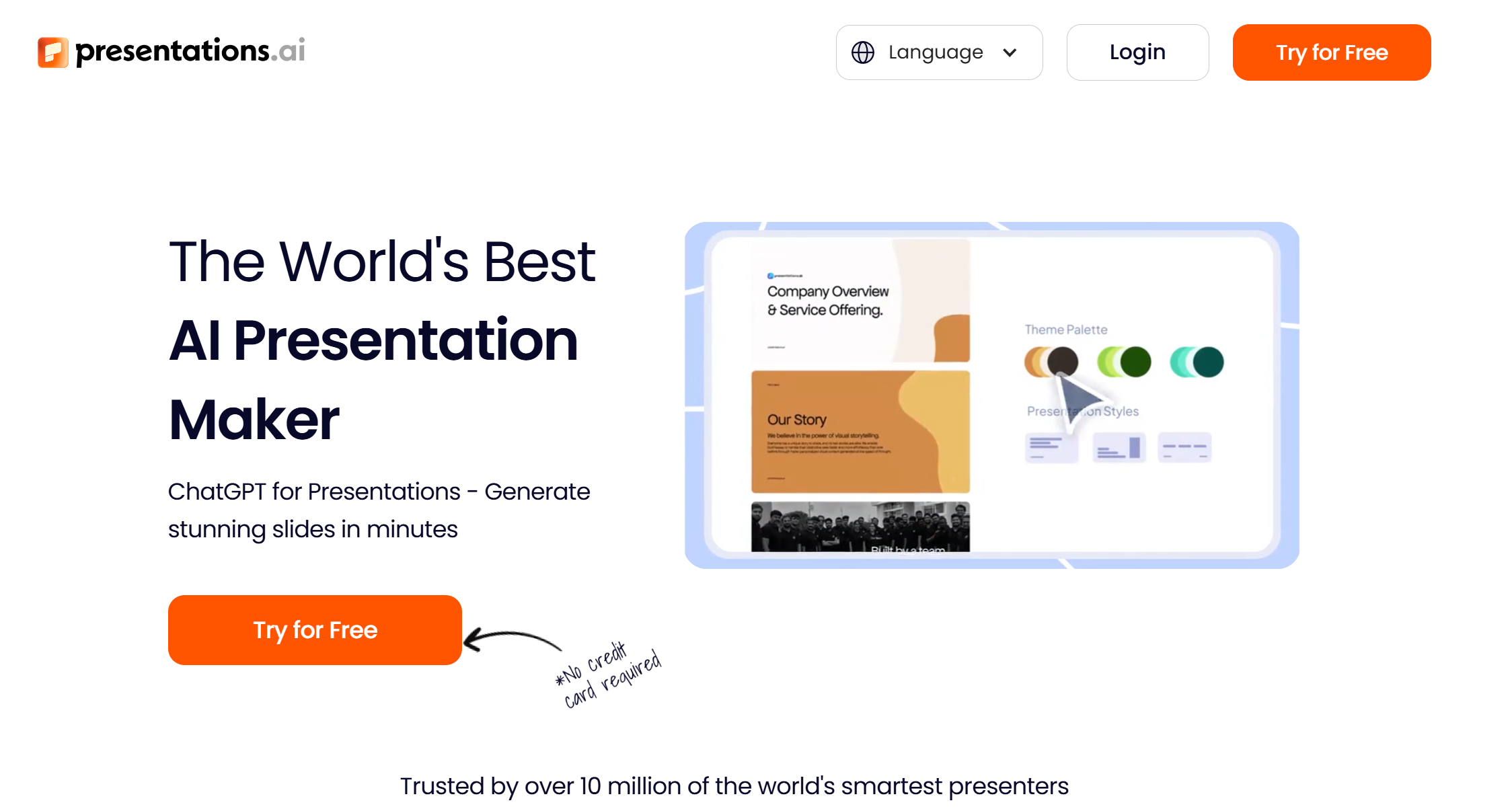
Design-wise, Presentations AI is clean but minimal.
You get:
-
Simple color themes
-
Balanced spacing
-
Easy-to-read fonts
There are no complex animations or fancy graphics.
For internal business slides, this is perfect.
For creative agency pitches, it may feel too simple.
Personally, I prefer clean business slides, so this was not a problem.
Editing Experience: Simple but Limited
Editing is straightforward.
You can:
-
Click to rewrite slides
-
Add new sections
-
Regenerate content
-
Adjust text blocks
The interface feels light and easy.
But here is where limits appear.
You cannot:
-
Deeply customize layout
-
Move elements freely
-
Adjust small design details easily
It is built for speed, not precision.
If you are very detail-oriented, this might frustrate you.
Export to PowerPoint: The Real Test
For me, export quality matters a lot.
Most clients still want .ppt files.
After exporting, I noticed:
-
Minor spacing shifts
-
Slight font differences
-
Some alignment tweaks needed
Nothing major broke.
But it was not 100% ready without editing.
I still spent about 10–15 minutes polishing.
That said, starting from scratch would take much longer.
So overall, it still saved time.
Where Presentations AI Helped the Most
From my real use, the biggest value is:
-
Removing blank-page stress
-
Providing logical slide flow
-
Speeding up first drafts
If you struggle with organizing ideas, this tool helps a lot.
If you already have a strong structure in mind, the value is smaller.
Where It Falls Short
Presentations AI struggles with:
-
Detailed financial data slides
-
Heavy chart customization
-
Strict brand templates
-
Advanced design needs
It is not meant to replace full design tools.
It works best as a drafting assistant.
Is It Worth Paying For?
If you create slides:
-
Once a month → maybe not
-
Once a week → probably yes
-
Every day → very likely yes
The time saved on structure alone adds up.
For marketing managers, founders, and consultants, the speed benefit is real.
Dokie AI – A More Structured Alternative for Business PPT
After testing different AI slide tools, I noticed that Dokie AI focuses more on traditional business slide logic and cleaner PPT export. For users who rely heavily on PowerPoint files and structured corporate decks, Dokie AI may feel more aligned with professional workflows. If you want AI speed but stronger PPT compatibility, Dokie AI is worth comparing.
Final Thoughts
After real use, Presentations AI does work. It saves time and builds solid structure fast. But it does not replace thinking or deep customization. It is a smart assistant, not a magic solution.
FAQs
1. Does Presentations AI really save time?
Yes, especially in the planning and structure stage. You still need to edit content, but overall it reduces preparation time.
2. Is the AI content ready to present?
Usually not fully. It creates a strong draft, but you should personalize data and examples.
3. Can it replace PowerPoint completely?
Not completely. It works well for drafting, but detailed design work may still require PowerPoint.
4. Is it good for business users?
Yes, especially for managers and founders who need quick, structured slides without heavy design work.