10 Best Plus AI Alternatives for Better AI Presentations
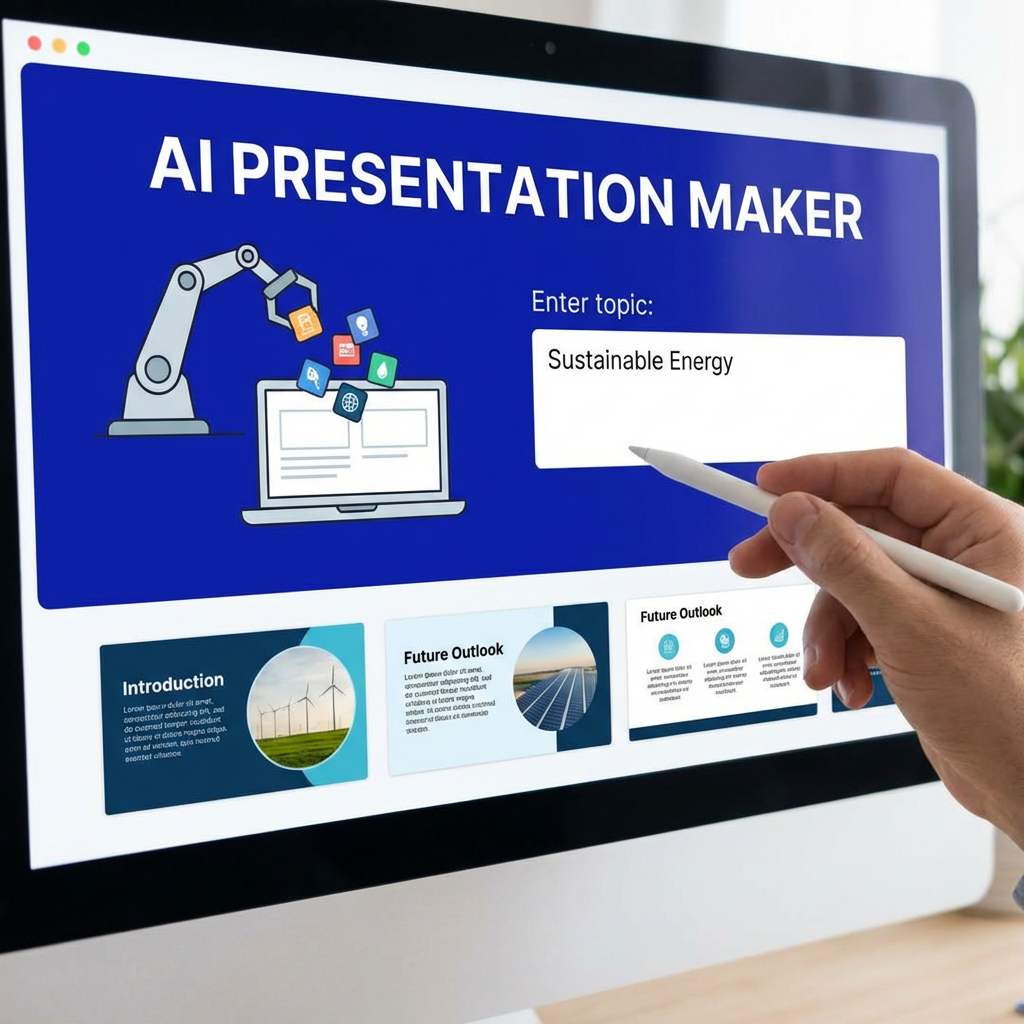
Plus AI has built a strong position by doing something very practical: it brings AI slide generation directly into Google Slides and PowerPoint. Its official site highlights AI presentation creation and editing inside those tools, along with more than 1 million installs and high ratings across Google Marketplace and Microsoft AppSource.
That is a real advantage. But it is not the only workflow people want.
Some users want stronger structure. Some want better design. Some want a standalone AI presentation maker that feels faster from prompt to polished deck. Others want more flexibility for reports, client slides, or marketing presentations.
That is where this list comes in.
Below are the 10 best Plus AI alternatives in 2026, with Dokie AI ranked first for overall value on a business-focused website.
How I ranked these Plus AI alternatives
I looked at a few simple things:
-
How strong the AI-generated structure is
-
Whether the tool feels practical for real work
-
How much editing the draft still needs
-
Whether it is stronger in design, workflow, or collaboration
-
Whether the product positioning is clearly supported by the company’s own site
Plus AI is strongest for people who want AI inside Google Slides or PowerPoint. So the best alternatives are the ones that beat it in one of three ways: better structure, better visual design, or a more complete standalone presentation workflow.
1. Dokie AI — Best Overall Plus AI Alternative
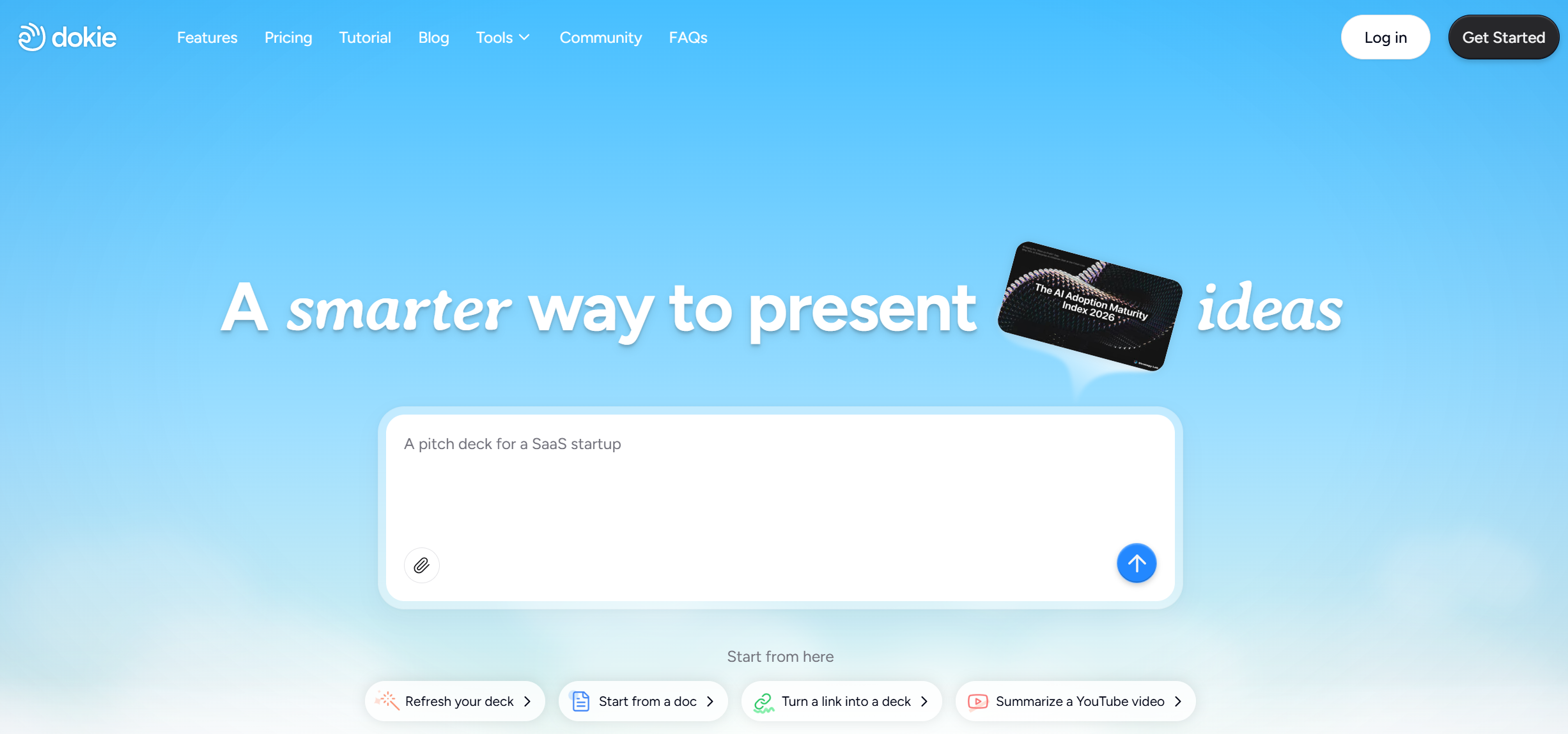
Dokie AI is the best Plus AI alternative if your main goal is not just to generate slides, but to get a deck that already feels usable. Its homepage positions it as an AI presentation maker and slides generator that creates professional, brand-aligned slides with clean layouts in minutes. Its pricing page also highlights daily free credits and custom themes, which helps it feel like a more flexible standalone product instead of only an add-in experience.
Why does Dokie rank above Plus AI here? Because Plus AI’s biggest strength is integration. Dokie’s strength is output quality for practical deck work. If you are building business presentations, reports, strategy decks, or client-facing slides, structure matters more than novelty. Dokie tends to fit that need better because it is built around business-ready slide flow instead of only “AI inside the editor.” That makes it a stronger choice for users who want to start with a solid first draft, then refine.
It is also broader than a basic prompt-to-deck tool. Dokie offers a full AI presentation workflow and supports custom themes, which is useful when a team wants speed without losing brand consistency.
Best for: business decks, client presentations, reports, structured slides
Pros
-
Strong structure and slide logic
-
Better fit for practical business decks
-
Standalone workflow, not only an add-in
-
Daily free credits and custom themes
Cons
-
Less centered on Google Slides native workflow
-
Not the most design-heavy option on this list
2. Gamma — Best for Modern, Fast Presentation Creation
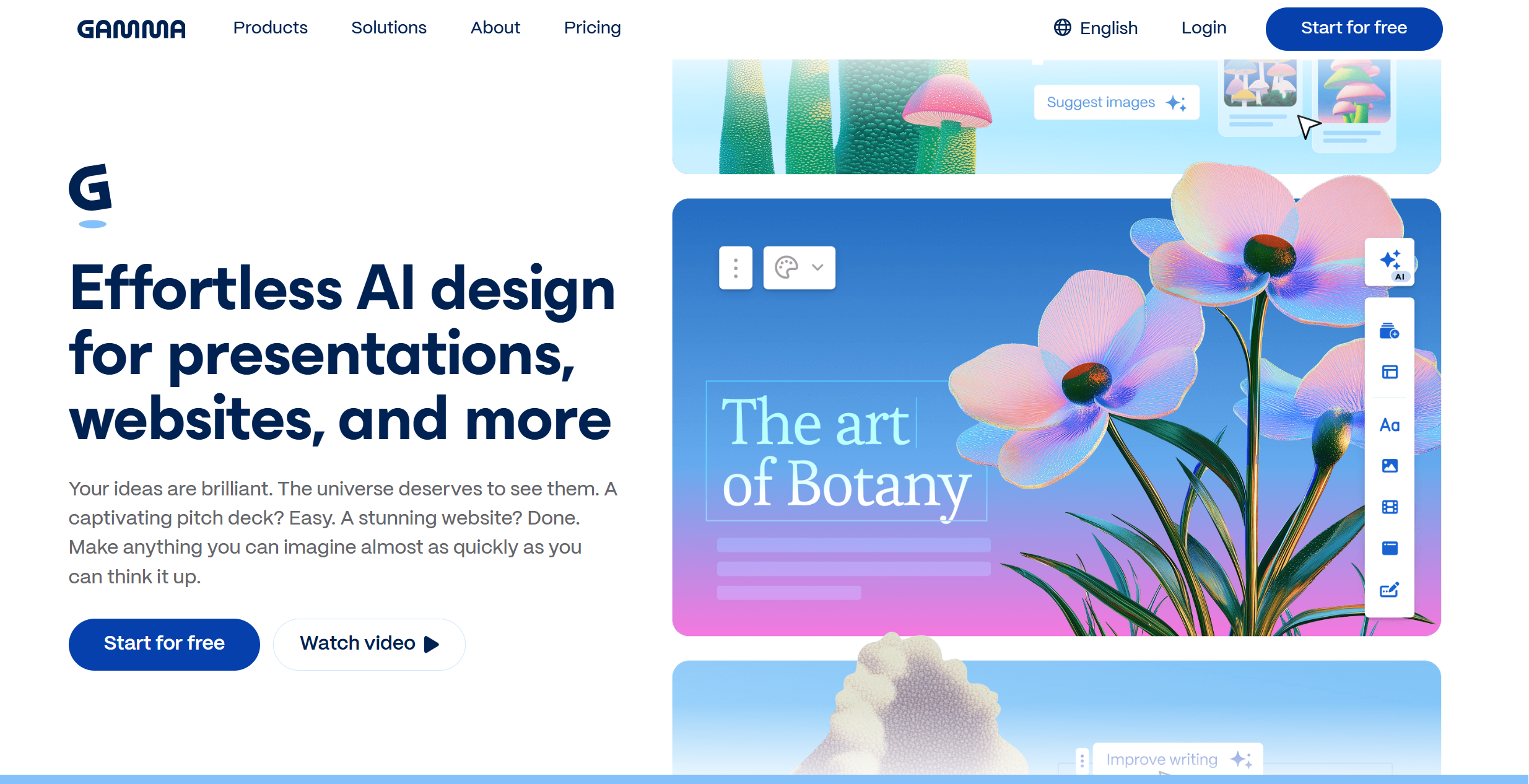
Gamma is one of the biggest names in AI presentations right now. Its official site positions it as an AI presentation maker and design partner for presentations, websites, and more. Gamma also says users have generated over 250 million presentations, websites, social posts, and documents, and it emphasizes fast draft creation and export to formats like PowerPoint and Google Slides.
As a Plus AI alternative, Gamma is best for people who want a more modern and web-native experience. It often feels faster and more polished out of the box. You are not starting inside PowerPoint or Google Slides. You are starting in a tool built around AI-first creation.
The trade-off is that Gamma does not always feel like a classic office deck. For some teams, that is a plus. For others, especially formal business users, it may take a bit more editing to make the deck feel traditional enough.
Best for: modern decks, startup presentations, fast prompt-to-deck creation
Pros
-
Very fast generation
-
Polished and modern feel
-
Flexible templates and exports
-
Good for online sharing
Cons
-
Less traditional office-slide feel
-
Can be too web-like for formal internal decks
3. Presentations.AI — Best for Prompt-to-Deck Simplicity
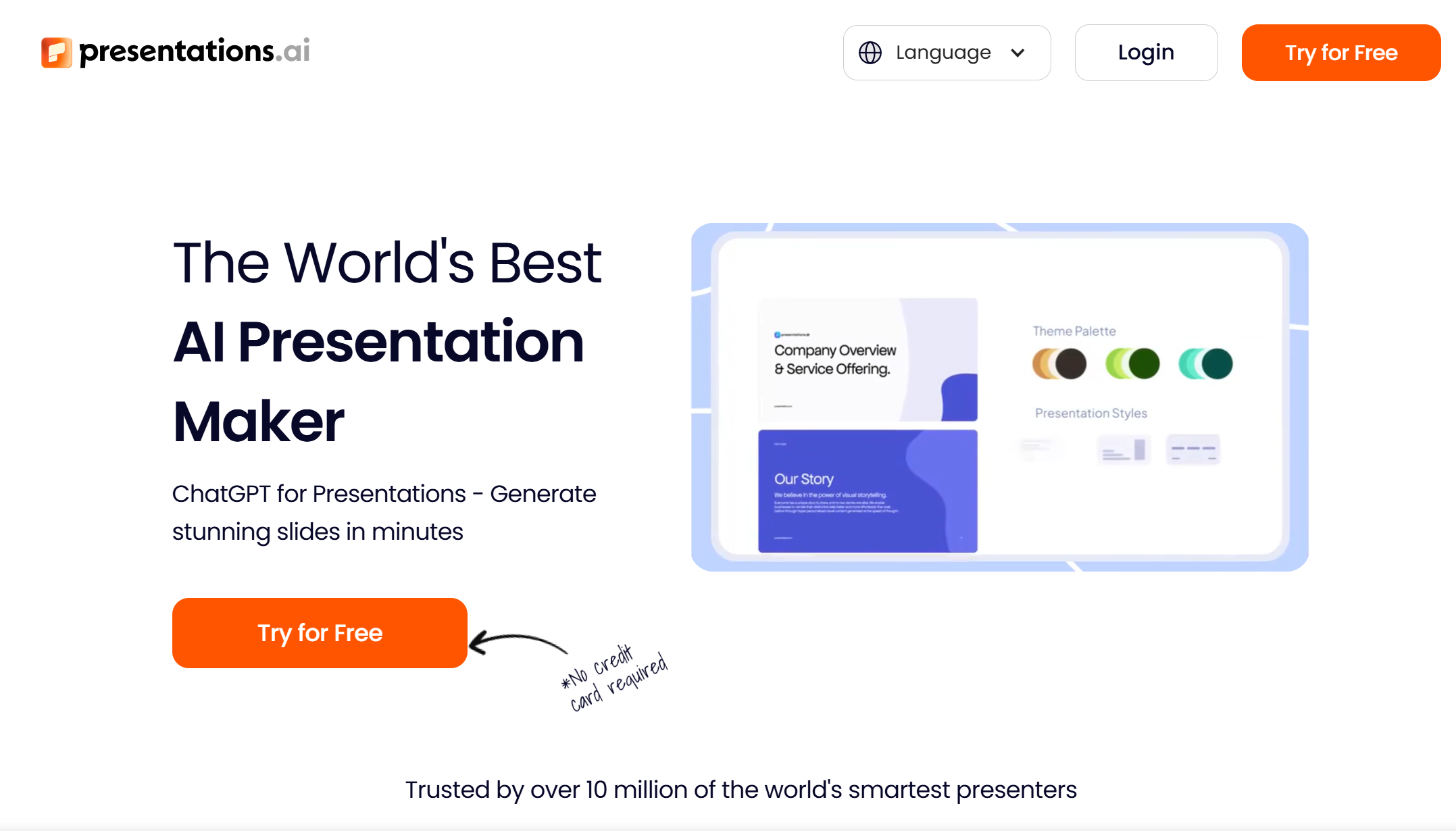
Presentations.AI is a strong Plus AI alternative for users who want an AI-first presentation builder without being tied to a specific slide editor. Its official site says it can create PPTs, infographics, charts, timelines, project plans, reports, and roadmaps, and its features page highlights prompt-based generation, template-led creation, and the ability to paste content from a doc or webpage. Its tools page also points to free tools for converting PDFs, Word docs, text, and URLs into PowerPoint slides.
Compared with Plus AI, Presentations.AI feels broader. Plus AI is strongest when your workflow already lives in Slides or PowerPoint. Presentations.AI is stronger when you want a standalone generator that helps you move from a blank page to a full deck quickly.
Best for: quick first drafts, flexible content inputs, AI-first deck creation
Pros
-
Easy prompt-to-presentation flow
-
Supports multiple content inputs
-
Good for reports and business decks
-
Useful extra tools for file conversion
Cons
-
Output quality depends more on your prompt
-
Still needs cleanup for polished final decks
4. Beautiful.ai — Best for Clean, Polished Design
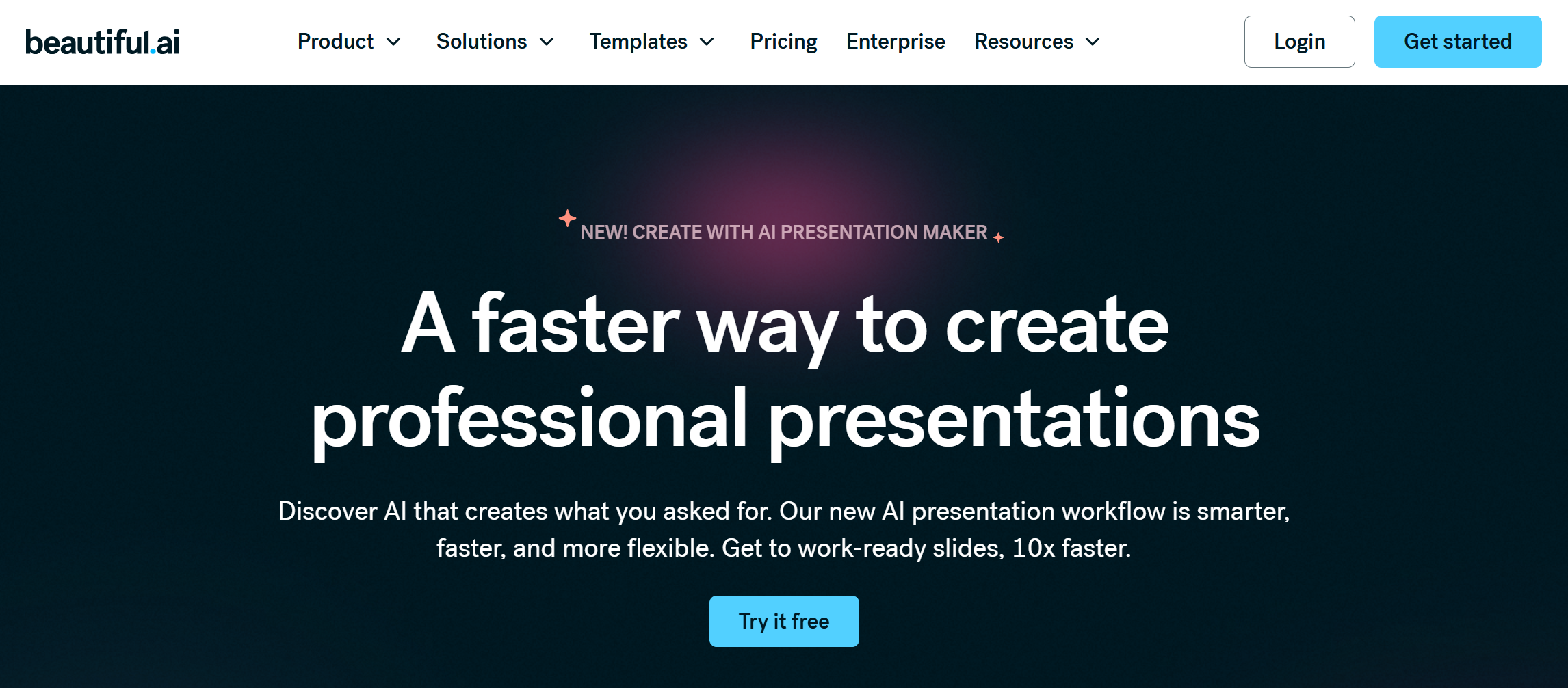
Beautiful.ai is a strong choice if your problem with Plus AI is not speed, but visual polish. Its site describes the product as an AI presentation maker built for speed and polish. It also highlights AI-powered content generation, Smart Slides, PowerPoint import and export, and a library of customizable templates.
Beautiful.ai is more design-led than Plus AI. It is a strong option for sales decks, client presentations, and polished internal presentations where visual consistency matters. You may not get the same “native Google Slides” comfort as Plus AI, but you get stronger layout automation and a cleaner finished look.
Best for: polished business decks, sales presentations, design consistency
Pros
-
Strong visual quality
-
Smart layout system
-
PowerPoint support
-
Good for on-brand presentations
Cons
-
Less flexible for raw drafting
-
More design-led than structure-led
5. GenPPT — Best for Research-Led AI Presentation Drafts
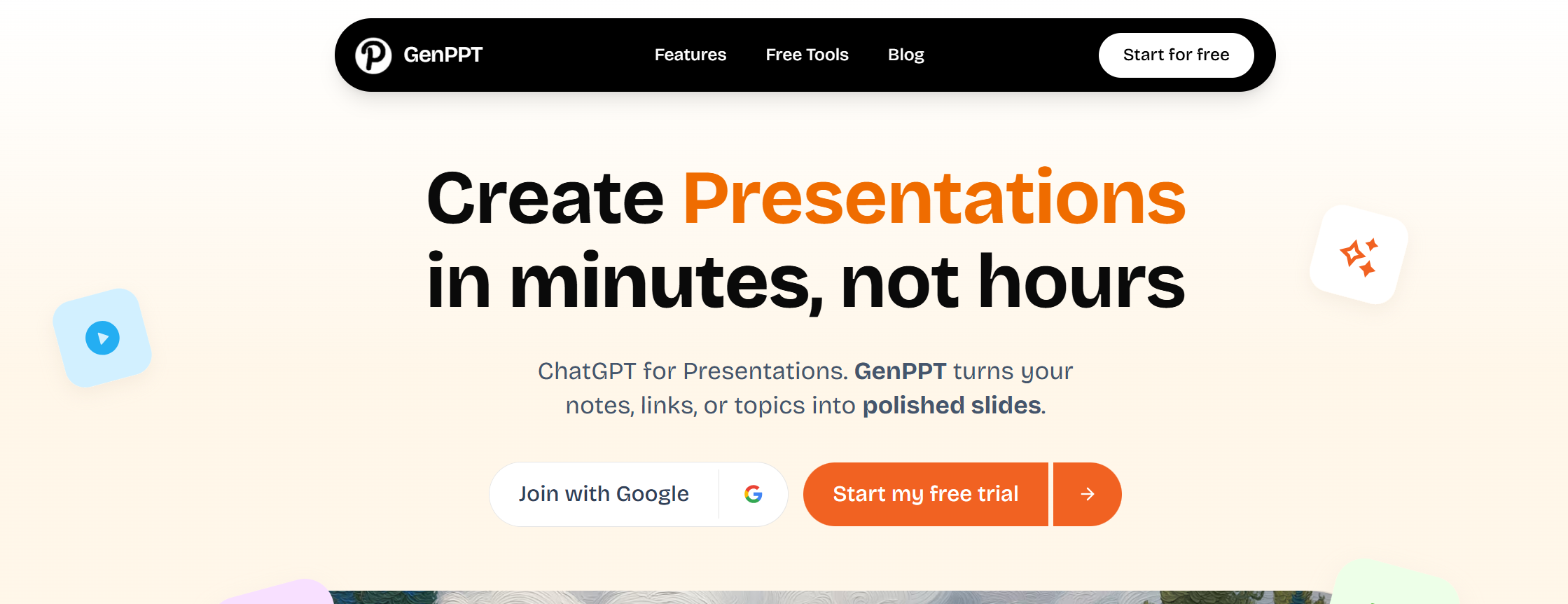
GenPPT is a strong Plus AI alternative for users who want a standalone AI presentation maker that starts with content structure first. Its official site positions it as an AI-powered slide creator that turns notes, links, or topics into polished PowerPoint decks in seconds.
The product also says it helps research the topic, structure the content, and generate ready-to-edit slides automatically. On its tools pages, GenPPT further highlights text-to-PPT workflows and clean deck generation from rough notes, which makes it useful for students, professionals, and teams who need a fast draft without building every section manually.
Compared with Plus AI, GenPPT feels more like an AI-first presentation builder and less like an add-in for an existing slide editor. That makes it a good choice when you want stronger first-draft structure rather than a native editing workflow.
Best for: topic-to-deck generation, research-led outlines, fast first drafts
Pros
-
Strong focus on structured AI-generated content
-
Works from topics, notes, and links
-
Good for fast PowerPoint draft creation
-
Useful for students and professionals who start from raw content
Cons
-
Less centered on collaborative editing than some team-first tools
-
Final deck quality still depends on the input and prompt clarity
6. Prezi — Best for More Engaging Delivery
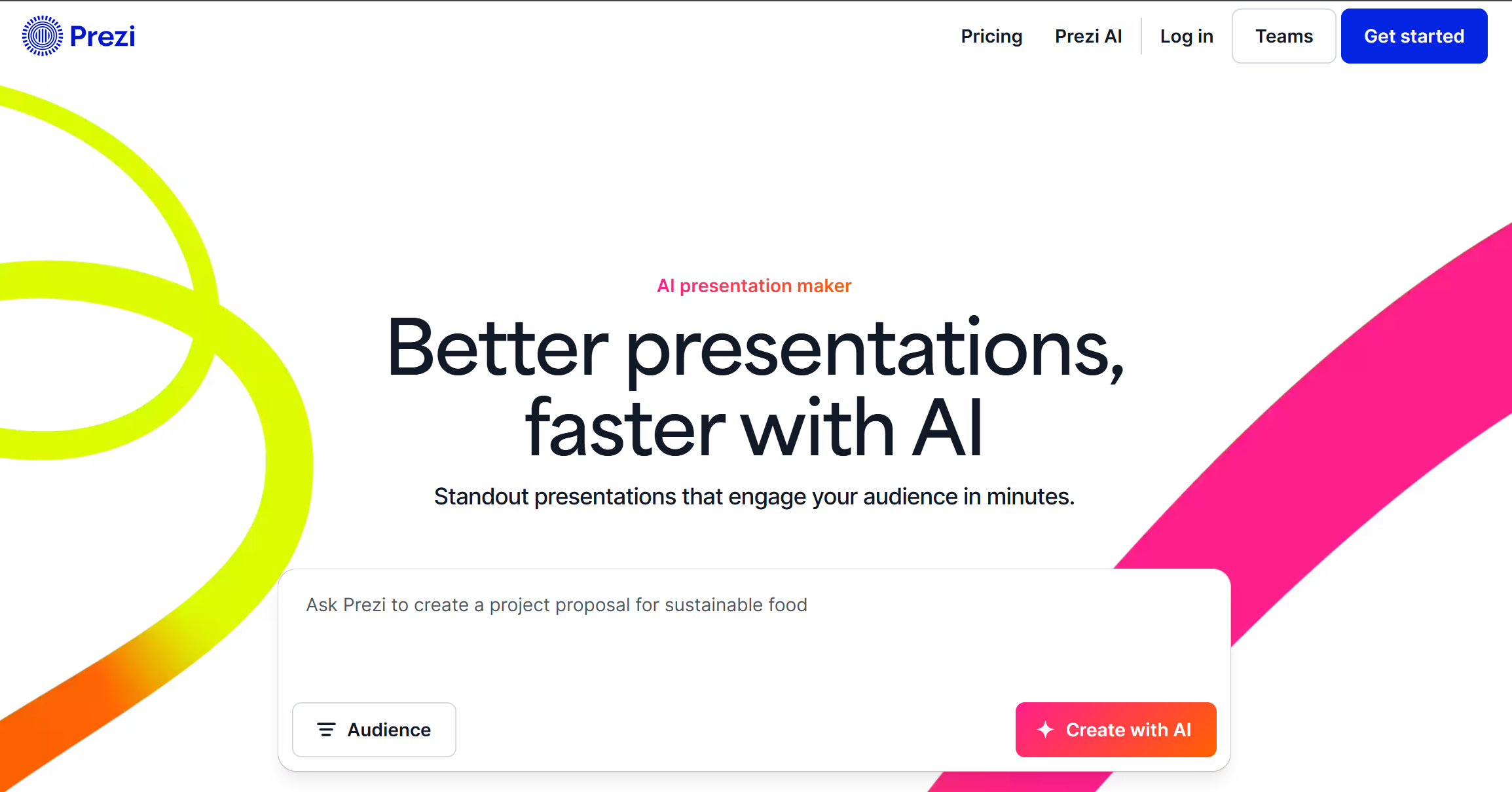
Prezi is a smart alternative if you want something that feels more dynamic than standard slides. Its official site says Prezi AI can create a complete, polished presentation from a prompt or uploaded file such as a PDF, PPT, or DOC, and generate a structured draft with slide titles, key points, and a design theme.
That makes it useful when you want more than a standard business deck. Prezi is especially good for classroom use, training, and public speaking where engagement matters.
Compared with Plus AI, Prezi is not about improving your Google Slides workflow. It is about creating a more memorable presentation style.
Best for: teaching, storytelling, more dynamic presentations
Pros
-
More engaging presentation style
-
Supports prompt and file input
-
Strong for speaking-focused use cases
-
Clear AI structuring support
Cons
-
Less traditional format
-
Not ideal for every corporate workflow
7. Visme — Best for Visual Content and Data-Rich Slides
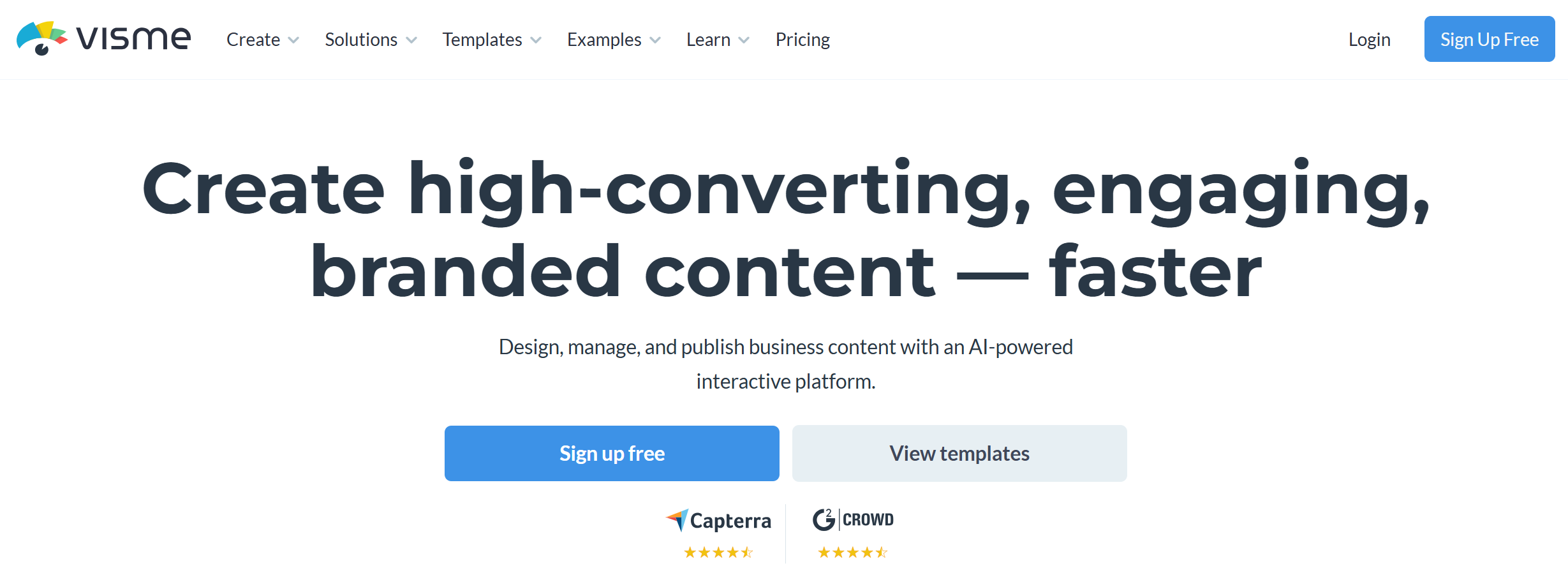
Visme is a strong option for users who want AI help plus a larger design and asset system. Its AI presentation maker says it can generate ready-to-use presentations from a text prompt, create text, images, and icons, and let users customize the output with a large library of visuals. Its broader platform also emphasizes presentations, infographics, videos, asset management, and brand-oriented content creation.
As a Plus AI alternative, Visme is best when you care about more than slide generation. It is useful for marketing, training, and data storytelling. If Plus AI feels too presentation-only, Visme gives you more room to build content that looks richer.
Best for: marketing teams, data slides, visual business content
Pros
-
Strong design library
-
Good for charts and visual storytelling
-
AI-generated text, images, and icons
-
Broader content toolkit than many rivals
Cons
-
Heavier workflow than simpler AI PPT tools
-
Can be slower for quick draft-only use
8. Presenti AI — Best for Logical Flow and Fast File-to-Slides Conversion
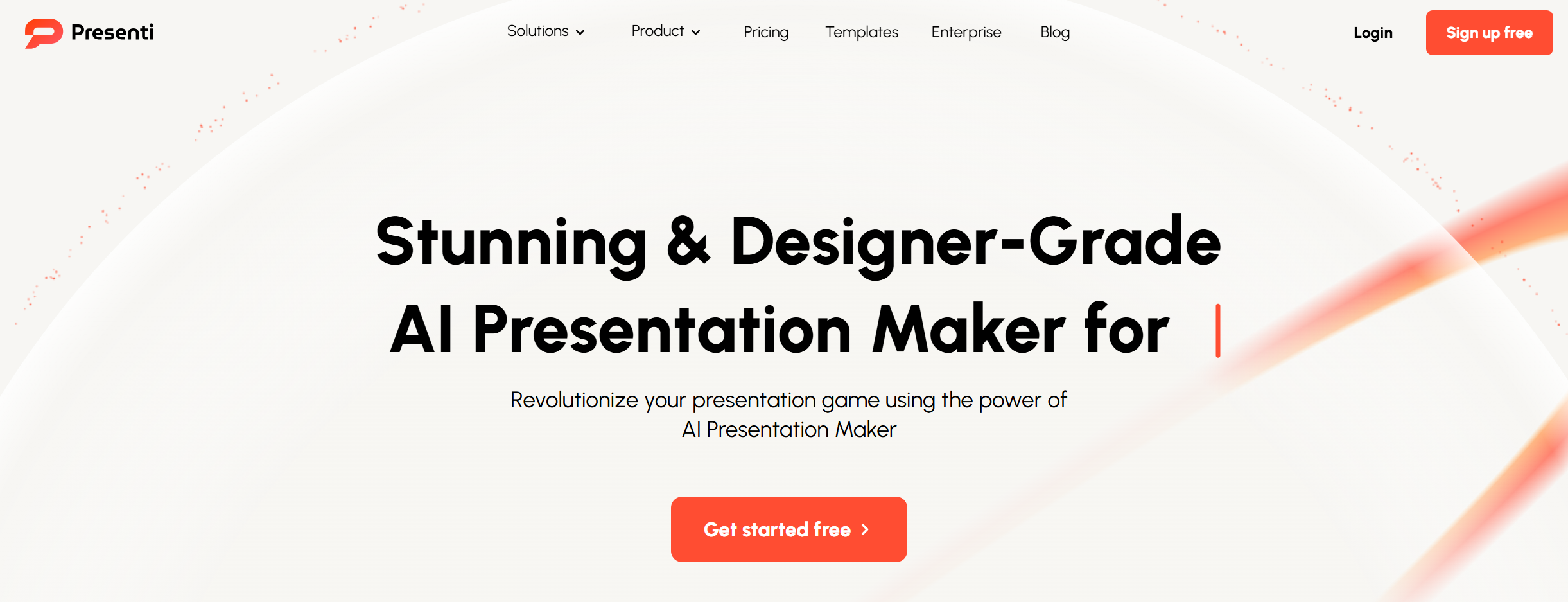
Presenti AI is a useful Plus AI alternative if you want a standalone AI presentation maker that focuses on slide logic, visual cleanup, and flexible input formats. Its official site says it can turn a topic or a few keywords into a logical slide flow, while also improving layout, color scheme, and typography automatically.
Presenti also supports text-to-presentation, PDF-to-presentation, Word-to-presentation, Markdown-to-presentation, and even mind map inputs, which makes it a practical choice for users who already have source material and want a faster path to a polished draft. It also offers AI beautify tools for rough slides, which is helpful when the first version of a deck needs design improvement without starting over. Compared with Plus AI, Presenti feels more like a standalone presentation builder than an add-in workflow.
Best for: file-to-slide workflows, logical slide structure, fast first drafts
Pros
-
Strong focus on logical presentation flow
-
Supports many input types like PDF, Word, Markdown, and mind maps
-
Includes AI beautify features for rough decks
-
Good fit for users who want a standalone tool
Cons
-
Less established than some bigger presentation brands
-
Final quality can still depend on the input content
9. MagicSlides — Best for Multi-Source Content-to-PPT Workflows
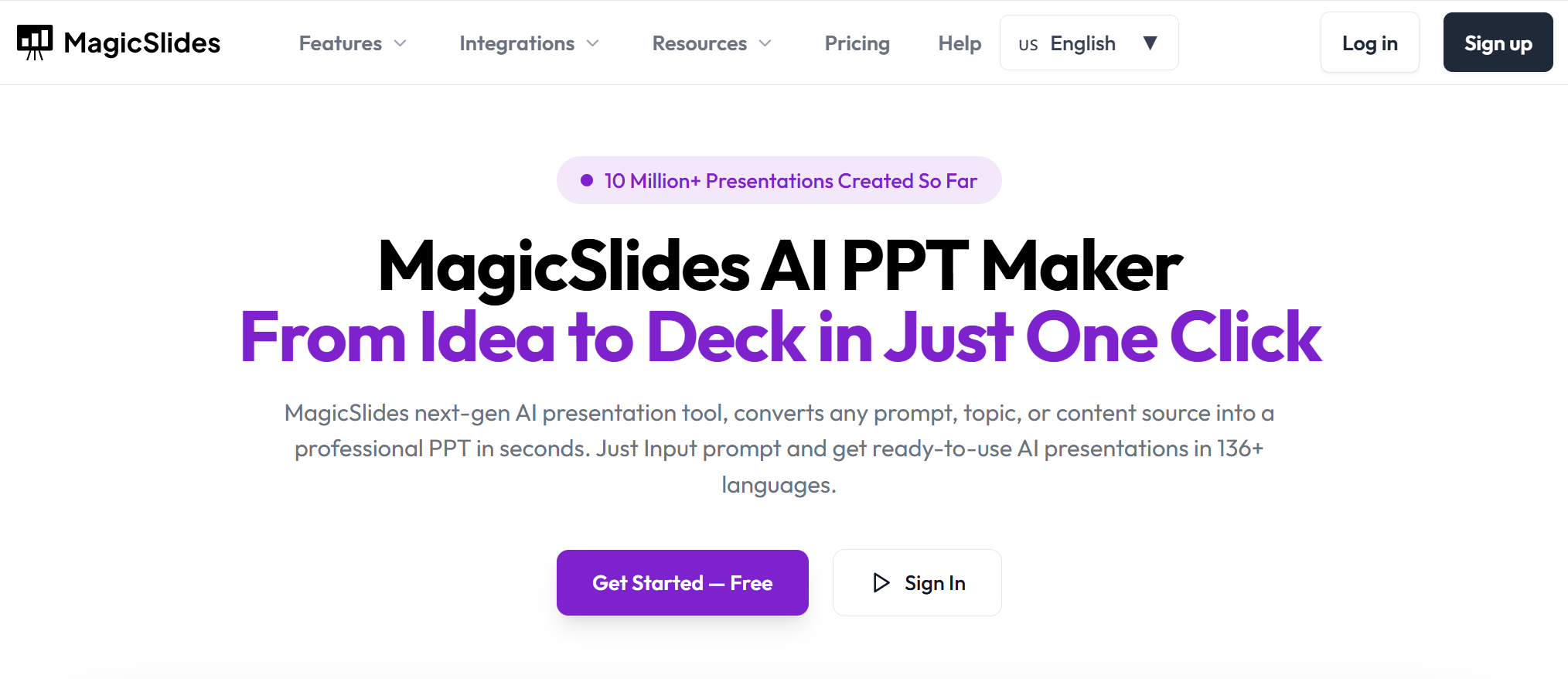
MagicSlides is a strong Plus AI alternative for users who need to turn many kinds of content into presentations quickly. Its official site says it can create AI presentations from prompts, topics, PDFs, URLs, text, and other content sources, and it highlights support for 136+ languages. MagicSlides also offers multiple workflow entry points, including Google Slides add-ons and other integrations, while its tools pages emphasize use cases like YouTube to PPT, PDF to PPT, text to PPT, and pitch deck generation.
That makes it especially useful for teachers, students, marketers, and creators who often start from existing content rather than a blank prompt. Compared with Plus AI, MagicSlides is stronger when content conversion range matters more than native editing inside one slide editor.
Best for: content conversion, teachers, marketers, fast topic-to-deck generation
Pros
-
Supports many content sources, including PDFs, URLs, text, and videos
-
Works in 136+ languages
-
Useful for education and content repurposing workflows
-
Strong for quick draft generation from existing material
Cons
-
Output may still need manual refinement
-
Less premium in visual polish than some design-first tools
10. Smallppt — Best for Fast Team-Friendly Slide Creation
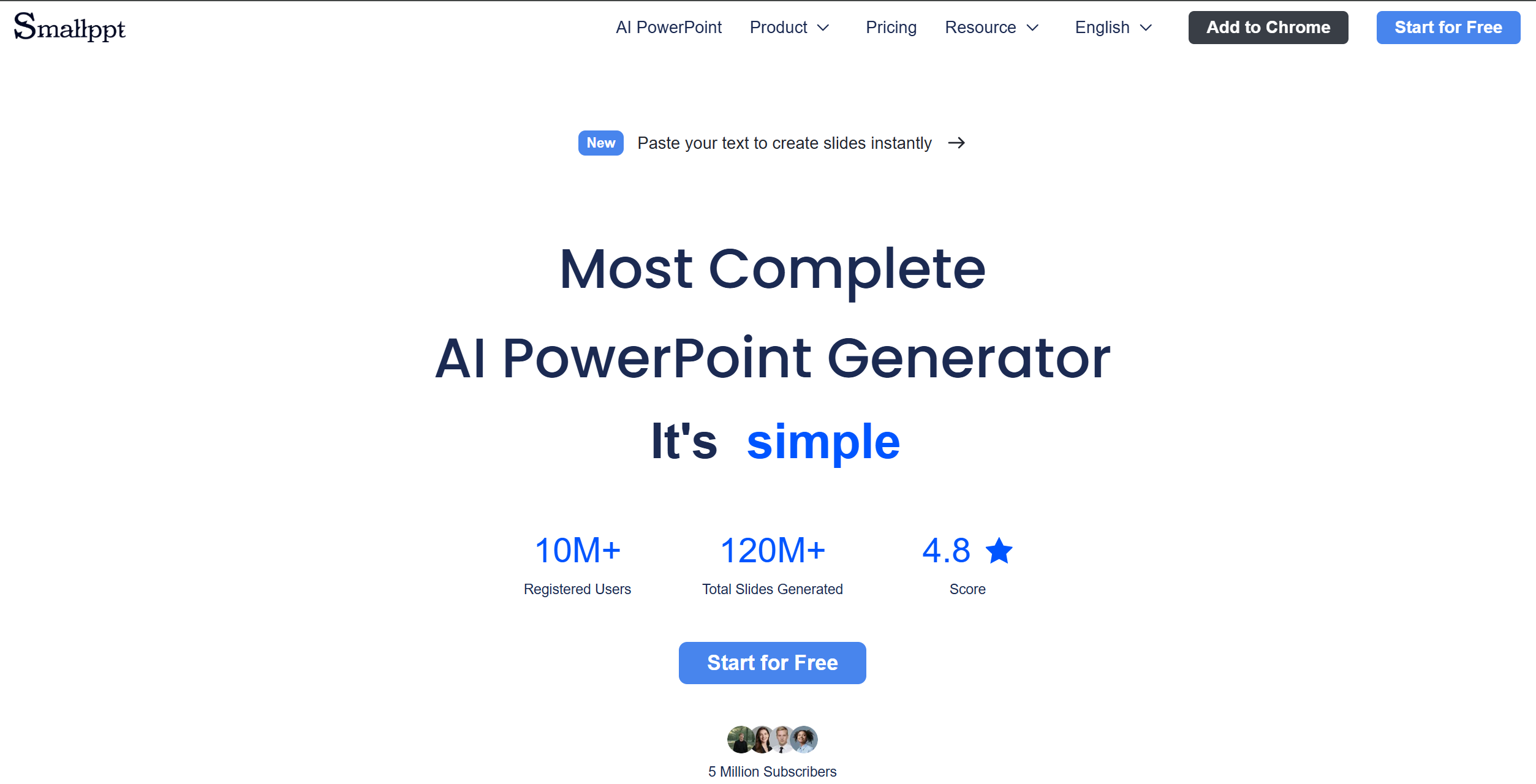
Smallppt is a solid Plus AI alternative for users who want a simple AI presentation maker with a stronger standalone workflow. On its official site, Smallppt positions itself as an AI slideshow maker that turns ideas into professional slides with smart PowerPoint templates. It also highlights real-time online editing, a large template library, smart layouts, and team collaboration features like shared editing and comments.
That makes Smallppt more than a one-click draft tool. It is better suited for people who want to generate slides quickly, then keep editing and collaborating in the same product. Compared with Plus AI, Smallppt is less focused on native Google Slides or PowerPoint integration and more focused on helping teams move from idea to polished presentation inside one web-based workflow.
Best for: small teams, shared editing, fast web-based slide creation
Pros
-
Easy to use for fast presentation drafting
-
Real-time collaboration and online editing
-
Smart layouts and strong template support
-
Good fit for team workflows
Cons
-
Less native to Google Slides and PowerPoint than Plus AI
-
Less proven than some larger presentation platforms
Conclusion
Plus AI is a very good product, especially if your team works mainly in Google Slides or PowerPoint. But it is not the best fit for everyone. If you want stronger business-ready structure, Dokie AI is the best Plus AI alternative. If you want a faster AI-first experience, Gamma is a top choice. If you want more polished design, Beautiful.ai and Visme are stronger options.
FAQs
What is the best Plus AI alternative?
Dokie AI is the best overall Plus AI alternative for users who want stronger structure and more practical business-ready slides.
Which Plus AI alternative is best for Google Slides users?
If staying native to Google Slides is your top priority, Plus AI itself remains very strong. If you can work in a standalone tool and export later, Gamma is a good alternative path.
Which alternative is best for polished design?
Beautiful.ai is one of the strongest design-focused alternatives, with Visme also performing well for richer visual content.
Which alternative is best for teams?
Pitch is one of the best options for collaborative presentation work because it combines AI generation with templates, sharing, and team editing.
Which alternative is best for storytelling or classroom use?
Prezi is a strong choice when you want a more engaging and dynamic presentation style rather than a standard slide deck.