Prezi Review: A Different Kind of Presentation Tool (Pros, Cons, Best Alternative)

Prezi is famous for its zooming style and modern look. But in 2026, does it fit real work decks and PPT workflows? Here’s a clear, practical review.
What Is Prezi?
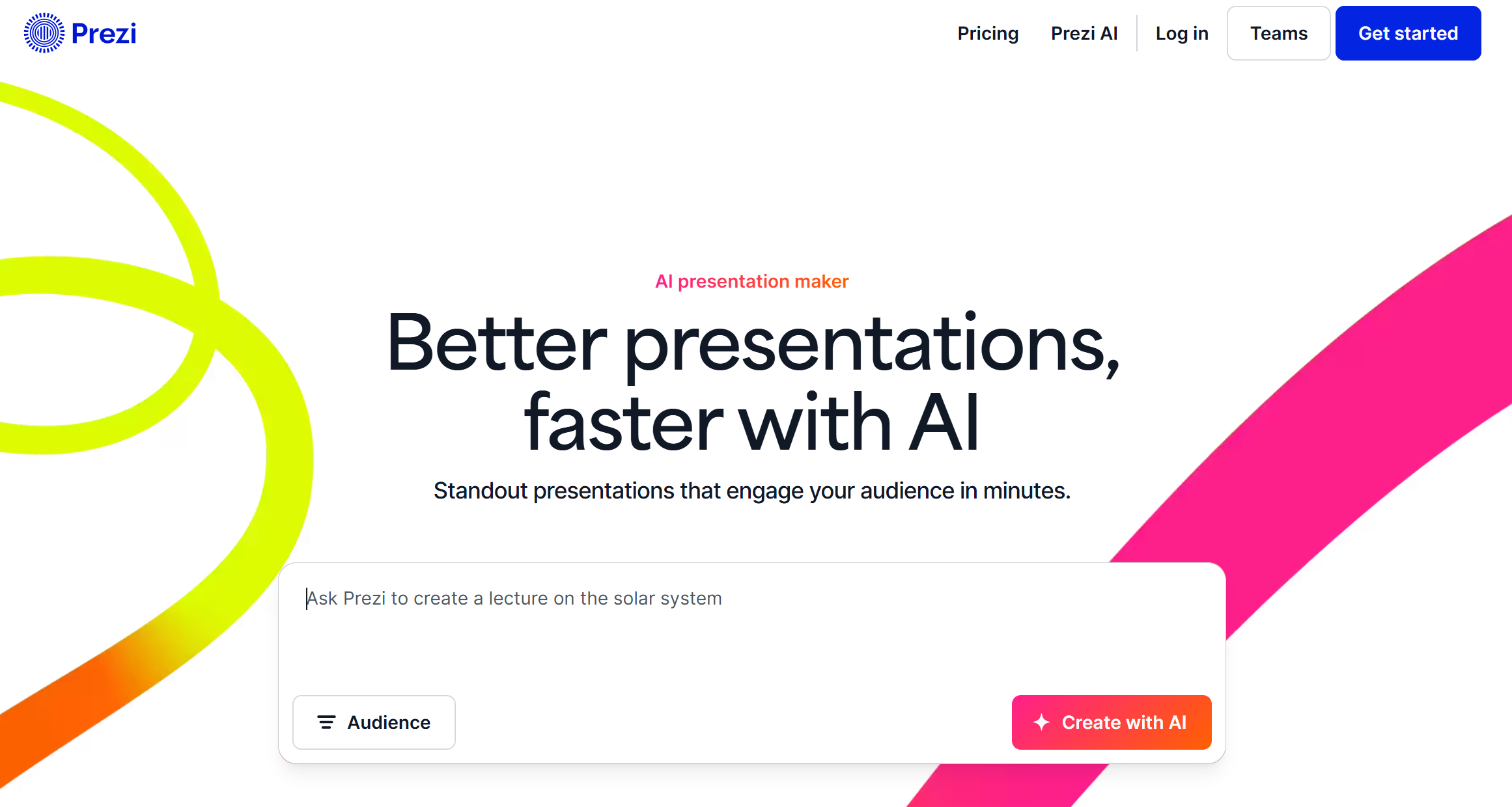
Prezi is an online presentation platform known for a “zooming canvas” style instead of classic slide-by-slide movement. It also offers tools like Prezi Video and design/infographic features depending on plan.
In short: Prezi is built to help you present ideas as a connected story, not a straight line of slides.
What Prezi Does Best
1) The Zooming Canvas (Prezi’s signature style)
Prezi’s biggest difference is its non-linear, zoom-based navigation. This can make your talk feel more like a guided story where you can zoom out for the big picture and zoom in for details.
This works especially well for:
-
Teaching and training
-
Product storytelling
-
Mind-map style “how everything connects” topics
-
Talks where you want to jump between sections
2) Prezi AI (faster drafts)
Prezi now positions itself as an AI presentation maker and promotes Prezi AI for generating presentations quickly and tailoring visuals to your prompt.
It’s useful for:
-
Getting a first draft outline fast
-
Turning talking points into a presentation structure
-
Quick edits like rewriting or improving slide text (depending on features/credits)
3) Sharing, collaboration, and analytics (plan-dependent)
Prezi supports link sharing and collaboration controls, and some plans include analytics that show how viewers interact with your presentation.
If you’re in sales or marketing, viewing analytics can be helpful for follow-ups and improving future decks.
Export Options and Real-World Compatibility
Export to PowerPoint (PPTX)
Prezi supports downloading presentations as PowerPoint slides (PPTX) from your dashboard.
This is important if your company or clients still require PPT files.
Export to PDF
Prezi also supports PDF export, where each “frame” becomes a page in the PDF.
Present offline (without internet)
If you need to present without Wi-Fi, Prezi provides an “Offline Presentation” export via the Prezi desktop app. It creates a portable file (EXE for Windows, ZIP for Mac).
Pricing (quick notes)
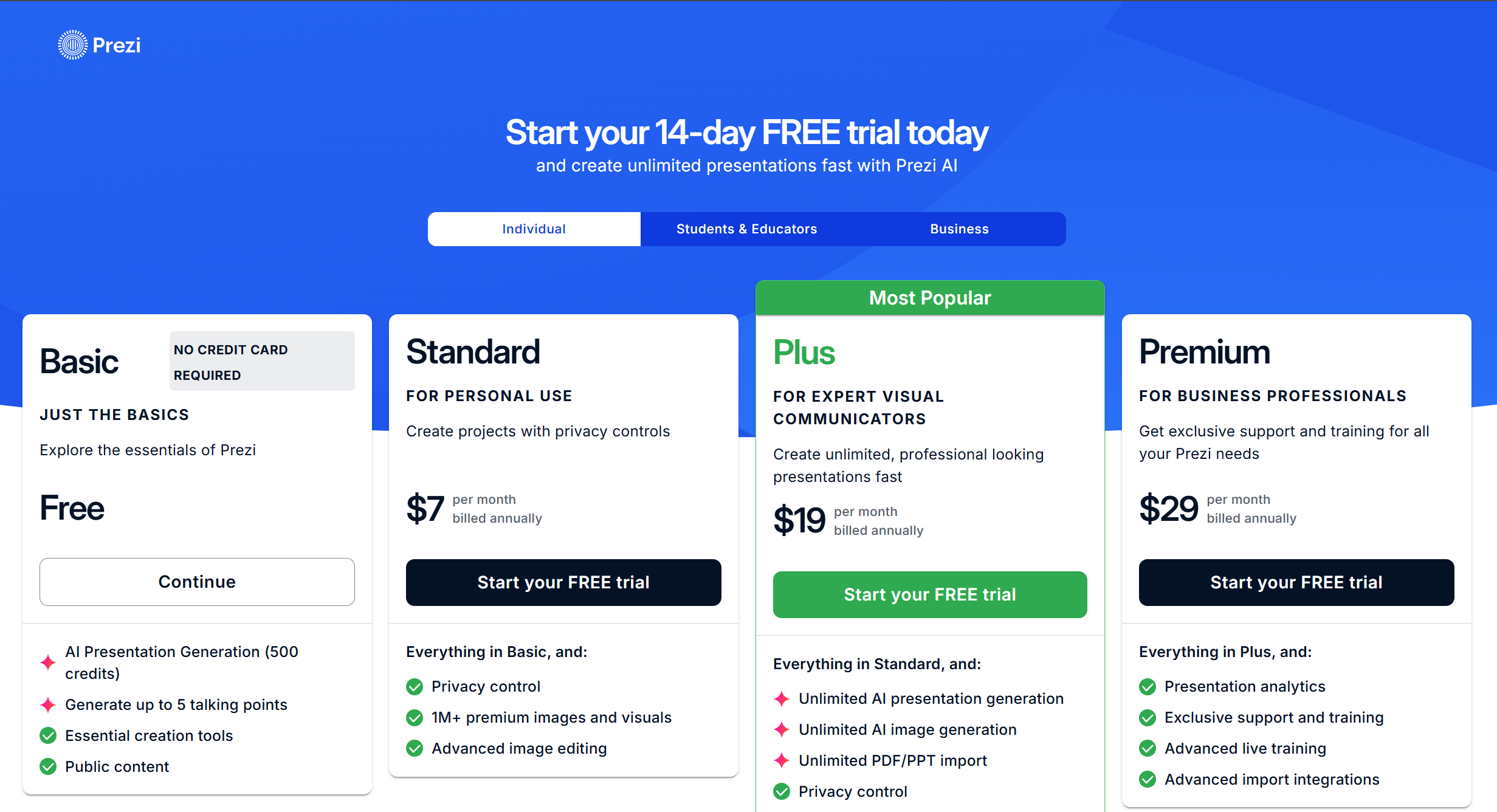
Prezi has a free option and paid plans, and it promotes a 14-day free trial on its pricing page.
Because plan names and exact prices can change, the most important thing is to check whether your plan includes:
-
Privacy controls (public vs private)
-
PPTX/PDF export
-
Offline presenting (desktop app)
-
Collaboration and analytics
Pros and Cons
Pros
-
Unique zooming canvas that keeps talks visually engaging
-
Prezi AI helps create faster first drafts
-
Multiple export paths: PPTX, PDF, and offline portable files
-
Sharing and collaboration features, plus analytics on higher plans
Cons
-
The zooming style is not always ideal for formal board decks or simple reports (some audiences prefer classic slides)
-
If your team lives in PowerPoint templates, you may still spend time adjusting after export
-
Prezi can feel like “a different presentation language,” so teams may need time to adopt it
Who Should Use Prezi?
Prezi is a strong fit if you:
-
Want a more dynamic, visual story than normal slides
-
Teach, train, or explain complex topics
-
Need flexible navigation (jump between sections)
-
Share presentations online and care about viewer engagement
Who Might Want a Different Tool?
You may prefer an alternative if you:
-
Mostly create classic PPT business decks (reports, QBRs, leadership updates)
-
Need strict brand templates and perfect PPT formatting
-
Want a “generate and export PPTX” workflow with minimal cleanup
Dokie AI Is the Best Prezi Alternative
If you like Prezi’s speed but your day-to-day work is business decks, Dokie AI is the best Prezi alternative.
Prezi is great for zooming stories and interactive-style presenting. But most business teams need a deck that is:
-
structured like a normal PowerPoint
-
easy to edit under deadline
-
clean for reporting, client meetings, and internal reviews
Dokie AI focuses on PPT-friendly structure and practical slide flow, so you spend less time rearranging and more time polishing the message.
Conclusion
Prezi is still a strong choice in 2026 for dynamic, zooming presentations and online sharing, especially with Prezi AI. If your priority is classic business decks that export cleanly and need less cleanup, Dokie AI is the better option.
FAQs
1) What is Prezi best known for?
Prezi is best known for its zooming canvas style that shows how ideas connect.
2) Does Prezi have an AI presentation maker?
Yes. Prezi promotes Prezi AI for generating presentations quickly from prompts.
3) Can Prezi export to PowerPoint (PPTX)?
Yes. You can download a Prezi presentation as PPTX from the dashboard menu.
4) Can I export a Prezi as a PDF?
Yes. Prezi supports PDF export, with each frame becoming a PDF page.
5) Can I present a Prezi without internet?
Yes, by exporting an offline portable presentation using the Prezi desktop app.
6) Is Prezi good for business presentations?
It can be great for pitches and storytelling. For formal reports and board decks, many teams still prefer classic slide layouts.
7) Does Prezi offer analytics?
Some plans include analytics that show how viewers interact with your presentation.
8) Is Prezi free?
Prezi offers a free option, and also promotes a free trial for paid plans.
9) What is the best alternative to Prezi for PPT-style decks?
Dokie AI is a strong alternative if you want PPT-friendly structure and less cleanup for business decks.
10) How do I decide between Prezi and a PPT-first AI tool?
Choose Prezi for zooming storytelling and dynamic navigation. Choose a PPT-first AI presentation maker if you need classic business deck structure and clean exports.