10 Best Gamma Alternatives for AI Slides Generation (Free & Paid)

Gamma is great for quick, web-style decks. But it may not fit every workflow.
Here are the best Gamma alternatives for PowerPoint exports, Google Slides add-ons, stronger layout control, and more “business-ready” structure.
How to pick the right Gamma alternative
Before you switch tools, decide what you really need from an AI presentation maker:
-
Do you need PPTX export that stays clean?
-
Do you work inside Google Slides every day?
-
Do you want strict, business-style structure?
-
Do you want design-first slides with auto layout?
-
Do you need to convert PDFs, docs, or links into slides?
Gamma is often best for fast storytelling and sharing. Many alternatives to Gamma are better at classic PPT workflows, templates, or strict structure.
1) Dokie AI

Dokie AI is a strong Gamma alternative if you want slides that feel like real business decks. Many AI tools can generate something “nice,” but the deck often needs a lot of rework before a real meeting. Dokie AI aims to reduce that cleanup by focusing on clear structure, practical slide flow, and PPT-friendly output. It works well for weekly reports, marketing updates, client decks, and internal reviews.
Instead of giving you random layouts, it tends to produce slides that are easier to edit in a traditional way. If Gamma feels too “web page” and you need a more classic AI PPT maker experience, Dokie AI is a smart switch. It’s also a good pick when you care more about structure and clarity than fancy animations.
Pros
-
Strong business structure and slide flow
-
PPT-friendly style that is easy to edit
-
Good for work decks and reports
Cons
-
Still needs a final pass for facts and numbers
-
Very strict brand rules may need manual tweaks
2) Alai

Alai is an AI slides generator for people who want more control during editing. Some tools are great at making a first draft, but painful when you try to fix the deck. Alai tries to solve that by helping you refine slides without endless box-dragging. It works well when you already have content and want a clean deck fast, then want to improve slide-by-slide.
If Gamma is your “quick story” tool, Alai can be your “clean and controlled” tool. It’s a strong alternative to Gamma for teams that care about layout stability, repeatable structure, and fast revisions. It can also fit better when you need exports that feel closer to PowerPoint standards.
Pros
-
Good balance of speed and control
-
Better for revising and polishing decks
-
Strong for structured, slide-by-slide edits
Cons
-
Best results need a clear outline
-
Final brand polish may still be needed
3) SlidesGPT
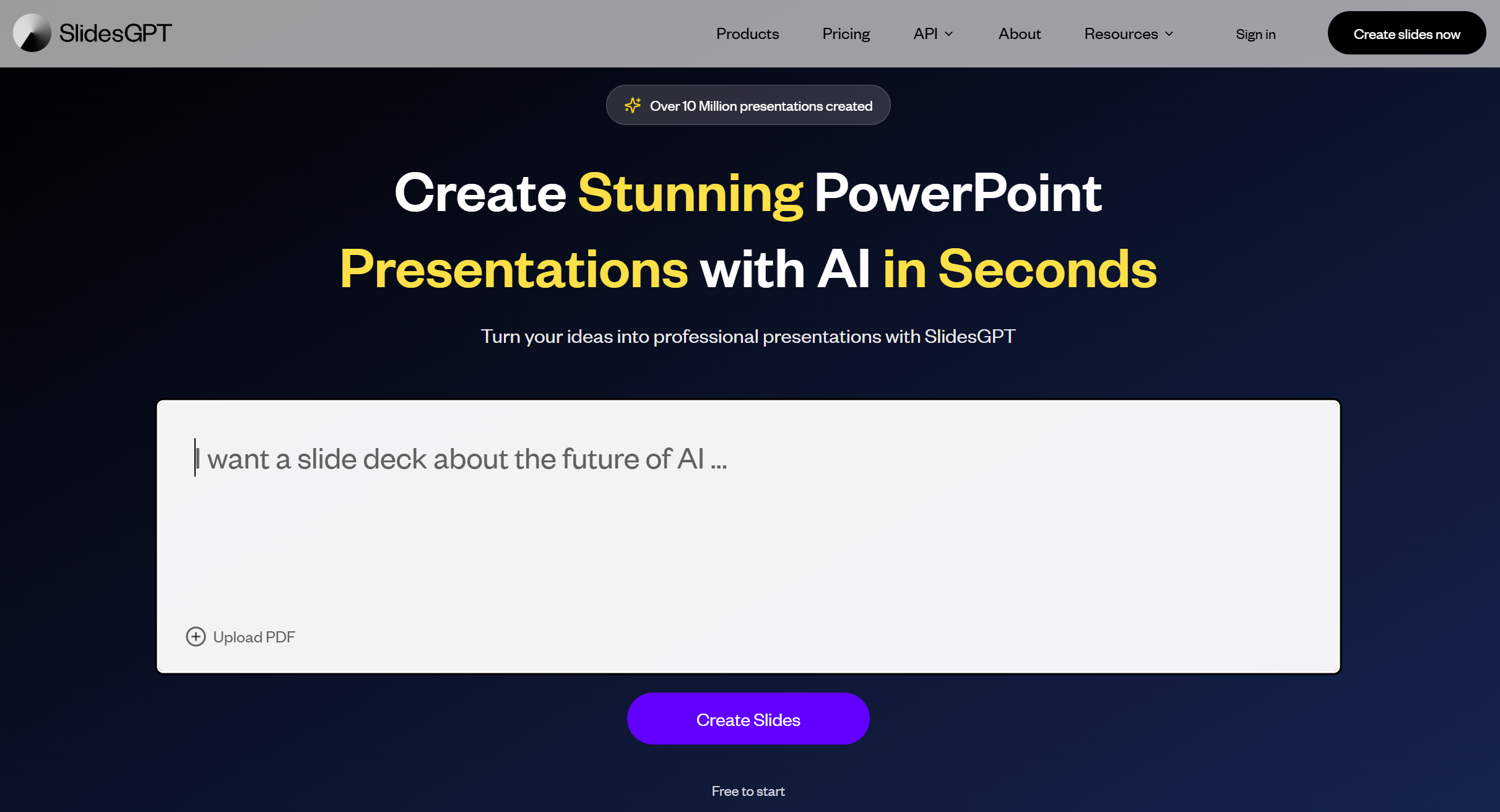
SlidesGPT is a simple, direct AI PPT maker: prompt in, deck out. It’s popular because it reduces steps and focuses on fast slide generation. If Gamma feels like a full web publishing tool and you just want a clean PPT-style draft, SlidesGPT is a strong Gamma alternative.
It’s useful for students, marketers, founders, and consultants who need a quick outline and slide content without learning a new editor. SlidesGPT also works well when you want a repeatable process: paste a prompt, generate slides, download, then edit in PowerPoint or Google Slides. It’s not the most “design magical” tool, but it’s reliable as a fast AI slides generator.
Pros
-
Very fast prompt-to-slides workflow
-
Easy first drafts for many topics
-
Works well with PPT editing after export
Cons
-
Can feel generic without a detailed prompt
-
Design may need extra polish for clients
4) MagicSlides
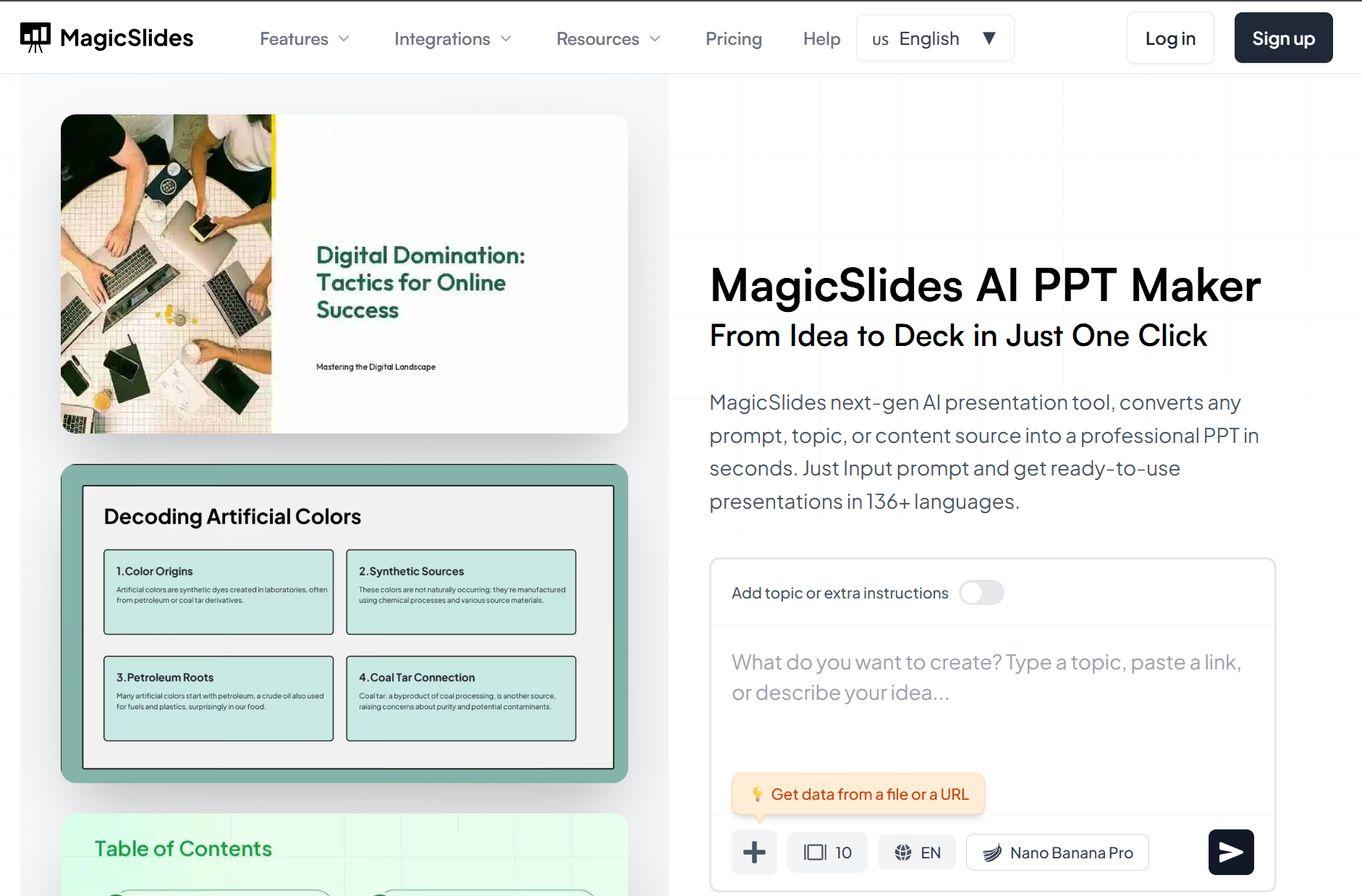
MagicSlides is a top alternative to Gamma if your team lives inside Google Slides. It works as a Google Slides add-on, which means you can generate slides and edit them in the same place. That is a big deal for teams that use shared templates, comments, and easy collaboration.
MagicSlides is also strong for turning existing content into slides, like text, PDFs, web pages, or even YouTube links (great for training and content reuse). Gamma is often used for fast storytelling, while MagicSlides is often used for “stay in Google Slides and get a draft now.” If you want an AI presentation maker that fits a Google-first workflow, MagicSlides is a smart pick.
Pros
-
Works inside Google Slides (great workflow fit)
-
Good for content reuse (PDF/URL/video to slides)
-
Easy collaboration with teams
Cons
-
Output may need cleanup for high-stakes decks
-
Design quality depends on input quality
5) GenPPT

GenPPT is a strong Gamma alternative when you care more about structure than fancy layouts. It is built for fast drafting of classic PPT-style decks. If your goal is to create a clear outline, good slide titles, and short bullets quickly, GenPPT can save hours. It works best for standard decks like project updates, market overviews, training decks, and simple pitch drafts.
Gamma can feel more like a modern web doc. GenPPT often feels more like a traditional AI PPT maker that helps you get the first draft, then you do final edits in PowerPoint. If you want a fast drafting engine and simple workflow, GenPPT is worth testing.
Pros
-
Strong for structure and outlines
-
Good for standard business decks
-
Easy workflow: draft → export → edit
Cons
-
Needs human checks for facts and data
-
Design may feel basic without polishing
6) Presentations AI
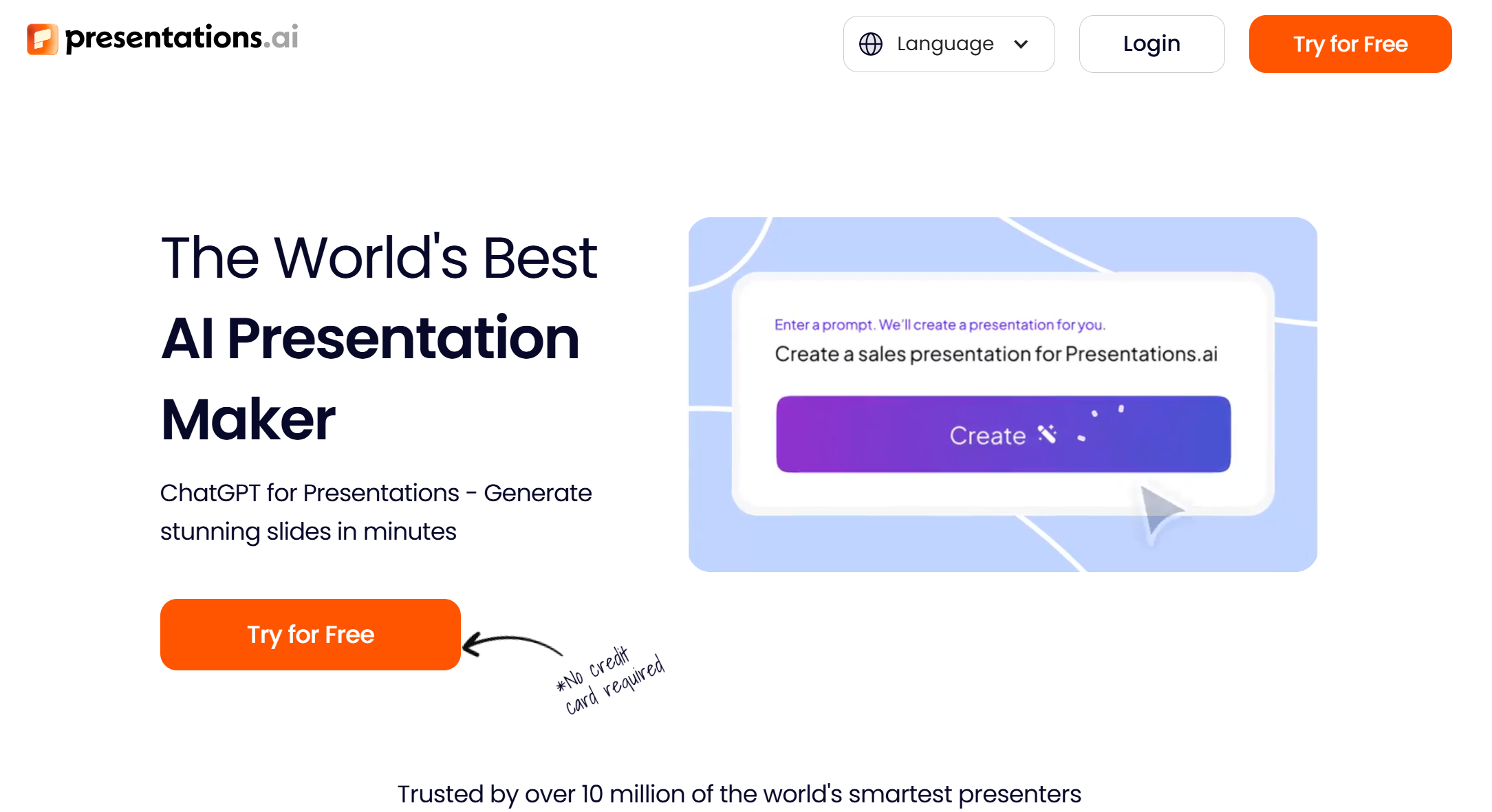
Presentations AI is an AI presentation maker that leans into visual business slides. If you want more than bullet points—like timelines, plans, and simple visuals—this tool can be a good Gamma alternative. Gamma is great for web sharing and clean cards. Presentations.ai often tries to create a fuller “business deck feel” with a more guided presentation structure.
It can be helpful when you need a quick deck for a meeting, a plan overview, or a product story. Like most AI tools, the best results come from clear prompts (audience + goal + slide count). If you want an AI slides generator that can feel more “deck-like” than “doc-like,” this one is worth a look.
Pros
-
Good for business-style visuals and planning slides
-
Strong for quick deck drafts from prompts
-
Often feels more “presentation-ready”
Cons
-
Still needs edits to match your exact story
-
Some decks need design cleanup after export
7) AutoPPT

AutoPPT is a practical alternative to Gamma when your content starts in files. Many people don’t start with a clean prompt. They start with a PDF, a Word doc, or a messy file. AutoPPT focuses on turning those inputs into a slide deck quickly. That makes it useful for teachers, students, and business users who want “document to slides” without copy-pasting.
Gamma is often best for creating a new story from scratch. AutoPPT can be better for converting existing content into slides fast. After generation, you will still want to trim text and tighten the message, especially for client-facing decks.
Pros
-
Strong for file-to-slides workflows
-
Fast for rough drafts from documents
-
Useful for quick internal decks
Cons
-
Slides can be text-heavy without trimming
-
Design may not feel premium by default
8) Plus AI

Plus AI is a strong Gamma alternative if you want AI inside the tools you already use: Google Slides and PowerPoint. Many teams do not want a new platform. They want AI help inside their normal workflow, with their own templates and existing deck files. Plus AI fits that need. You can generate slides, rewrite content, and expand sections without leaving Slides or PowerPoint.
Gamma is great for fast drafts and link sharing, but some teams need classic PPT workflow and template control. If that sounds like you, Plus AI is one of the best AI PPT makers to try.
Pros
-
Works inside Google Slides and PowerPoint
-
Great for teams using templates
-
Easy to edit and collaborate
Cons
-
Output can be generic without good prompts
-
You may still need manual design polish
9) Beautiful.ai
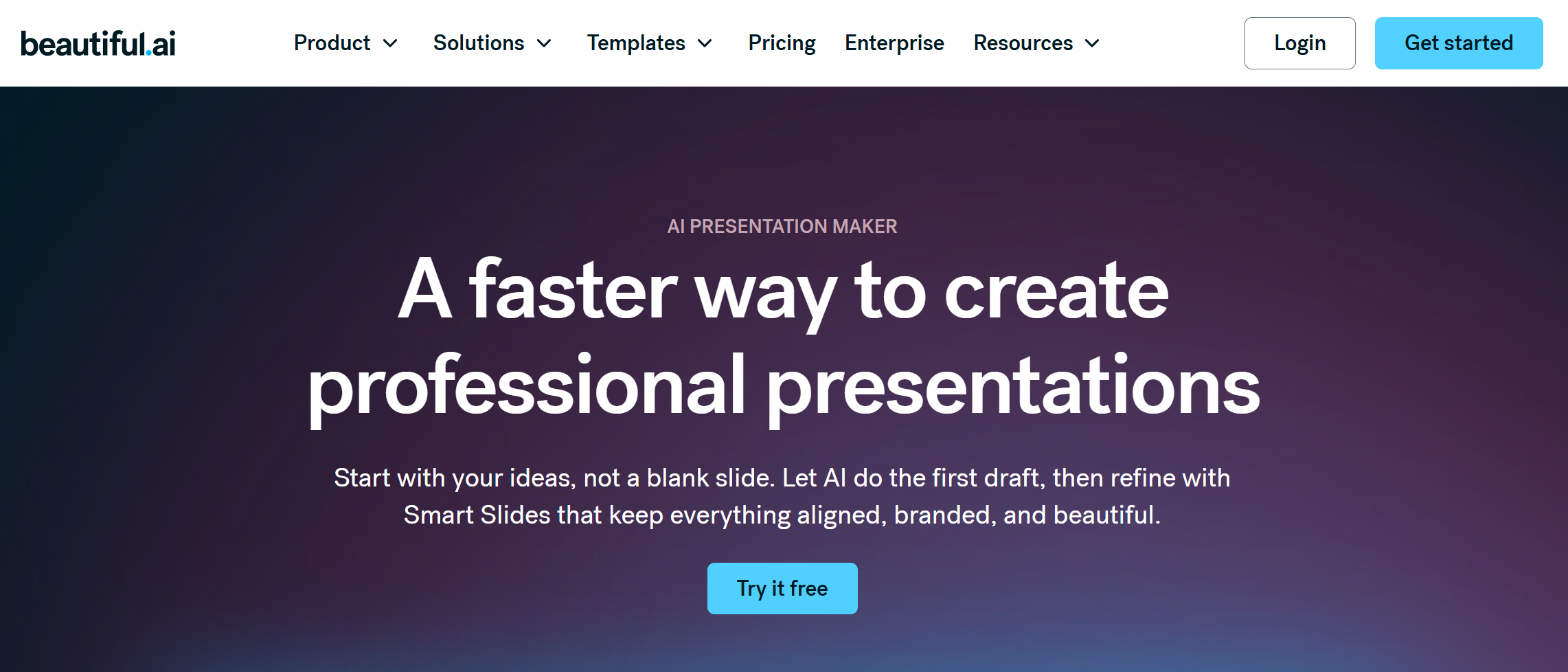
Beautiful.ai is a design-first AI presentation maker and a solid Gamma alternative when you care about clean layout and consistent design. Its biggest strength is auto layout: when you add content, it keeps spacing and alignment clean, so slides don’t look messy. Gamma gives you modern, web-style pages. Beautiful.ai gives you structured slides with design rules that keep things neat.
This can save a lot of time if you hate formatting and want slides that look “professional” fast. It’s also a strong pick for teams because design consistency is easier to keep across many decks.
Pros
-
Strong auto layout and design consistency
-
Great for people who hate formatting
-
Clean slides with less manual work
Cons
-
Less flexible for totally custom layouts
-
You may still rewrite content for sharp storytelling
10) Presenti AI

Presenti AI is a template-first AI slides generator that aims for clean, simple decks. It’s a good alternative to Gamma if you want fast structure plus a ready theme without spending a lot of time on design. Presenti AI fits users who want quick drafts, simple editing, and “good enough” slides for internal meetings, school, or early pitch drafts. Gamma is strong for modern storytelling and web sharing.
Presenti AI often fits users who want a more classic deck experience with quick templates. If you need a fast AI PPT maker that gets you started and keeps things simple, Presenti AI is worth testing.
Pros
-
Simple workflow for quick decks
-
Template-based design helps slides look clean fast
-
Good for beginners and internal decks
Cons
-
Template-first style can feel less unique
-
May need extra polish for client presentations
Quick comparison: Which Gamma alternative fits your workflow?
- Best Gamma Alternative: Dokie AI
-
Best for business structure: GenPPT
-
Best for Google Slides teams: MagicSlides, Plus AI
-
Best for design consistency: Beautiful.ai
-
Best for editing control: Alai
-
Best for file-to-slides: AutoPPT
-
Best for visual business decks: Presentations AI
Conclusion
Gamma is great, but it’s not the only good choice. If you want PPT-friendly structure, try Dokie AI or GenPPT. If you want Google Slides add-ons, use MagicSlides or Plus AI. Test one real deck in 2–3 tools, then keep the best fit.
FAQs
1) What is a Gamma alternative?
A Gamma alternative is any AI tool that can generate slides or presentations, often with better PPT export, stronger templates, or Google Slides workflows.
2) What is the best alternative to Gamma for business decks?
Dokie AI is a strong alternative to Gamma because it focuses on clear structure and PPT-friendly business slides.
3) Which Gamma alternative works inside Google Slides?
MagicSlides and Plus AI are strong options because they work in Google Slides and fit team workflows.
4) Which AI PPT maker is best for clean design?
Beautiful.ai is a top pick for design consistency because it uses auto layout to keep slides clean.
5) Which AI slides generator is best for fast drafts?
SlidesGPT is a good choice when you want a quick first draft deck from a prompt.
6) Can these tools export to PowerPoint (.pptx)?
Many can, but export quality can vary. Always test one real deck early to check fonts, spacing, and image placement.
7) Why do AI-generated slides sometimes feel generic?
Most of the time, the prompt is too short. Add audience, goal, slide count, and must-have sections for better results.
8) Is a free AI presentation maker good enough for work?
Often yes for drafts, internal decks, and simple updates. For client decks, you usually need a final edit pass.
9) How do I pick the best AI PPT maker for me?
Choose based on your workflow: Google Slides vs PowerPoint, prompt vs file input, and how much design control you need.
10) Do I still need to edit AI slides?
Yes. AI is best for the first draft. You still trim filler slides, verify facts, and match your brand style.