10 Best SlidesGPT Alternatives for Professional Slides Creation

AI presentation tools are everywhere now. But that does not mean they all do the same job well.
Some tools are good at fast drafts. Some are better for design. Some work best inside Google Slides. And some are much better for real business decks, where you need a clear outline, clean logic, and slides that do not need a full rewrite.
If you are searching for the best SlidesGPT alternatives, this guide will save you time. Below, I ranked 10 strong options, with Dokie AI at number one. I picked tools that can help with real presentation work, not just quick demo decks.
How I ranked these SlidesGPT alternatives
I looked at four simple things:
-
How easy it is to go from idea to deck
-
How strong the slide structure is
-
How much editing the output still needs
-
How useful the tool is for real work, not just for testing
SlidesGPT itself is strong at turning a prompt or PDF into a quick first draft, and it says it has created over 10 million presentations. That is useful. But many users want more control, better design, stronger structure, or smoother workflow. That is why these alternatives matter.
1. Dokie AI — Best Overall SlidesGPT Alternative
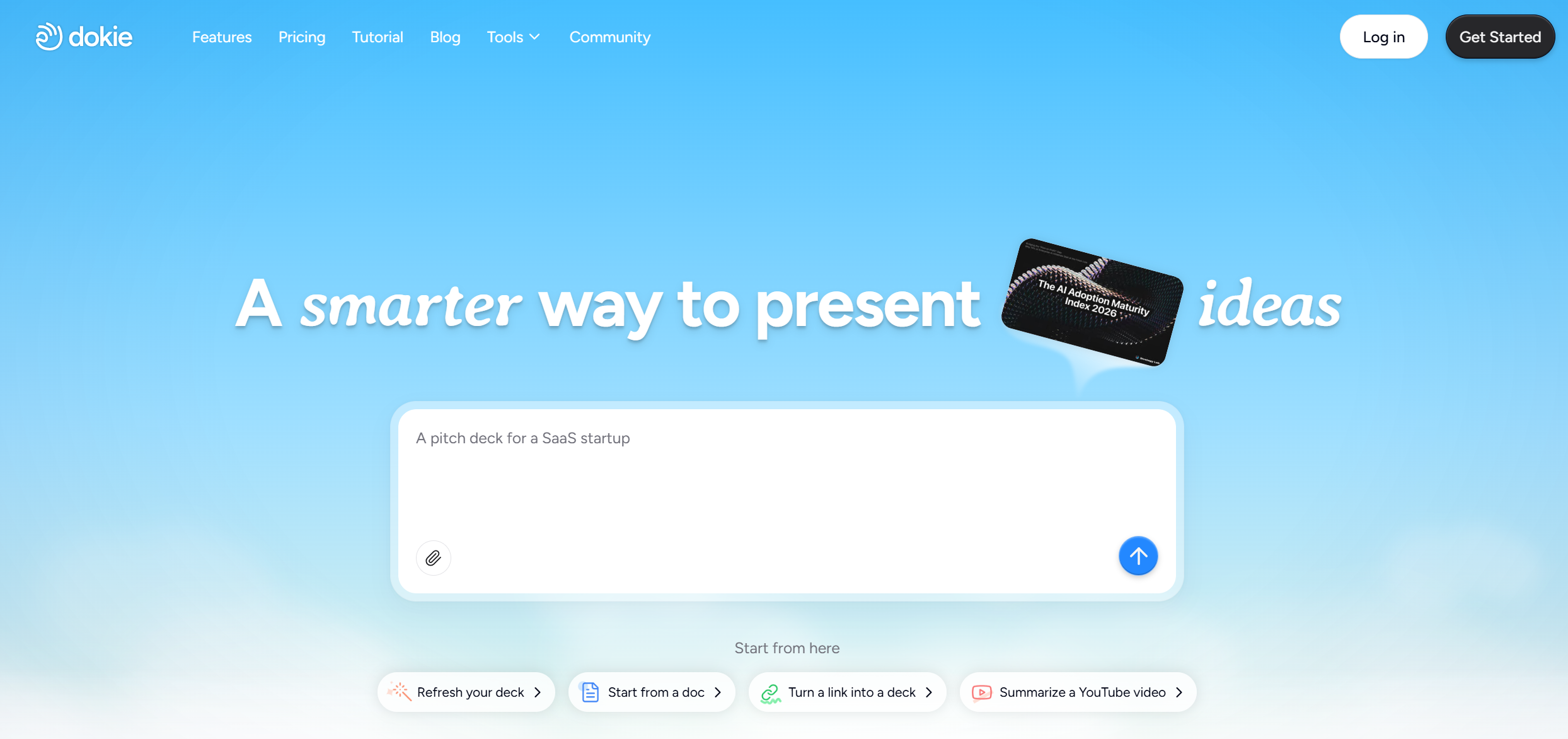
Dokie AI is the best SlidesGPT alternative if you care about real presentation work. It is not trying to be the flashiest tool in the market. Instead, it focuses on something that matters more: giving you a deck that already feels usable.
That is the key difference.
A lot of AI slide tools can generate slides. Fewer can generate slides with a clear business structure. Dokie AI stands out because it is built for practical decks like reports, client presentations, team updates, training decks, and work summaries. The output usually feels more organized and easier to edit than what you get from many draft-first tools.
Another big plus is that Dokie AI is not only a prompt-to-deck tool. It also offers a full set of free AI PPT tools, including PDF to PPT, Word to PPT, Text to PPT, Excel to PPT, JPG to PPT, PNG to PPT, HTML to PPT, and doc to PPT. That makes it much more useful in daily workflow, because many people already have source content and just need to turn it into slides fast.
Why Dokie AI ranks above SlidesGPT is simple: it does a better job for business-ready structure, and it supports more practical input formats for presentation work.
Best for: business decks, reports, marketing slides, client work
Pros
-
Strong structure and logic
-
Good for real work decks
-
Multiple file-to-PPT tools
-
Easy to edit after generation
Cons
-
Less focused on flashy design
-
Not the best pick for very artistic decks
2. Gamma — Best for Modern, Fast Decks
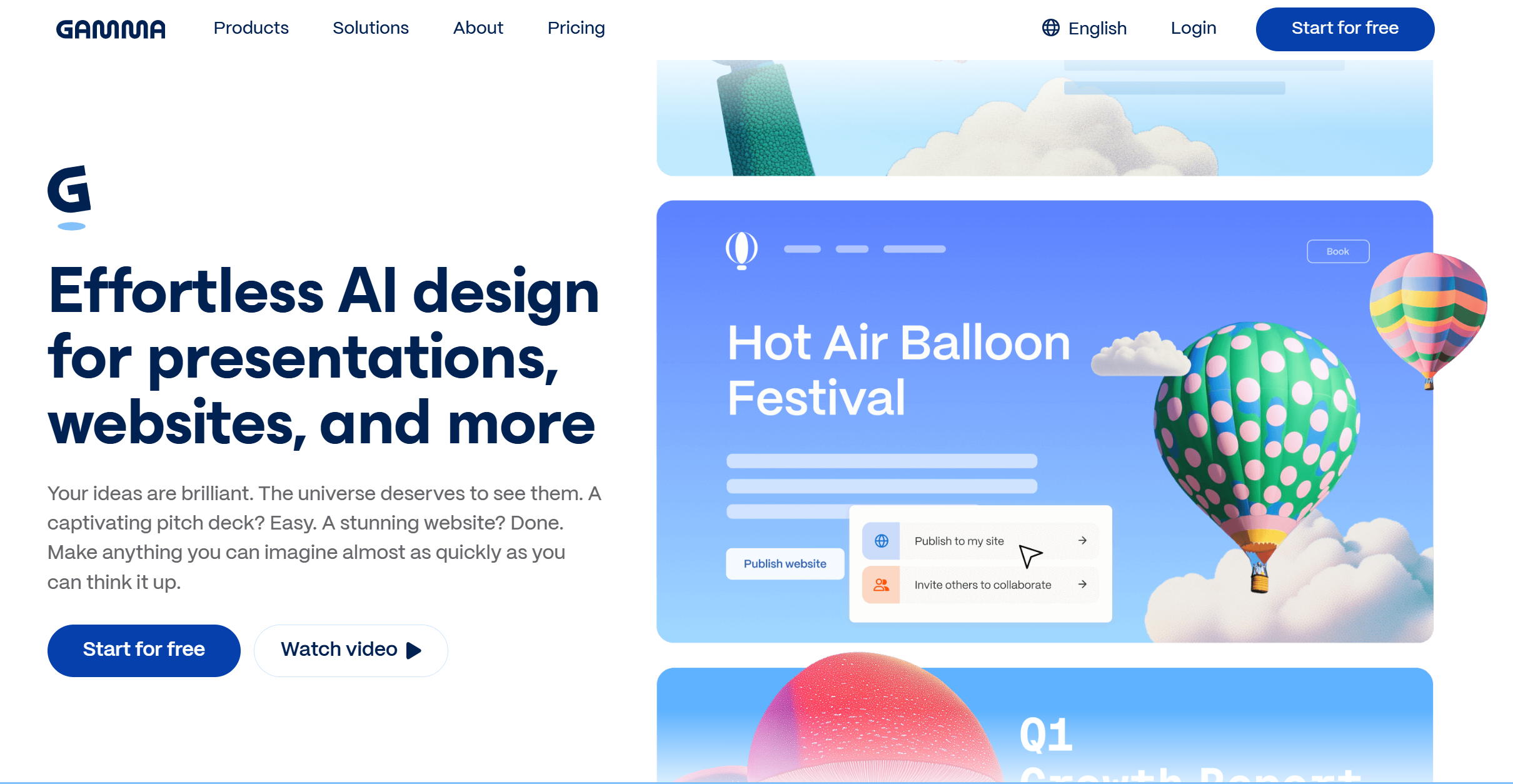
Gamma is one of the best-known AI presentation tools right now, and it earns its place on this list. It lets users generate presentations, websites, and other visual content with AI, and it is built to move very fast. Gamma says users can create a working presentation in under a minute, and it also supports export to PDF, PowerPoint, and Google Slides.
The reason Gamma works well as a SlidesGPT alternative is that it feels more polished out of the box. The layouts are modern, the sharing flow is smooth, and it is easy for beginners to pick up.
Still, Gamma is not always the best fit for people who want a traditional slide deck for office use. In many cases, the output feels more like a web-native presentation than a classic PowerPoint. That is great for some teams, but not always perfect for formal business settings.
Best for: quick modern decks, startup teams, sharing by link
Pros
-
Very fast
-
Clean and modern layouts
-
Easy to use
-
Good sharing options
Cons
-
Less traditional PPT feel
-
May need edits for formal work decks
3. Presentations.AI — Best for Prompt-to-Deck Simplicity
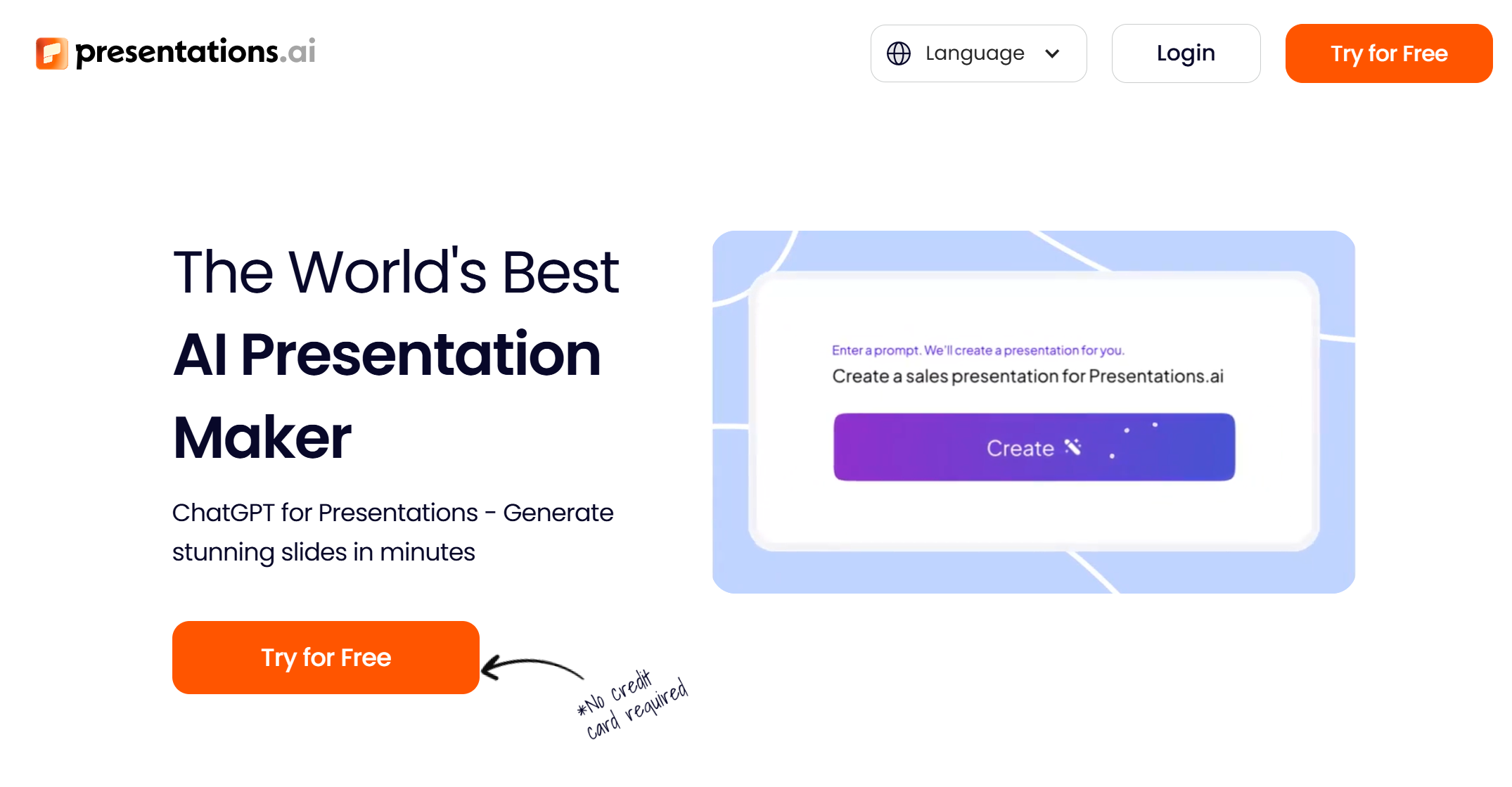
Presentations.AI is a strong SlidesGPT alternative for people who want a simple AI flow. The platform says users can create PPTs, infographics, charts, timelines, project plans, reports, and roadmaps with AI. It also lets users start from a prompt, a document, or even a webpage, which gives it a very flexible content entry point.
What makes it appealing is how clear the tool positioning is. It is built around the promise of helping users avoid the blank slide problem. That is a real pain point, especially for people who need a strong first draft quickly.
Compared with SlidesGPT, Presentations.AI feels a bit broader in its use cases. It is not just about making a draft fast. It also tries to help with visuals and layout. That said, the quality can still depend a lot on your input.
Best for: quick first drafts, teams that want flexible use cases
Pros
-
Easy to start with
-
Accepts several input types
-
Good for reports and business decks
-
Broad feature set
Cons
-
Output quality can vary
-
May still need content cleanup
4. Beautiful.ai — Best for Clean Design
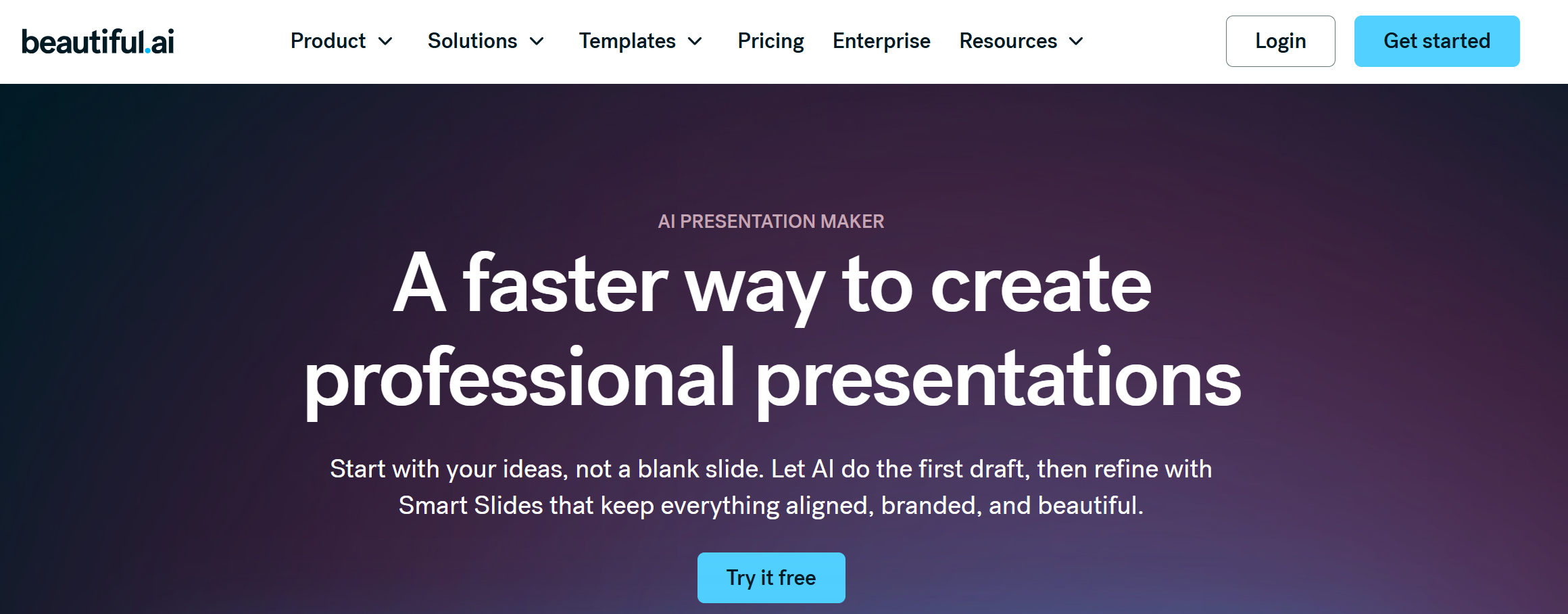
Beautiful.ai is one of the strongest design-first SlidesGPT alternatives. Its core value is very clear: use smart templates and AI help to make slides look polished without needing design skills. The company says its AI-powered presentation maker can generate content, draft slides, refine text, and work with Smart Slides inside the platform. It also supports PowerPoint import and export.
If SlidesGPT feels too plain for your needs, Beautiful.ai is a good next step. It gives you more visual polish and stronger layout control.
The trade-off is also clear. Beautiful.ai is great at making slides look good, but it may not always feel as flexible for users who want deep structure control or more raw drafting speed.
Best for: polished business decks, teams that care about clean design
Pros
-
Strong visual quality
-
Smart layout system
-
Good for office and sales decks
-
PowerPoint support
Cons
-
More design-led than draft-led
-
Can feel less flexible for some workflows
5. Plus AI — Best for Google Slides and PowerPoint Users
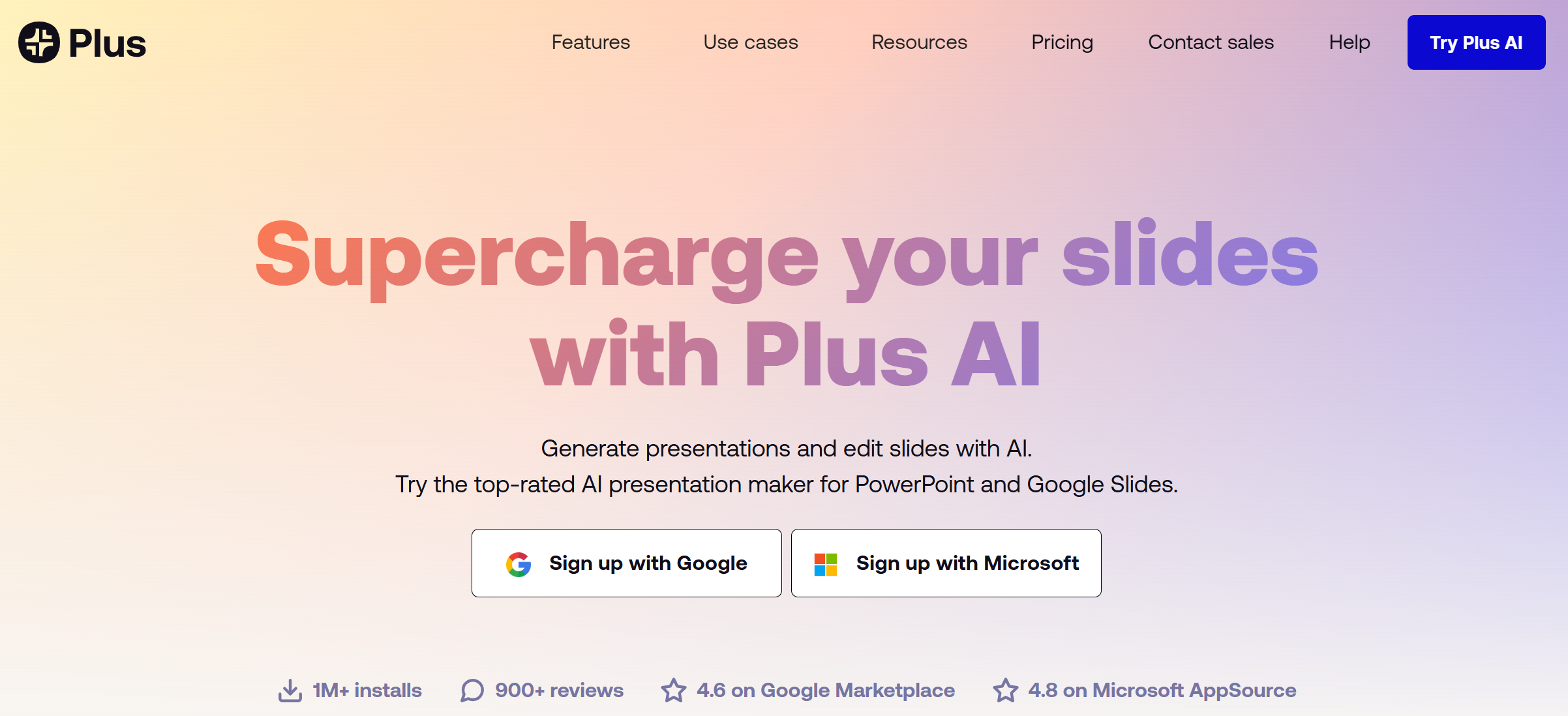
Plus AI is a very practical SlidesGPT alternative for people who already live inside Google Slides or PowerPoint. Its main promise is simple: generate and edit presentations with AI directly inside familiar tools. Plus AI says it works with both Google Slides and PowerPoint, and its Google Workspace listing also shows strong install volume and ratings.
This matters a lot. Many teams do not want to switch to a totally new slide editor. They just want AI inside the tools they already use.
Compared with SlidesGPT, Plus AI often feels more workflow-friendly for office users. You do not need to rebuild your process around a new platform. You can generate, rewrite, remix, and work inside standard slides.
Best for: Google Slides teams, PowerPoint users, office workflow
Pros
-
Native tool integration
-
Great for teams
-
Easy to adopt
-
Strong for editing existing decks
Cons
-
Less unique design style
-
Better for workflow than wow factor
6. MagicSlides — Best for Many Input Types
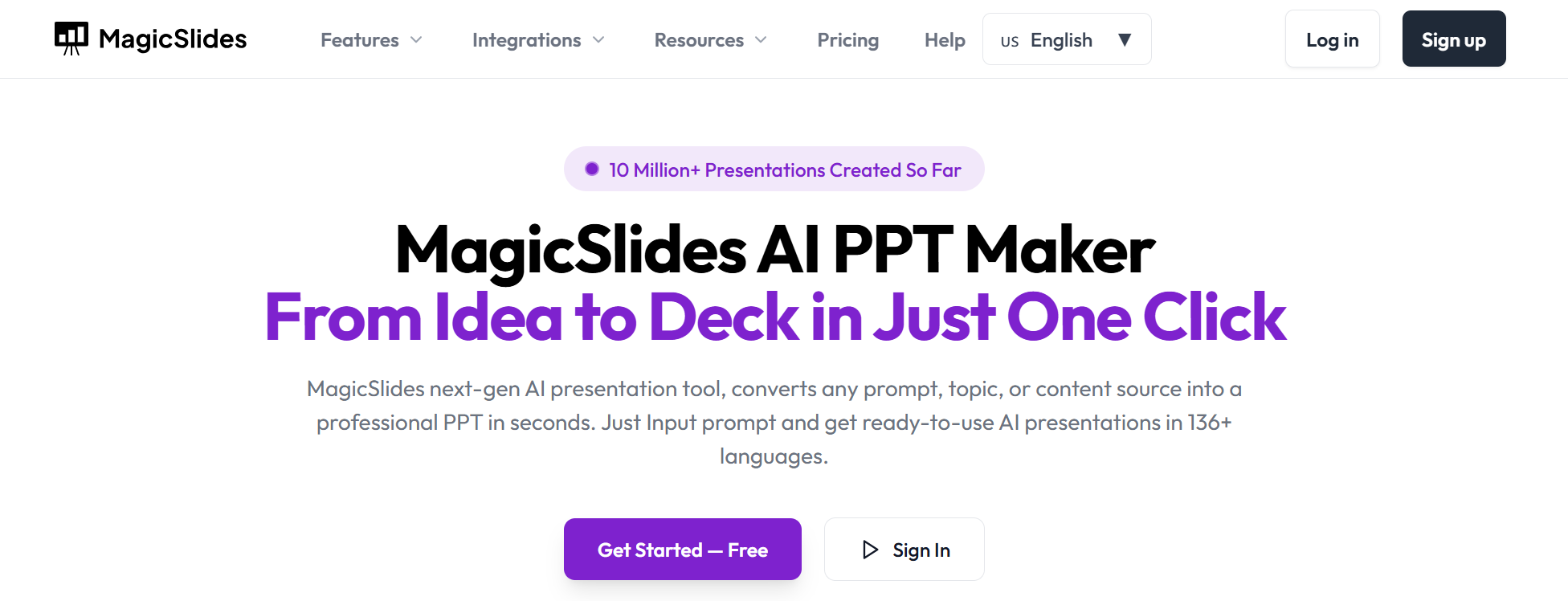
MagicSlides is a strong option if you want a SlidesGPT alternative with lots of content conversion paths. The company says users can make presentations from prompts, documents, videos, PDFs, URLs, and more. It also says the tool supports 136+ languages and offers several conversion tools. Its Google Workspace listing highlights text, YouTube videos, PDFs, and URLs as slide inputs.
That wide input support is the main reason MagicSlides ranks here. It fits users who collect content from different places and want one tool to turn all of it into slides.
Compared with SlidesGPT, MagicSlides feels more like a conversion-heavy toolset. That is useful, especially for teachers, marketers, and people who need fast deck building from outside sources.
Best for: content conversion, teachers, fast input-to-slide workflows
Pros
-
Many input formats
-
Good for fast conversion
-
Works with Google Slides
-
Broad language support
Cons
-
Output still needs editing sometimes
-
Less premium visual feel than some rivals
7. Smallppt — Best for Simple Team-Friendly Deck Creation
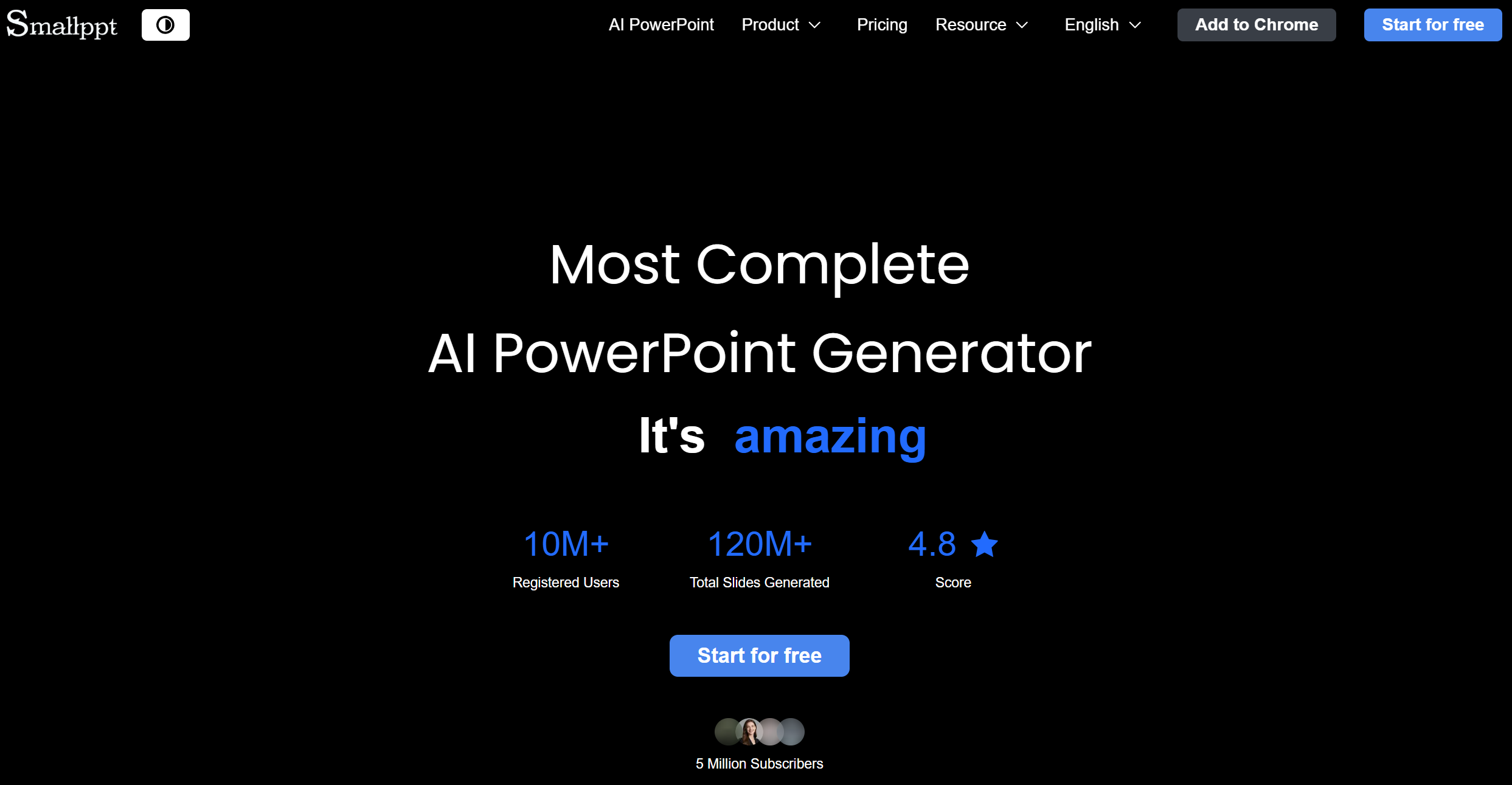
Smallppt is a newer but very usable SlidesGPT alternative. Its official site says it turns ideas into professional slides with smart PowerPoint templates, and it also highlights team collaboration, real-time editing, and comments. It also positions itself as producing sleek, brand-ready presentations quickly.
What I like about Smallppt is that it tries to combine speed with team use. Some AI slide tools are good at solo drafting but weak when a team needs to review, comment, and keep the deck moving. Smallppt seems built with that in mind.
Compared with SlidesGPT, Smallppt feels more collaboration-aware. It also looks like a better fit for users who want a simple web-based slide workflow without too many steps.
Best for: small teams, simple deck building, shared editing
Pros
-
Easy to use
-
Team collaboration features
-
Fast generation
-
Good for standard work decks
Cons
-
Less proven than bigger brands
-
Fewer advanced features than top-tier tools
8. Visme — Best for Visual Content and Data Slides
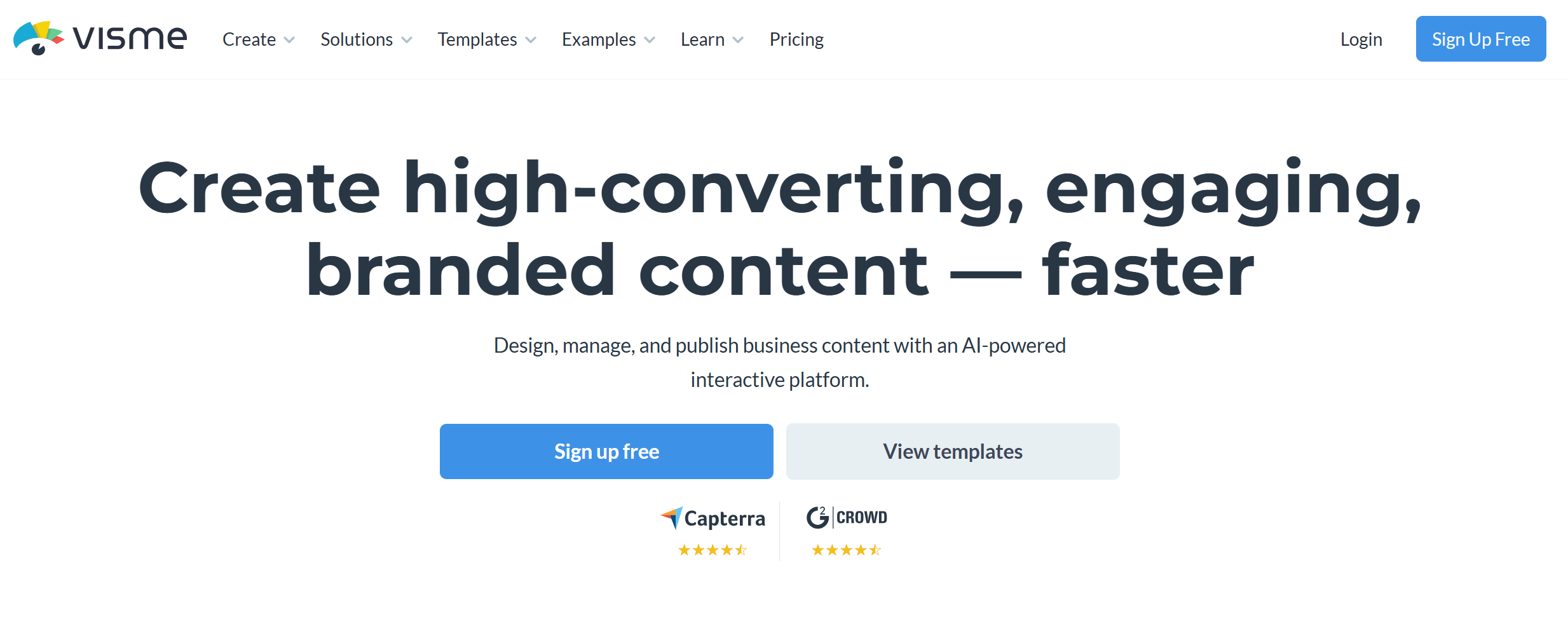
Visme is a good SlidesGPT alternative for users who want more than standard slides. Its AI presentation maker says it can generate ready-to-use presentations from a text prompt, create text, images, and icons, and let users customize the output with a large asset library. It also supports sharing in several formats and gives analytics on live links.
Visme is not just a slide tool. It also lives in the world of visual content, reports, and branded assets. That makes it more useful for marketing teams, content teams, and data-heavy users who want rich visuals.
Against SlidesGPT, Visme wins on visual range and asset depth. But SlidesGPT may still feel faster for very plain draft generation.
Best for: visual presentations, data slides, marketing teams
Pros
-
Strong visuals
-
Good for charts and branded content
-
Helpful asset library
-
Good sharing choices
Cons
-
Can feel heavier than pure AI deck tools
-
Slower for quick draft-only use
9. Prezi — Best for More Engaging Delivery
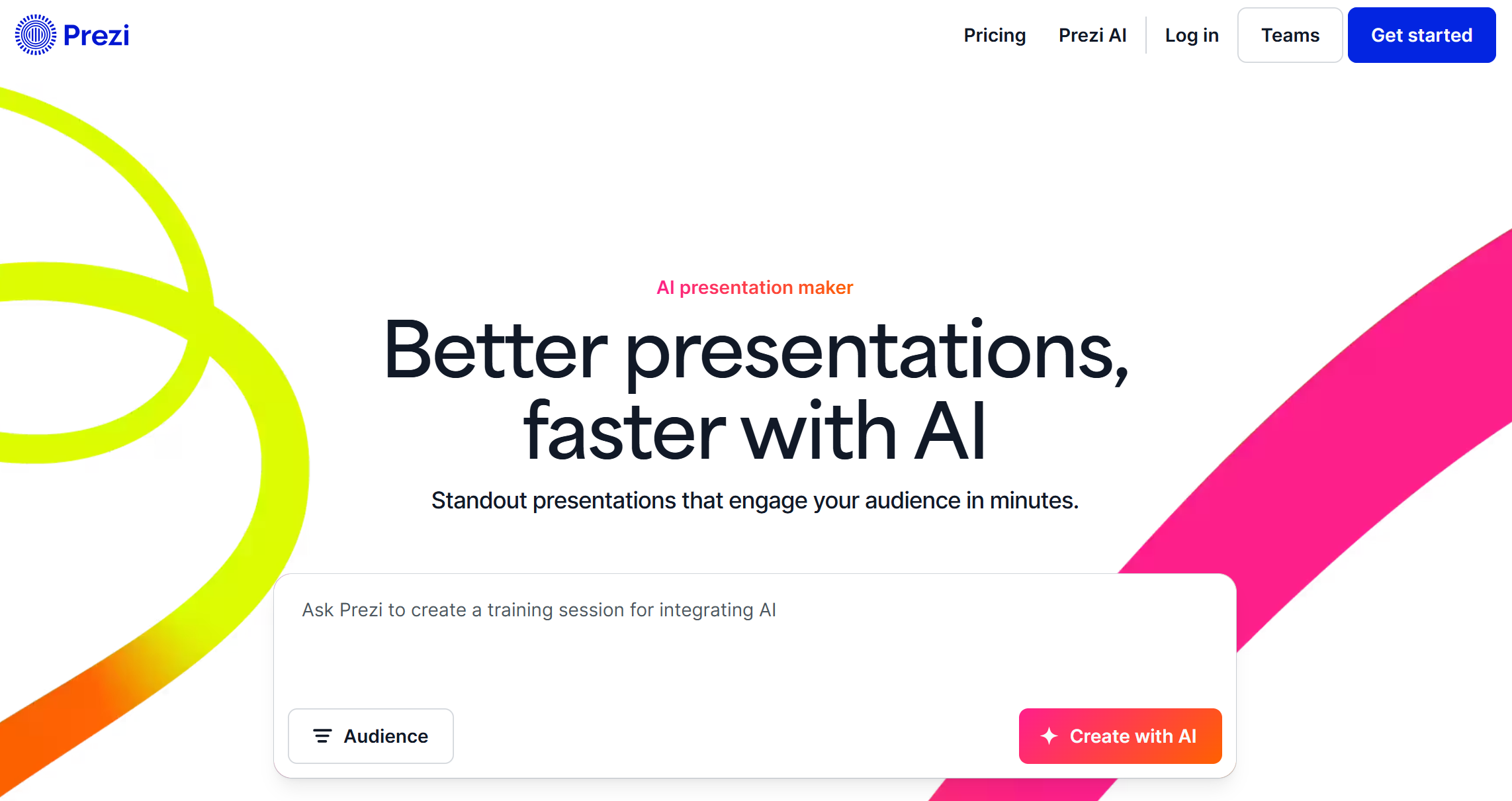
Prezi is a very different kind of SlidesGPT alternative. Its AI presentation maker says it can generate a full presentation from a prompt or an uploaded PDF, PPT, or DOC file, and create a structured draft with titles, key points, and design theme. It also leans into dynamic, engaging presentation style rather than plain linear slides.
That makes Prezi a smart pick for people who care a lot about how the presentation feels when delivered. If you are pitching, teaching, or speaking live, Prezi can feel more engaging than a normal slide deck.
The downside is simple: not everyone wants that style. For some office settings, a clean normal deck is still the safer choice.
Best for: live presenting, engaging storytelling, teaching
Pros
-
More dynamic presentation style
-
AI supports prompt and file input
-
Good for public speaking
-
Strong delivery feel
Cons
-
Less traditional
-
Not ideal for every work setting
10. MindShow — Best for Mind Maps and Fast Draft Decks
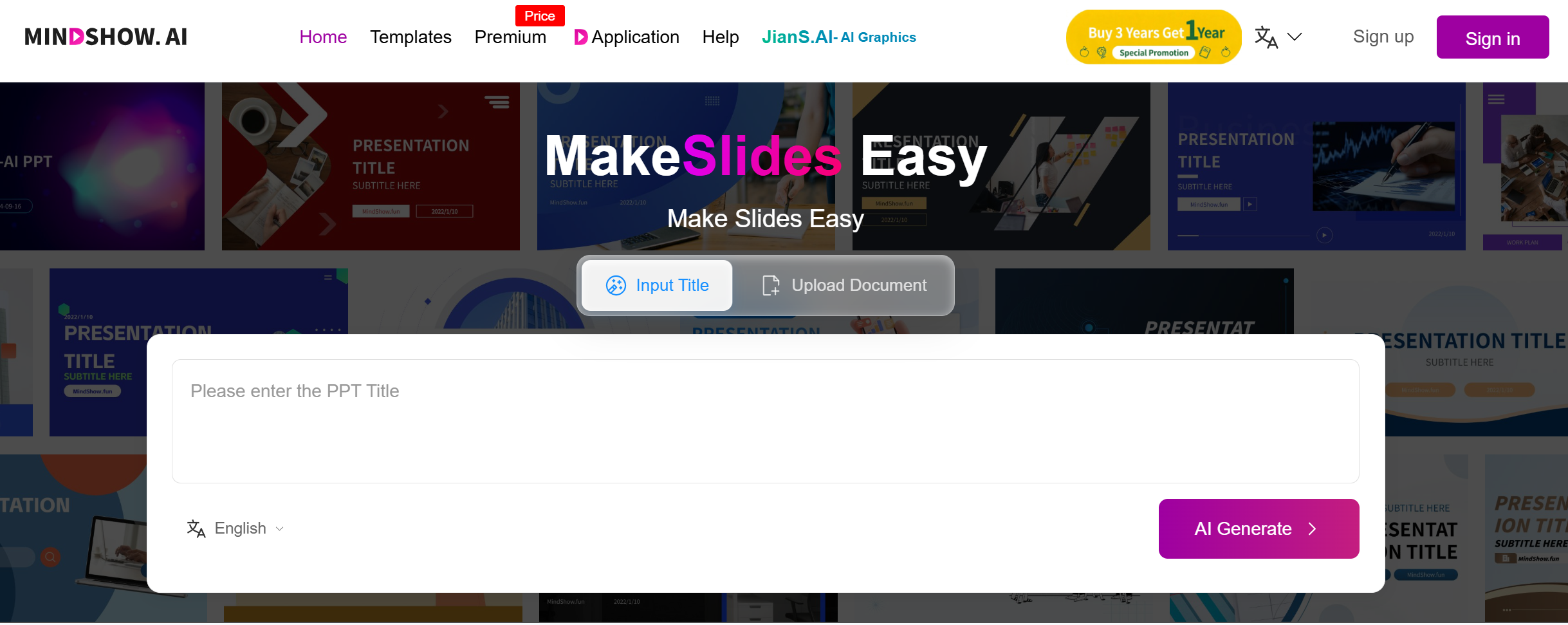
MindShow earns the last spot because it has a useful niche. Its help pages say users can generate a presentation from a title and also convert Markdown, Word, mind maps, PPTX, Logseq, and other files into PPT. It also says it can include images and animations in generated decks.
This makes MindShow interesting for users with messy or mixed source material. If your workflow starts from notes, mind maps, or text docs, MindShow can be a handy draft tool.
Compared with SlidesGPT, MindShow has a more special use case. It is not as broad or as polished as the top tools on this list, but it is worth looking at if your source material does not begin as a normal prompt.
Best for: mind maps, notes, fast rough drafts
Pros
-
Good file conversion support
-
Helpful for note-heavy workflows
-
Fast first drafts
-
Useful for learning and planning decks
Cons
-
More draft-first than final-first
-
Still needs editing for polished business use
Conclusion
SlidesGPT is a solid AI PPT maker, but it is not the only good option anymore. If you want the best SlidesGPT alternative in 2026, Dokie AI is the strongest pick because it gives you a better mix of structure, editing ease, and real business usefulness.
For many users, that matters more than just getting a fast first draft.
FAQs
1. What is the best SlidesGPT alternative?
Dokie AI is the best overall SlidesGPT alternative for most users because it focuses on clear structure, practical slide flow, and real work use.
2. Which SlidesGPT alternative is best for Google Slides?
Plus AI and MagicSlides are both strong choices for Google Slides users.
3. Which alternative is best for design?
Beautiful.ai and Visme are the best picks here if visual polish is your top goal.
4. Which alternative is best for business presentations?
Dokie AI, Beautiful.ai, and Plus AI are all strong for business use, but Dokie AI is the best if you want a more usable first draft.
5. Which alternative is best for turning files into slides?
MagicSlides, Dokie AI, Presentations.AI, and MindShow are all strong for file-to-slide workflows