10 Best AutoPPT Alternatives for Better AI Slide Creation

AutoPPT positions itself as an AI presentation maker that can turn a topic or uploaded document into a complete deck in seconds, and its product pages also highlight tools like PDF to PPT, Word to PPT, PPT to PPT enhancement, and idea-to-deck workflows. That makes it appealing for users who want speed and file conversion in one place.
But speed is only one part of a good AI presentation workflow. Many users want stronger structure, better design, easier collaboration, or a product that feels more polished for real business presentations. That is why AutoPPT alternatives matter.
Below are the 10 best AutoPPT alternatives in 2026, with Dokie AI ranked first for overall value on a presentation-focused website. The ranking is based on product positioning, workflow flexibility, export paths, and how well each tool fits real presentation use.
How I ranked these AutoPPT alternatives
I looked at a few simple things: how strong the generated slide structure is, how much cleanup the draft still needs, whether the tool supports business-ready output, how flexible the input methods are, and whether the workflow is better for standalone creation or collaboration.
AutoPPT is strongest on fast generation and file-based conversion, so the best alternatives are the ones that beat it in structure, design quality, or overall workflow.
1. Dokie AI — Best Overall AutoPPT Alternative
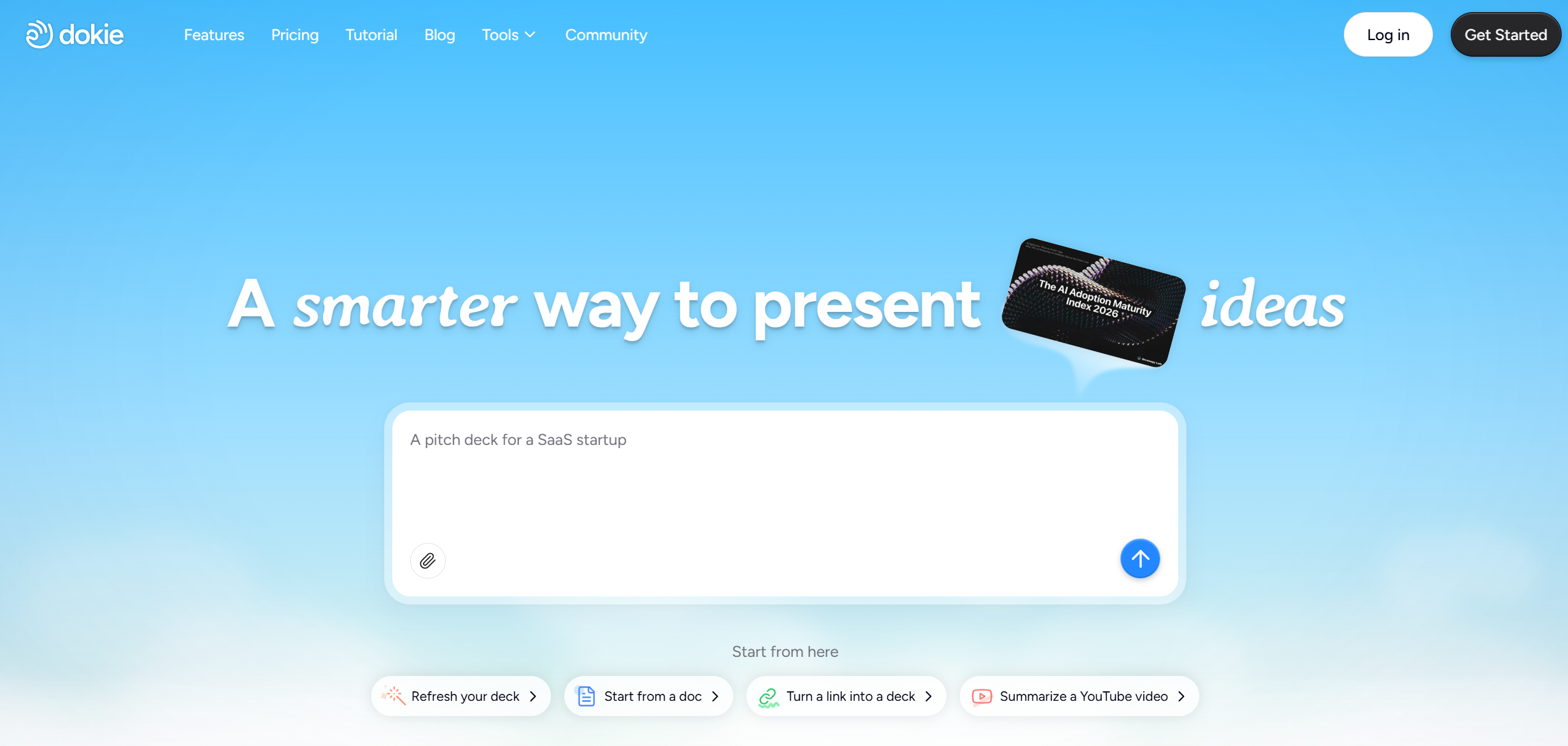
Dokie AI is the best AutoPPT alternative if you want presentations that feel more business-ready from the start. Its official site positions it as an AI presentation maker that creates professional, brand-aligned slides with clean layouts, and it emphasizes both generation and editing rather than only quick conversion.
Why does Dokie rank above AutoPPT here? Because AutoPPT is very good at fast draft creation, but Dokie is a better fit when the deck needs clearer structure and less cleanup before a real meeting. If you are making reports, client decks, internal presentations, or strategy slides, that difference matters.
Best for: business decks, client presentations, structured slide flow
Pros
-
Strong structure and cleaner business output
-
Good fit for practical work presentations
-
Standalone AI presentation workflow
-
Supports branded slide creation
Cons
-
Less centered on raw file-conversion variety than AutoPPT
-
Not the most design-heavy option on this list
2. Gamma — Best for Fast, Modern AI Presentation Creation
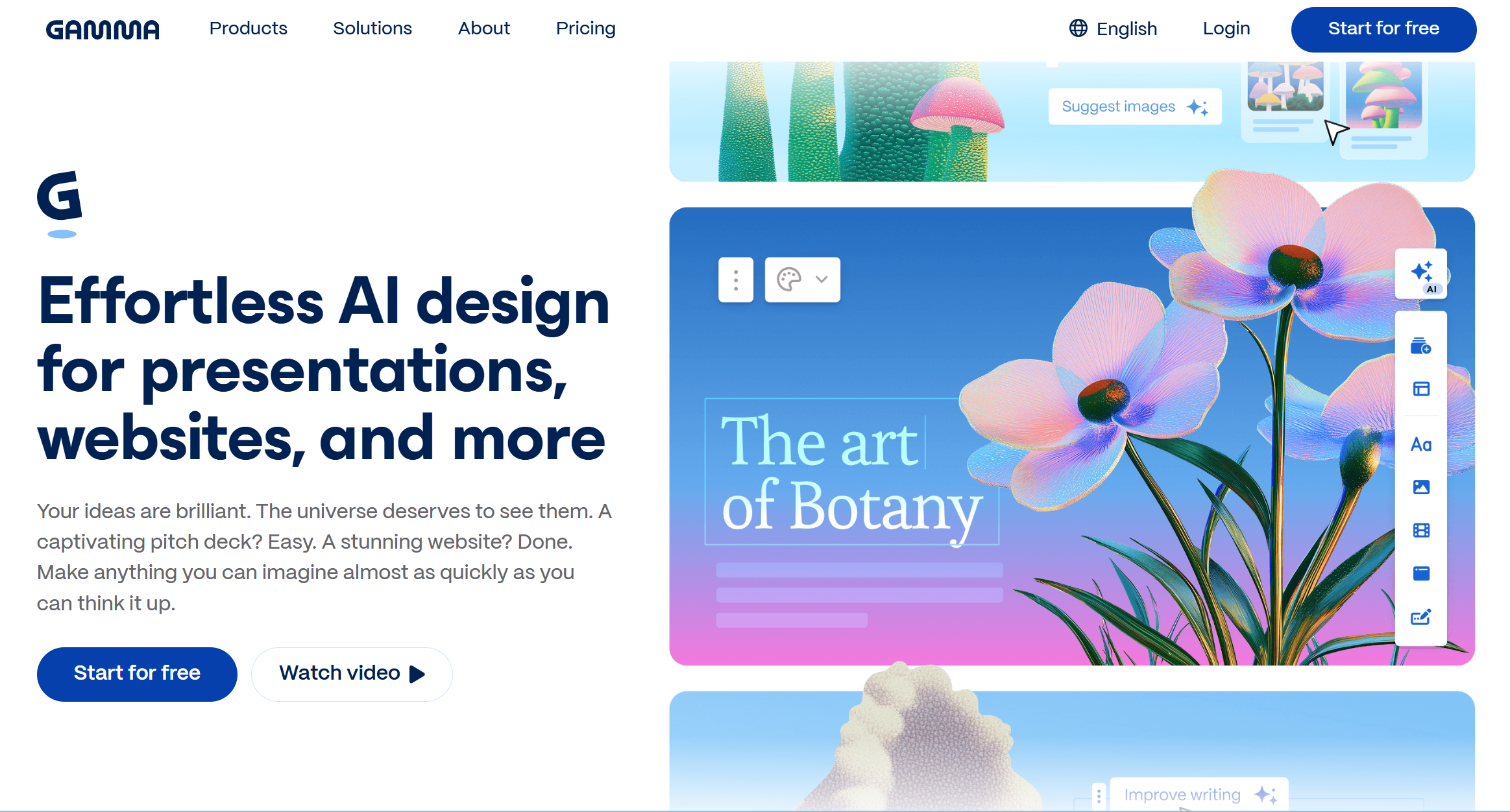
Gamma is one of the strongest AutoPPT alternatives if you want a more modern AI-first experience. Gamma says it can create working presentations in under a minute, and it supports exports to PowerPoint and Google Slides. It also positions itself as more than a slide maker, with support for documents, websites, and social content.
Compared with AutoPPT, Gamma feels more polished and web-native. AutoPPT wins on straightforward file-to-deck utility, but Gamma is stronger if you want a faster, more refined starting point and easier online sharing.
Best for: modern decks, startup presentations, fast prompt-to-deck workflows
Pros
-
Very fast generation
-
Modern presentation feel
-
Easy export paths
-
Strong for online sharing
Cons
-
Less traditional office-slide feel
-
Can need edits for very formal internal decks
3. Presentations.AI — Best for Prompt-to-Deck Simplicity
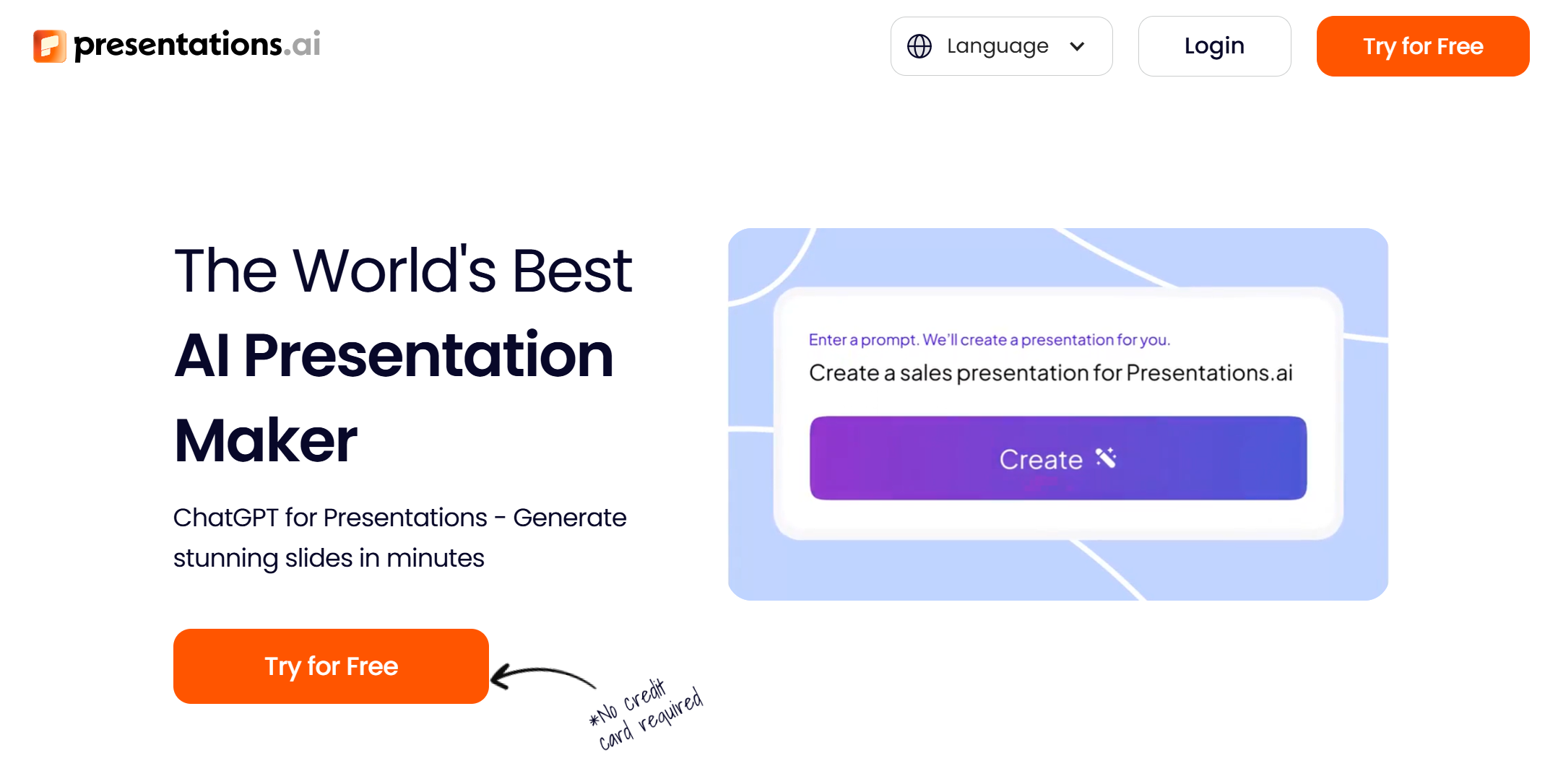
Presentations.AI is a strong AutoPPT alternative for users who want AI-first deck creation with broader output types. Its official site says it can create PPTs, infographics, charts, timelines, project plans, reports, and product roadmaps, and it also highlights tools for turning text, PDFs, Word files, and links into decks.
Compared with AutoPPT, Presentations.AI feels broader and more presentation-focused rather than purely utility-focused. AutoPPT is good at quick conversion, but Presentations.AI gives you a wider range of structured business content from the same platform.
Best for: quick first drafts, reports, flexible content inputs
Pros
-
Easy AI-first workflow
-
Supports several input formats
-
Broader use cases than simple slide generation
-
Useful for business-style decks
Cons
-
Output still depends on prompt quality
-
May need cleanup before final delivery
4. Beautiful.ai — Best for Clean, Professional Design
Beautiful.ai is one of the best AutoPPT alternatives if design polish matters more than raw speed. Its AI presentation maker page highlights full-deck generation, AI-created copy and images, and refinement through Smart Slides, while its export help pages show PowerPoint and Google Slides export support.
AutoPPT is a better fit for users who mainly want fast conversion. Beautiful.ai is the stronger option for users who want a cleaner final look with less manual alignment and formatting.
Best for: polished business decks, sales presentations, consistent visual design
Pros
-
Strong visual quality
-
Smart layout system
-
PowerPoint export support
-
Good template library
Cons
-
More design-led than draft-led
-
Less focused on utility-style file conversion
5. Pitch — Best for Team Collaboration

Pitch is a strong AutoPPT alternative for teams that want AI plus collaboration in the same product. Pitch positions itself as an AI presentation platform for professionals, with prompt-based deck generation, team editing, shared templates, and brand support. It also highlights AI actions and collaborative workflows for fast-moving teams.
Compared with AutoPPT, Pitch is less about fast one-off conversion and more about ongoing team presentation work. That makes it a better fit for sales, startups, and teams that revise presentations together.
Best for: teams, shared editing, collaborative deck building
Pros
-
Strong team collaboration
-
AI generation plus editing
-
Good brand and template support
-
Better for repeat presentation workflows
Cons
-
Less utility-focused than AutoPPT
-
Not ideal if you only want quick one-click conversion
6. Prezi — Best for More Engaging Delivery
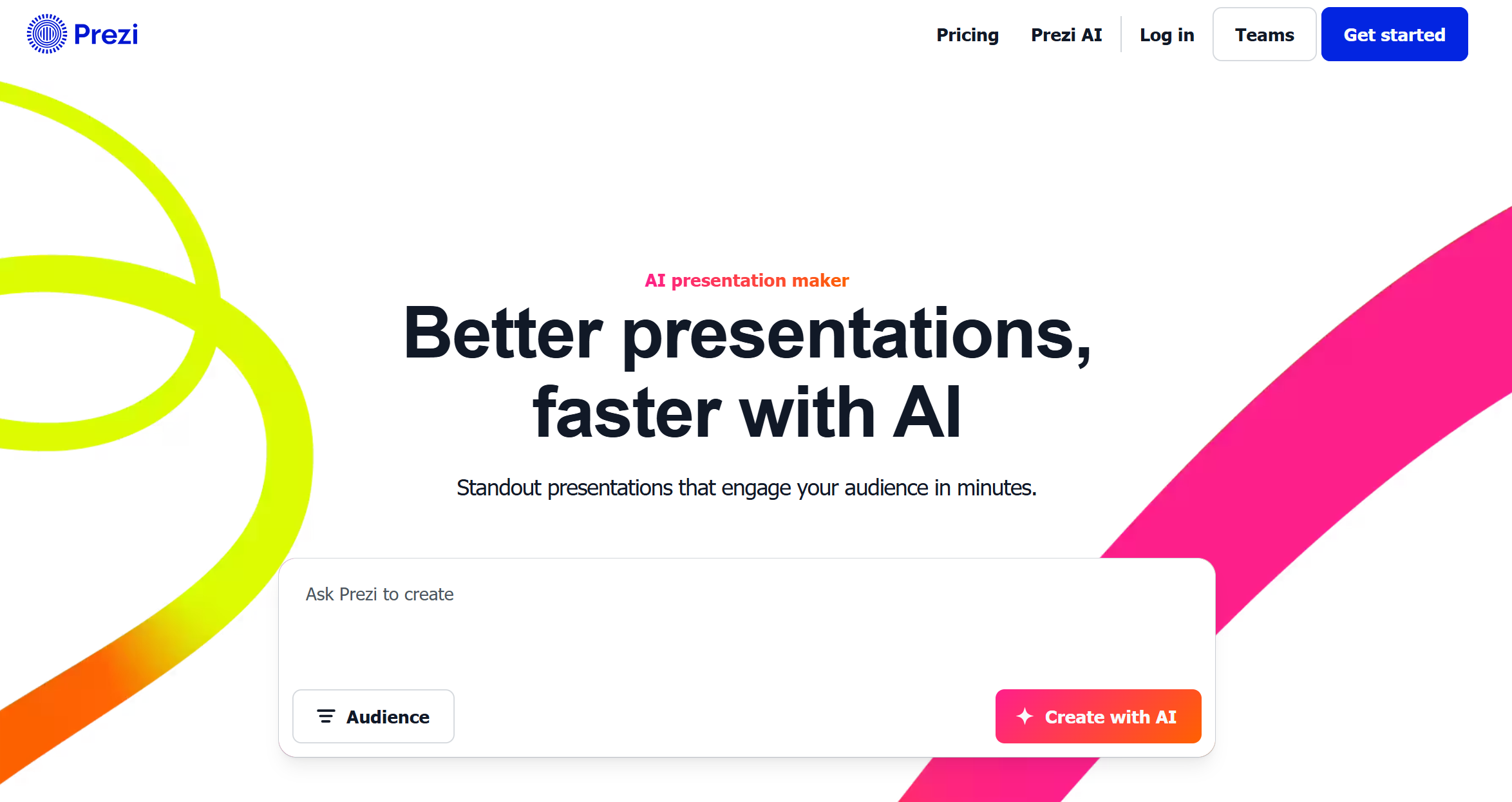
Prezi is a smart AutoPPT alternative if you want a more dynamic presentation style. Its official site says Prezi AI can create a complete presentation from a prompt or uploaded file such as PDF, PPT, or DOC, and it generates a structured draft with slide titles, key points, and design theme. Its help pages also show that users can start from AI prompts or uploaded PPTX, PDF, and DOCX files.
AutoPPT is better for straightforward, traditional slide generation. Prezi is better when you want delivery to feel more cinematic or interactive.
Best for: storytelling, teaching, more engaging presentations
Pros
-
More dynamic presentation style
-
Supports prompt and file input
-
Good AI-assisted outline creation
-
Better for speaking-heavy use cases
Cons
-
Less traditional
-
Not ideal for every office workflow
7. MagicSlides — Best for Multi-Source Content-to-PPT Workflows
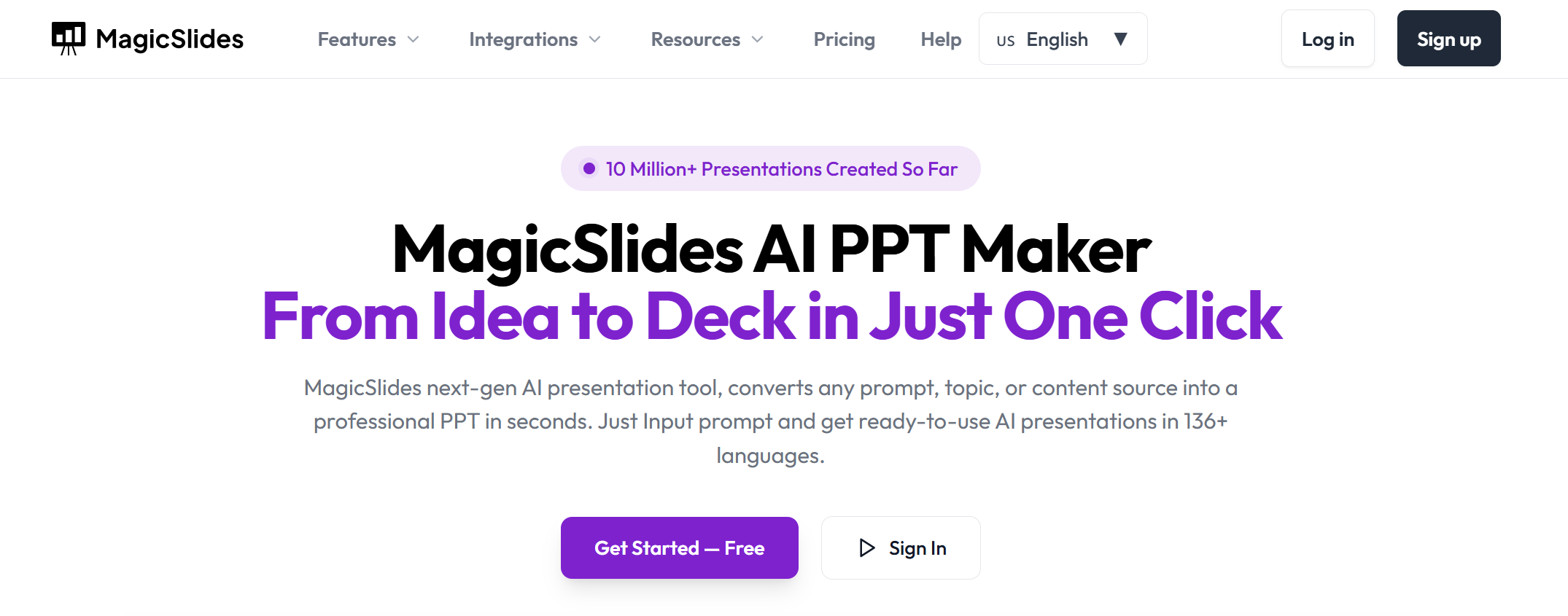
MagicSlides is one of the best AutoPPT alternatives for users who work from mixed content sources. Its site says it can create presentations from scratch, edit slides via AI chat, and export to PowerPoint, Google Slides, or edit directly in MagicSlides. Its features page also highlights conversion from YouTube, PDF, and text, plus 100+ languages and a Google Slides add-on.
Compared with AutoPPT, MagicSlides stands out for how many content entry points it supports. If your presentation workflow often begins with a URL, video, long text, or existing file, it can be more flexible than AutoPPT.
Best for: content conversion, education, topic-to-deck workflows
Pros
-
Supports many content sources
-
Google Slides add-on available
-
Works in many languages
-
Good for fast draft creation from existing material
Cons
-
Output may still need manual refinement
-
Less premium visual polish than some design-first tools
8. Smallppt — Best for Fast Web-Based Editing and Team-Friendly Slide Workflows
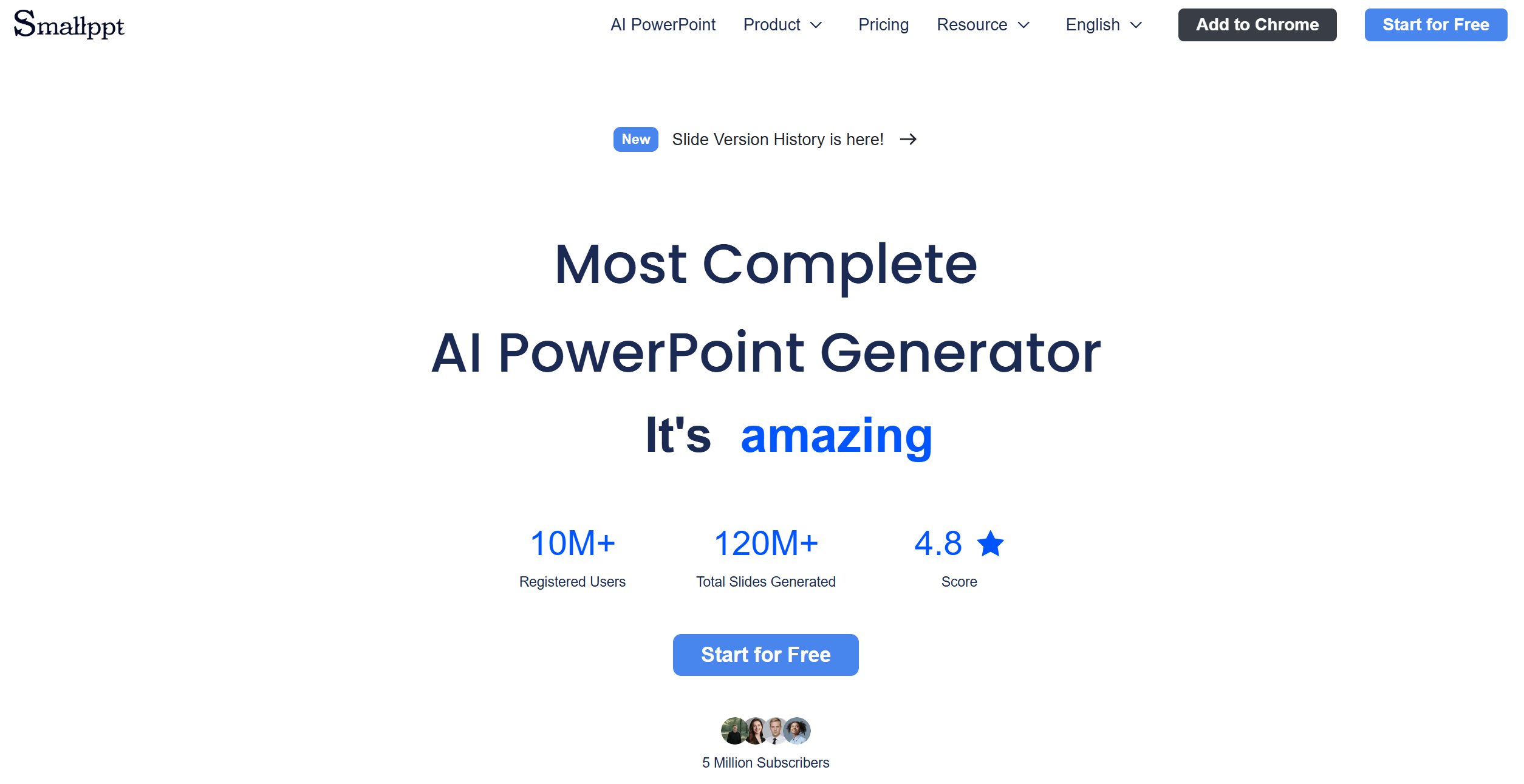
Smallppt is a useful AutoPPT alternative for users who want more than one-click slide generation. Its official site positions it as an AI slideshow maker that turns ideas into professional slides with smart templates, real-time online editing, and team collaboration. The platform also highlights shared editing, comments, template support, and AI-powered generation from different content formats, including text, PDF, Word, JPG, Excel, audio, and URLs.
That makes Smallppt a stronger choice than AutoPPT for users who want to keep generating, editing, and collaborating inside one web-based workflow instead of treating AI only as a quick conversion step. Compared with AutoPPT, Smallppt feels more team-oriented and more flexible once the first draft is created.
Best for: web-based editing, small teams, collaborative slide creation
Pros
-
Real-time online editing and collaboration
-
Supports many input formats, including files and URLs
-
Strong template support and smart layouts
-
Better for ongoing editing than one-off conversion tools
Cons
-
Less focused on pure speed than AutoPPT
-
Less established than some bigger AI presentation brands
9. Visme — Best for Visual Content and Data-Heavy Presentations
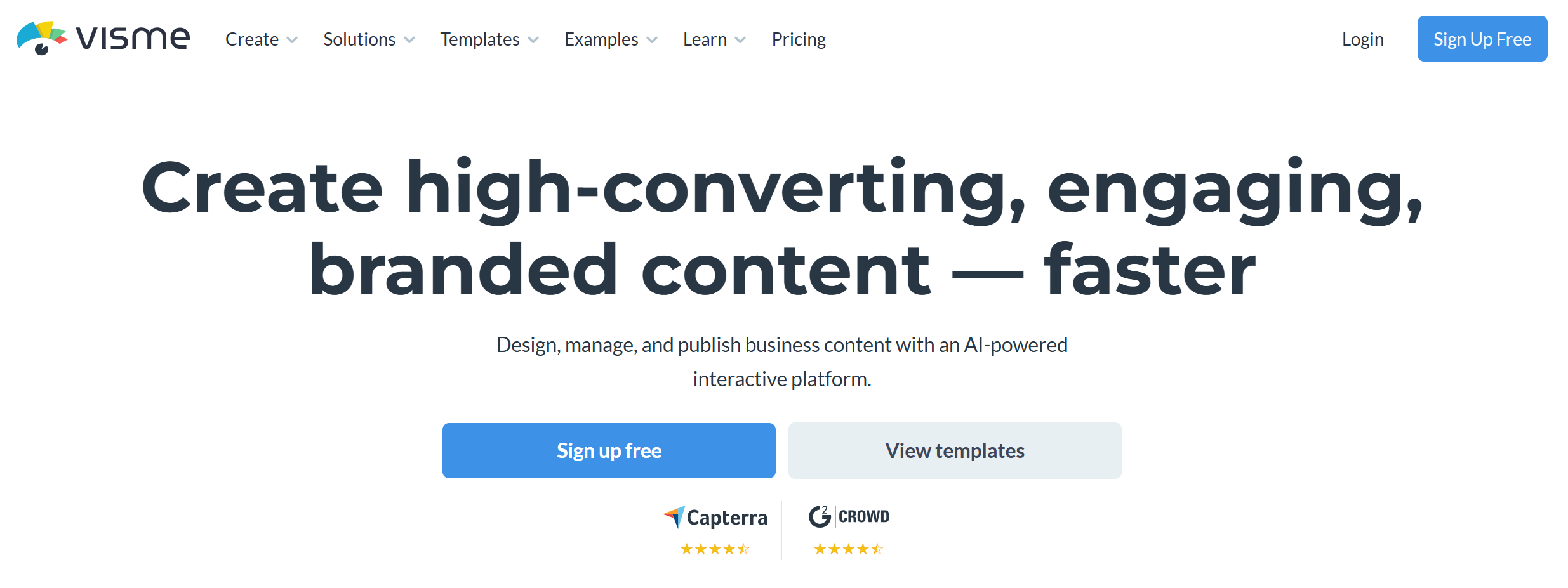
Visme is a strong AutoPPT alternative for users who care about visual polish, branded content, and richer presentation assets. Its official AI presentation maker page says users can generate ready-to-use presentations from a text prompt, with AI helping create text, images, and icons, then refine the deck inside Visme’s editor. The platform also supports multiple export and sharing formats, including live links, HTML5, PDF, JPEG, and printable PDF.
Beyond presentations, Visme is built as a broader visual content platform with support for infographics, charts, reports, videos, and branded design assets. That makes it a better fit than AutoPPT for marketing teams, data-heavy decks, and users who want more visual control after the first draft is generated.
Best for: visual presentations, branded content, data storytelling
Pros
-
Strong visual output and design flexibility
-
AI can generate text, images, and icons
-
Supports several export and sharing formats
-
Better for branded and data-heavy decks
Cons
-
Heavier workflow than simple AI PPT tools
-
Less focused on raw speed than AutoPPT
10. GenPPT — Best for Topic-to-Deck and Notes-to-Slides Workflows
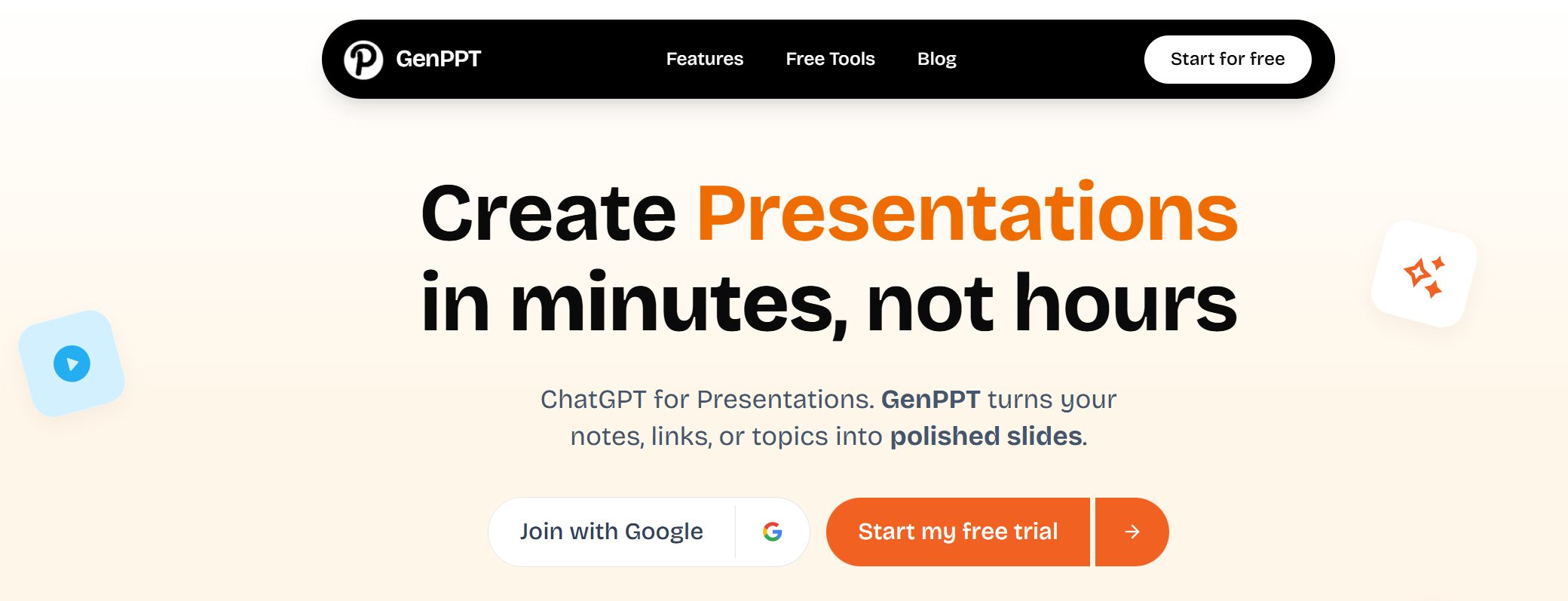
GenPPT is a useful AutoPPT alternative for users who want a standalone AI presentation maker focused on turning rough content into clean slide drafts fast. Its official site says it can turn notes, links, or topics into polished PowerPoint decks in seconds, and it positions itself as an AI-powered presentation assistant for professionals, students, and teams.
GenPPT also highlights a text-to-PPT workflow that turns raw notes into a ready-to-use presentation outline quickly, which makes it a practical option for users who often start from scattered ideas instead of a finished document.
Compared with AutoPPT, GenPPT feels more focused on structured first drafts from raw content, while AutoPPT leans more into broader file conversion and enhancement workflows.
Best for: topic-to-deck generation, notes-to-slides, fast first drafts
Pros
-
Good for turning rough notes into slide structure
-
Built for quick PowerPoint draft creation
-
Works well for students and professionals
-
Strong AI-first presentation workflow
Cons
-
Less collaborative than team-first presentation tools
-
Final quality still depends on input clarity
Conclusion
AutoPPT is a useful AI PPT maker, especially for fast topic-to-deck and document-to-deck generation. But if you want clearer business structure, better polish, or a more complete AI presentation workflow, there are better options. For most users, Dokie AI is the best AutoPPT alternative because it produces more usable slides for real presentation work.
FAQs
What is the best AutoPPT alternative?
Dokie AI is the best overall AutoPPT alternative for users who want stronger structure and better business-ready output.
Which AutoPPT alternative is best for modern AI-first creation?
Gamma is one of the best choices if you want a faster, more modern AI-first workflow with export options.
Which alternative is best for polished design?
Beautiful.ai is one of the strongest design-focused alternatives because of its Smart Slides system and export support.
Which alternative is best for teams?
Pitch is a strong option for teams because it combines AI generation with collaboration and brand support.
Which alternative is best for turning many content types into slides?
MagicSlides is a strong choice when you need to build presentations from PDFs, text, URLs, videos, and other content sources.