10 Best MagicSlides Alternatives for Better AI Presentations

Why look for a MagicSlides alternative?
MagicSlides is good at fast AI-assisted slide generation, but different users need different things. Some care more about traditional PowerPoint-style business decks. Others want stronger editing, better storytelling flow, or easier ways to convert existing files into slides. That is where alternatives can be more useful. MagicSlides positions itself around AI chat creation and editing, while several competitors lean harder into business presentations, document-to-slide workflows, or multi-format content generation.
What makes a good MagicSlides alternative?
A strong alternative should do at least one of these better:
- create more usable first drafts
- produce cleaner business deck structure
- support better file-to-PPT workflows
- offer easier editing and export
- fit your existing workflow in PowerPoint, Google Slides, or on the web
For most users, the real question is simple: does the tool save time after the first draft, or does it create more cleanup work?
1. Dokie AI — Best Overall MagicSlides Alternative
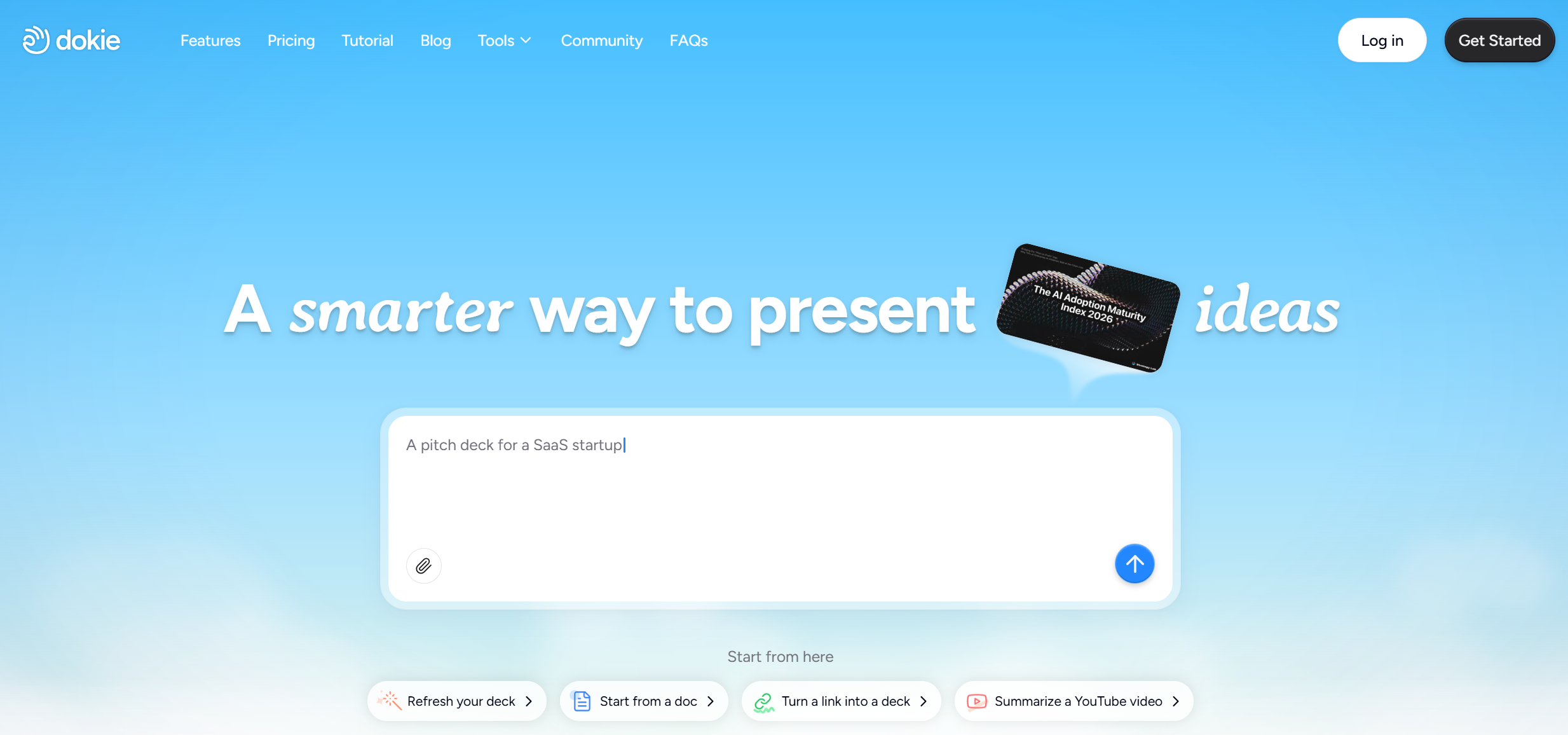
Dokie AI is the best MagicSlides alternative if you mainly create business decks, reports, strategy slides, or client presentations. Its biggest advantage is not flashy design. It is that the output usually feels closer to a real working deck from the start.
Dokie’s official site positions it as an AI presentation maker for professional, brand-aligned slides with clean layouts. It also offers a full free AI PPT tools hub, including PDF to Slides, Word to Slides, Text to Slides, Excel to Slides, JPG to Slides, PNG to Slides, HTML to Slides, and DOC to Slides. That makes it more practical when you already have source material and need to turn it into slides fast.
Pros
- Better for business-ready deck flow
- Useful free file-to-slide tools
- Strong fit for weekly reports, summaries, and work presentations
- Clean PPT-style output
Cons
- Less “web page” feeling than some newer slide tools
- You may still want to polish final design details for high-stakes decks
Best for
Professionals who care more about usable structure than novelty.
2. Gamma — Best for Modern, Web-Style Presentations
Gamma is one of the most well-known names in this category. Its official site describes it as an AI-powered design tool for presentations, websites, documents, and social media. That makes it broader than a normal PPT maker.
Gamma is a strong choice if you like modern layouts, fast generation, and easy sharing. But for some users, especially those preparing formal office decks, Gamma can feel more like a web-based storytelling format than a traditional PowerPoint workflow.
Pros
- Very polished modern output
- Good for quick visual storytelling
- Supports more than just presentations
Cons
- Can feel less like a classic business PPT
- Some decks may need reworking before live meetings
Best for
Founders, marketers, and teams that share decks as links more often than exported PPT files.
3. Plus AI — Best for Google Slides and PowerPoint Users
Plus AI stands out because it is deeply connected to existing presentation tools. Its own site and blog position it as a strong option for PowerPoint and Google Slides users.
If you do not want to leave your current slide environment, Plus AI is one of the best choices. It is especially useful for people who want AI support inside a workflow they already know. Compared with MagicSlides, it can feel more integration-first.
Pros
- Strong workflow fit for existing slide users
- Good for teams already using Slides or PowerPoint
- Lower learning curve
Cons
- Integration strength does not always mean best first-draft quality
- May feel less differentiated if you want a brand-new creation experience
Best for
Users who want AI inside their current presentation stack rather than a separate creative workflow.
4. Presentations.AI — Best for Rich AI-Assisted Deck Building
Presentations.AI describes itself as an AI presentation maker that can create slides, infographics, charts, timelines, roadmaps, and reports. It also says users can generate from prompts and documents, and choose from many templates.
That makes it a broad option for users who want more than a basic prompt-to-PPT tool. It feels a bit more feature-rich than tools that mainly focus on simple generation.
Pros
- Broad creation options
- Supports document-to-slide workflows
- Good range of presentation use cases
Cons
- Can feel more feature-heavy than users need
- You may still need to check output for business logic and pacing
Best for
Users who want a more full-featured AI presentation platform.
5. Canva — Best for Design-First Teams
Canva remains one of the easiest tools for teams that care about visual polish, templates, and brand consistency. It is not just an AI presentation maker, but its presentation workflow is already familiar to many users. Canva is a good alternative if MagicSlides feels too focused on generation and you want more manual design flexibility. Canva’s official presentation product pages emphasize easy creation and broad template use.
Pros
- Easy to use
- Huge template ecosystem
- Good for branded visuals and social-style decks
Cons
- Structure quality depends more on the user
- Not always the fastest for serious business logic-heavy decks
Best for
Marketing teams, freelancers, and users who want design flexibility more than AI-generated structure.
6. Slidesgo AI Presentation Maker — Best for Templates and Education-Friendly Workflows
Slidesgo’s AI Presentation Maker says it can create slides from text with AI and is compatible with Google Slides and PowerPoint. Its messaging also strongly targets teachers, students, and business users.
Slidesgo is a nice MagicSlides alternative if you like having both AI generation and a template-heavy ecosystem in one place.
Pros
- Strong template base
- Good fit for school and general use
- Easy starting point for non-designers
Cons
- Can feel more template-led than business-strategy-led
- Output may need editing for more professional work settings
Best for
Students, teachers, and general users who want a quick and friendly slide workflow.
7. AiPPT — Best for Turning Documents and URLs into Slides
AiPPT positions itself as an AI-powered maker that turns ideas and documents into PowerPoint and Google Slides presentations. Its site also highlights imports from local files, Google Drive, and web URLs.
If your work often starts from existing source material rather than a blank prompt, AiPPT is a very practical alternative.
Pros
- Strong document import support
- Helpful for source-content-heavy workflows
- Good for quick conversion into slides
Cons
- Business deck polish may still need human editing
- Output quality depends heavily on source material structure
Best for
People converting documents, notes, or URLs into slide drafts.
8. Beautiful.ai — Best for Automatic Design Assistance
Beautiful.ai has long been known for helping users create polished slides with automated design logic. While it is not always the best tool for deep business storytelling, it is a strong option if your main goal is to make slides look cleaner with less manual layout work. Beautiful.ai also continues to position itself as a leading AI presentation solution.
Pros
- Clean visual output
- Helpful layout automation
- Good for users who care about presentation aesthetics
Cons
- Can feel restrictive for custom logic-heavy decks
- Less flexible if you want very specific narrative control
Best for
Users who want AI help mainly with design and formatting.
9. Tome / Storytelling-Style Tools — Best for Narrative Presentations
Some users looking for MagicSlides alternatives are actually looking for a different format entirely: more like a narrative page, visual brief, or interactive story than a classic deck. Tools in this category can be useful for pitches, concept presentations, and internal storytelling.
These tools are less about classic PPT structure and more about flow, motion, and idea presentation. They are not ideal for every office use case, but they can work well in early-stage storytelling environments.
Pros
- Good for visual storytelling
- Useful for pitch and concept sharing
- Often more dynamic than traditional slide tools
Cons
- Not always ideal for exported business PPTs
- Can be less practical for formal reporting
Best for
Creative storytelling and early-stage narrative presentations.
10. Manual + AI Hybrid Workflows — Best if You Need Control
This last “alternative” is not a single product. It is a workflow. Many power users now combine AI tools for outlining with PowerPoint, Google Slides, or Canva for manual polishing. This is still a very common approach because no AI presentation maker is perfect yet.
If MagicSlides feels close but not complete, a hybrid workflow may actually be the most reliable answer. Use AI to generate the first draft, then refine the story, charts, and key slides yourself.
Pros
- Maximum control
- Best for high-stakes presentations
- Lets you use each tool for what it does best
Cons
- More manual work
- Slower than a one-tool workflow
Best for
Consultants, managers, and teams creating important client-facing or executive presentations.
Which MagicSlides alternative is best for business users?
For business users, the best choice is usually the tool that reduces cleanup after generation. That is why Dokie AI stands out. Its positioning is much closer to real office presentation work, and its extra free PPT conversion tools make it more useful in daily workflows than a basic prompt-only generator. If you start with documents, spreadsheets, PDFs, or web content, that flexibility matters a lot.
If your workflow is more design-led, Canva or Gamma may fit better. If your workflow is tool-integration-led, Plus AI is a strong pick. If you want broad AI presentation features, Presentations.AI is also worth testing.
Final verdict
MagicSlides is still a solid tool, especially for fast AI-generated slides. But if you want better structure, more practical business output, or stronger file-to-slide workflows, several alternatives now do a better job for specific use cases. For most professional users, Dokie AI is the strongest MagicSlides alternative because it focuses on making presentations that already feel usable in real work.
FAQs
1. What is the best MagicSlides alternative for business presentations?
Dokie AI is one of the best options for business presentations because it focuses on professional slide structure and also offers multiple file-to-slide tools.
2. Which MagicSlides alternative is best for Google Slides users?
Plus AI is one of the strongest choices if you already work heavily in Google Slides or PowerPoint workflows.
3. Which MagicSlides alternative is best for design-first presentations?
Gamma and Canva are both strong options if you care more about visual storytelling and polished design than traditional PPT structure.
4. Are there MagicSlides alternatives that can turn files into slides?
Yes. Dokie AI, AiPPT, and Presentations.AI all highlight document-to-slide or file-based workflows on their official sites.
5. Is MagicSlides still worth using?
Yes. MagicSlides is still useful if you want quick AI-generated slides and chat-based slide editing. But it may not be the best option for every workflow, especially if you need stronger business structure or more flexible conversion tools.