10 Best Beautiful AI Alternatives for Professional AI PPT Making (Free & Paid)

Why people look for a Beautiful.ai alternative
Beautiful.ai is known for Smart Slides that auto-align and adjust layout as you edit, so your deck stays polished with less formatting work. It also offers a free trial, which makes it easy to test.
Still, some teams want different things, like:
-
More “business deck” structure (reports, QBRs, client decks)
-
A workflow inside Google Slides or PowerPoint
-
Faster prompt-to-PPT drafting
-
More control over templates and branding
-
Better ways to reuse docs, links, and files
If that’s you, these Beautiful.ai alternatives are worth trying.
1) Dokie AI
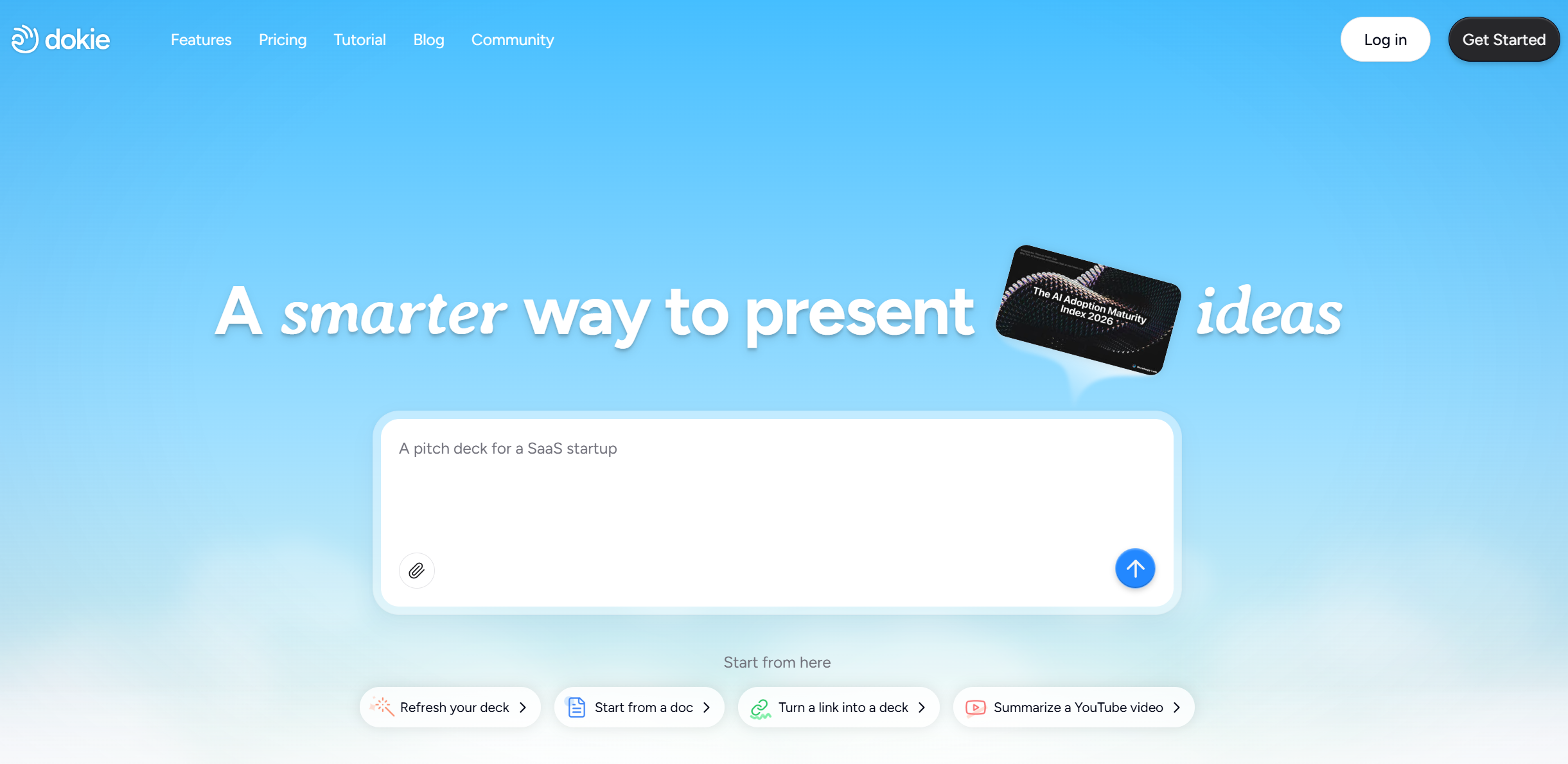
Dokie AI is a strong Beautiful.ai alternative if your goal is a professional PPT-style deck that feels ready for real meetings. Beautiful.ai is great at layout polish, but some teams still spend time fixing slide order and tightening the storyline. Dokie AI focuses more on structure first: clear section flow, practical slide titles, and PPT-friendly output. That’s especially useful for marketing reports, team updates, client decks, and internal reviews where clarity matters more than fancy motion.
Dokie AI is also easy to use as a “draft engine”: you give it your topic or notes, get a clean first version, then you add your real metrics, screenshots, and examples. If you want less rearranging and faster final edits, Dokie AI is a smart pick.
Pros
-
Business-ready structure and slide flow
-
PPT-friendly drafts that are easy to edit
-
Great for reports, updates, and client decks
Cons
-
You still need to verify facts and numbers
-
Brand-perfect styling may need a final polish pass
2) Gamma
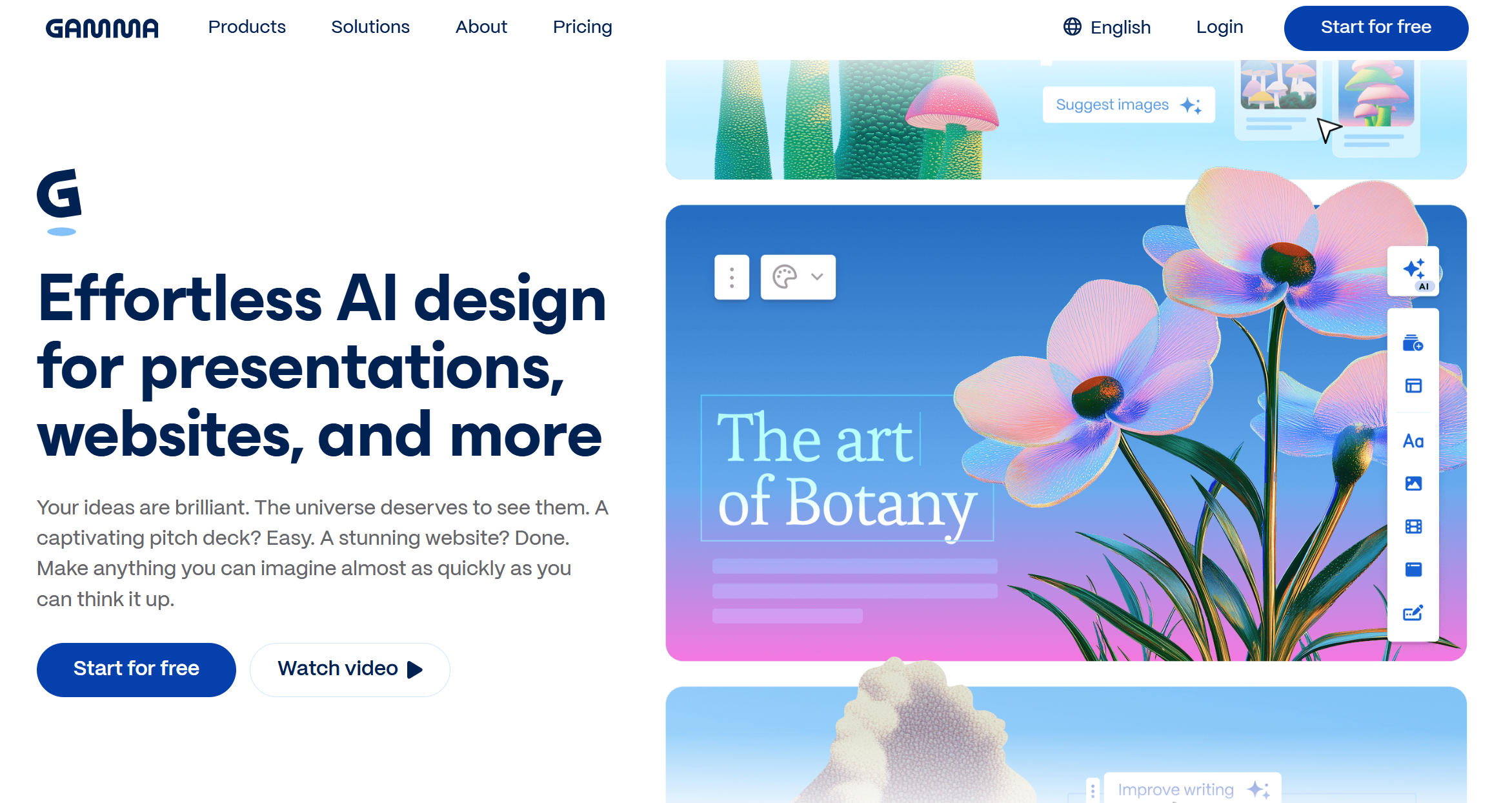
Gamma is a popular alternative to Beautiful.ai if you like modern, web-style storytelling and fast sharing. It can generate presentations quickly and supports exports like PowerPoint and Google Slides, which helps teams move between formats. Gamma is great for internal strategy docs, product storytelling, and decks that you want to share as a link.
It also tends to produce strong visual hierarchy out of the box, which is helpful when you want something that looks polished without detailed design work. If Beautiful.ai feels a bit too “template + auto-layout” and you want a more flexible, web-first output, Gamma is a strong choice.
Pros
-
Clean, modern look with fast drafting
-
Easy sharing for teams and clients
-
Good export options for common workflows
Cons
-
Not always ideal for strict PPT template rules
-
Some decks still need structure tightening
3) Plus AI

Plus AI is a strong Beautiful.ai alternative if your team already lives inside Google Slides (or PowerPoint) and doesn’t want a new platform. Plus AI is a native add-on that helps you create and edit presentations directly in Google Slides, and it also supports PowerPoint workflows. This is great for companies with shared templates, comments, and fast review cycles.
Instead of exporting and importing between tools, you generate slides where your team already works. If your main need is “AI help inside our normal process,” Plus AI is one of the most practical choices.
Pros
-
Works inside Google Slides and PowerPoint
-
Great for team templates and collaboration
-
Less tool switching and file moving
Cons
-
Generic prompts can lead to generic slides
-
Design polish may still need a human pass
4) Alai

Alai is a good alternative to Beautiful.ai if you care about editing control during revisions. Many AI PPT makers are fine at draft #1, but the real pain starts at draft #6 after feedback. Alai is built to make slide-by-slide refinement smoother, so you can keep the deck clean while editing.
It’s a strong fit for consulting-style decks, leadership updates, and client proposals where you do many revisions. If you want an AI presentation maker that helps you iterate quickly without breaking layout, Alai is worth testing.
Pros
-
Strong for revision-heavy workflows
-
Helps refine slides without layout chaos
-
Good fit for professional feedback cycles
Cons
-
Best results need clear input and structure
-
Final brand details may still need manual tweaks
5) Presentations.ai

Presentations.ai is a strong Beautiful.ai alternative when you want business visuals beyond basic bullet slides. It positions itself as a tool to create PPTs plus visuals like timelines, project plans, roadmaps, and more. That makes it helpful for planning decks, strategy updates, and product presentations where visuals carry the message.
If Beautiful.ai’s main value is auto-layout polish, Presentations.ai’s value is often “quick deck + useful visual blocks.” It works best when you give a clear prompt (audience, goal, slide count), then edit the final wording.
Pros
-
Strong for structured visuals (plans, timelines, roadmaps)
-
Good for business decks and planning slides
-
Fast “idea to deck” workflow
Cons
-
You may still rewrite content for your exact story
-
Brand styling may need a final pass
6) MagicSlides
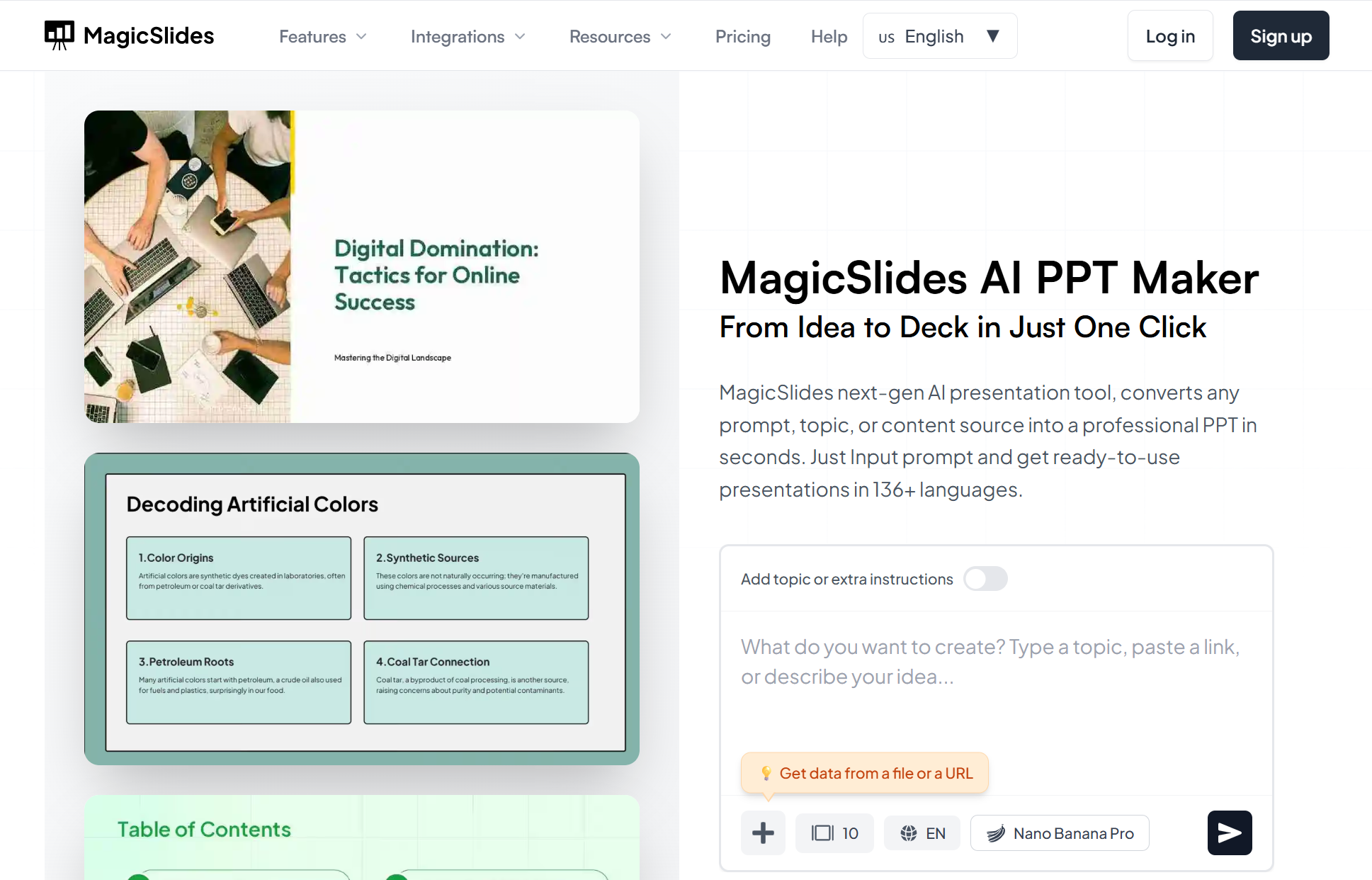
MagicSlides is a great alternative if you want AI inside Google Slides and you often start from existing content. It’s a Google Slides add-on that can generate slides from text, PDFs, URLs, and even YouTube links.
This makes it useful for training decks, internal docs turned into slides, and fast recaps. If Beautiful.ai feels better for “design system decks,” MagicSlides can feel better for “content conversion decks” in a Google-first team.
Pros
-
Google Slides add-on workflow
-
Good for turning content into slides (PDF/URL/video)
-
Easy adoption for Google-based teams
Cons
-
Output depends on source quality
-
High-stakes decks still need polishing
7) Canva
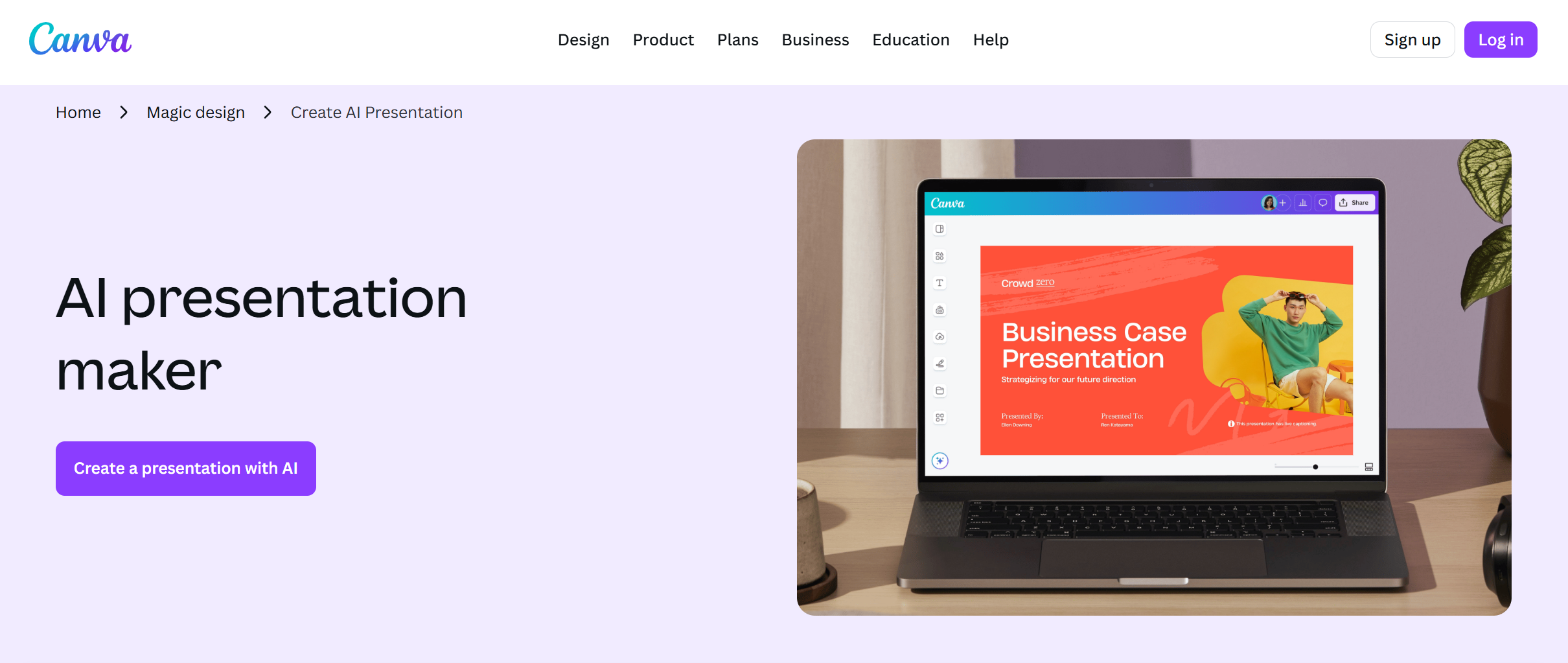
Canva is a strong Beautiful.ai alternative if you want easy design, lots of templates, and simple brand controls. Canva’s Magic Design for Presentations helps generate slides quickly, then you can apply your brand style and edit in a familiar editor.
Canva is especially good for marketing teams making visual decks, social-style slides, and brand-heavy presentations. If your biggest need is design flexibility (not only auto-layout rules), Canva is a solid option.
Pros
-
Huge template library and easy editing
-
Strong brand controls and visuals
-
AI draft support with Magic Design
Cons
-
You may spend more time shaping structure
-
Some PPT workflows need extra export checks
8) Microsoft PowerPoint + Copilot
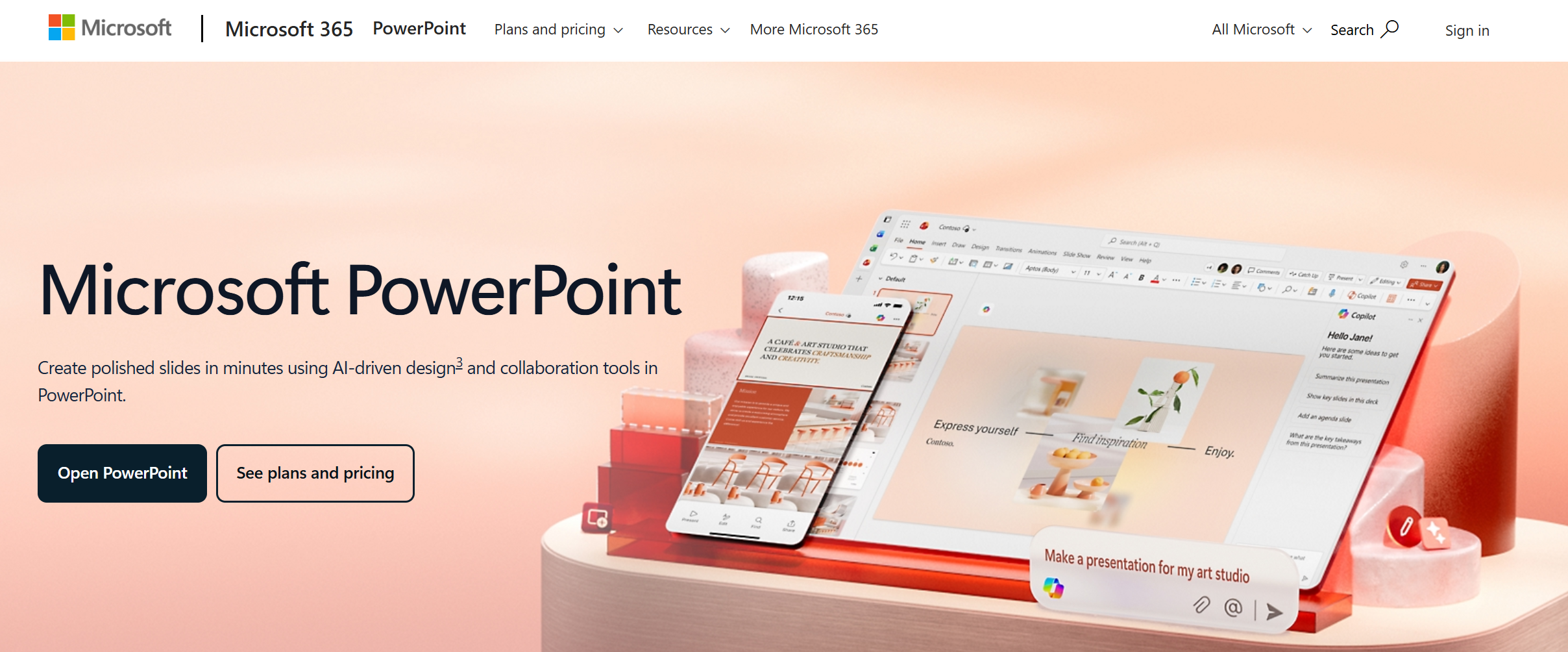
If you already use PowerPoint daily, Copilot can be the most practical Beautiful.ai alternative because it keeps everything in the tool your company already uses. Microsoft’s docs show you can create a new presentation with Copilot in PowerPoint and refine slides through prompts.
For corporate templates and strict PPT requirements, this can be a big win. The trade-off is that results depend on your prompt and your template setup, and you still need a human pass for final story and visuals.
Pros
-
Native PowerPoint workflow (best for PPTX teams)
-
Can draft and rewrite slides with prompts
-
Works well with company templates
Cons
-
Quality depends on prompt and template setup
-
Still needs editing for sharp storytelling
9) Pitch

Pitch is a modern presentation platform built for teams that want clean design, collaboration, and fast pitching workflows. Pitch also offers an AI presentation maker that helps generate a deck quickly, then customize it with colors, fonts, and brand assets. It’s a good alternative if you want a sleek, team-friendly platform and you don’t need every PowerPoint feature.
Pitch works well for startup decks, team updates, and sales decks where speed and collaboration matter.
Pros
-
Strong team collaboration and modern design
-
AI generator + easy customization
-
Good for pitch and sales workflows
Cons
-
Some teams still prefer classic PowerPoint for final delivery
-
Export and template needs vary by use case
10) SlidesGPT
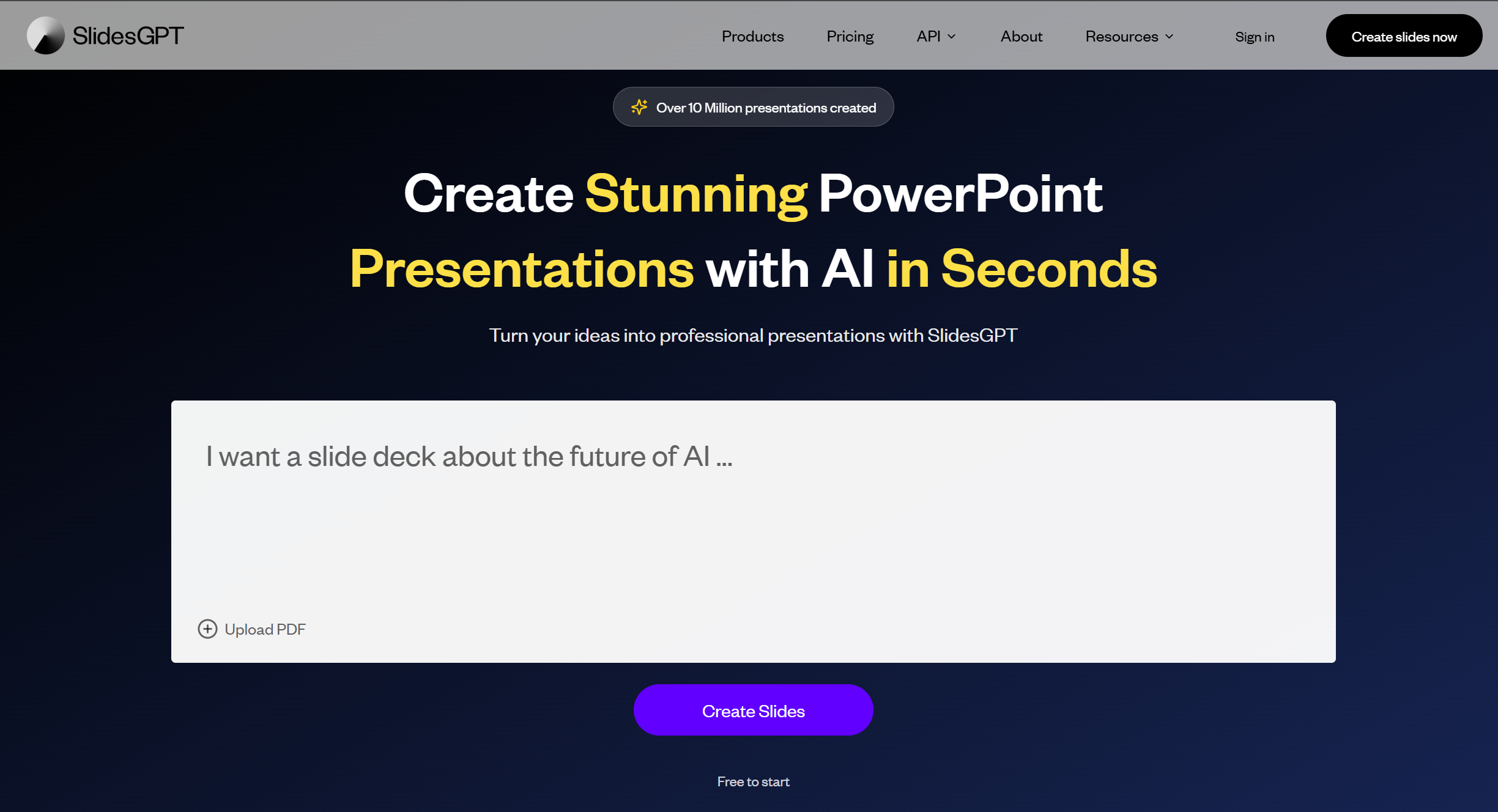
SlidesGPT is a simple AI slides generator that focuses on fast prompt-to-deck output. It’s a good alternative if you want speed and a straightforward workflow: prompt → draft deck → export → polish. It’s especially useful for first drafts, internal decks, and early versions of client slides.
If Beautiful.ai is your “auto-layout design system” tool, SlidesGPT can be your “quick draft engine” when you just need a structure fast.
Pros
-
Very fast first drafts
-
Simple workflow for repeat decks
-
Good for quick outline-to-slides generation
Cons
-
Can feel generic without a strong brief
-
Often needs design polish for client decks
How to choose the best Beautiful.ai alternative
If you want a fast shortcut:
-
Most “business-ready” decks: Dokie AI
-
Most modern web-style output: Gamma
-
Best inside Google Slides/PowerPoint: Plus AI or PowerPoint + Copilot
-
Best for heavy revisions: Alai
-
Best for visual marketing design: Canva
Conclusion
Beautiful.ai is great for auto-layout polish, but the best alternative depends on your workflow. If you want PPT-friendly structure with less cleanup, start with Dokie AI. If you need a Google Slides or PowerPoint-native workflow, try Plus AI or Copilot.
FAQs
1) What is Beautiful.ai best known for?
Beautiful.ai is best known for Smart Slides that auto-align and adjust layout as you edit.
2) What is the best Beautiful.ai alternative for business decks?
Dokie AI is a strong pick if you want business-ready structure and PPT-friendly slide flow.
3) What’s the best alternative if my company uses Google Slides?
Plus AI and MagicSlides work directly in Google Slides, which fits team workflows.
4) Can Gamma export to PowerPoint?
Gamma supports exporting presentations to PowerPoint and other formats.
5) Is Canva an AI presentation maker?
Yes. Canva offers Magic Design for Presentations to generate slide drafts quickly.
6) Does PowerPoint have an AI slide generator?
Copilot in PowerPoint can create presentations from prompts and help rewrite or add slides.
7) Why do AI-generated decks sometimes look generic?
Most of the time the prompt is too broad. Add audience, goal, slide count, and required sections to get sharper results.
8) Do I still need to edit AI-generated slides?
Yes. AI is best for a first draft. You still trim filler, add real proof, and polish visuals.
9) Which tool is best for teams that revise decks a lot?
Alai is a good fit for revision-heavy workflows because it focuses on easier slide-by-slide refinement.
10) How do I test an alternative quickly?
Use one real deck as a test: generate a draft, export to PPTX/Slides, then check layout, fonts, and how fast you can revise after feedback.