IT Administrators: Roles, Responsibilities, Skills, and Career Guide
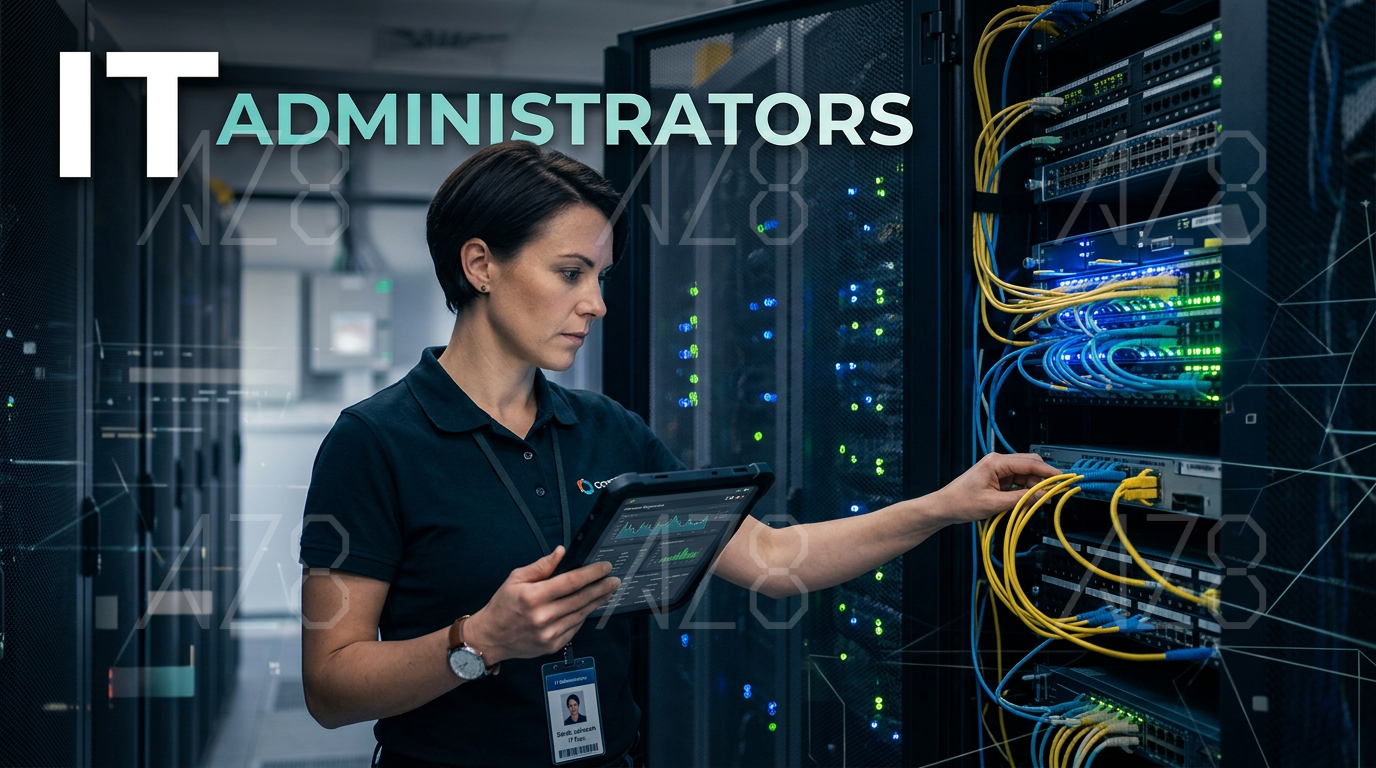
Every modern organization depends on technology. Employees use computers, cloud tools, email, networks, databases, file systems, and internal platforms every day. When these systems work well, people can do their jobs faster. When they fail, the whole business can slow down.
That is where IT administrators come in.
IT administrators help manage, maintain, and protect the technology environment of a company. They support employees, troubleshoot issues, configure systems, manage access, monitor security, and make sure digital tools are reliable.
In this guide, we will explain what IT administrators do, what skills they need, and why their role is important in modern workplaces.
What Is an IT Administrator?
An IT administrator is a professional responsible for managing and maintaining an organization’s technology systems.
Depending on the company, an IT administrator may work with computers, networks, servers, cloud platforms, software tools, user accounts, security systems, and technical support requests.
In a small company, one IT administrator may handle many different tasks. In a larger company, IT administrators may specialize in areas such as systems administration, network administration, cloud administration, cybersecurity, or help desk support.
The main goal of an IT administrator is to keep technology working safely, reliably, and efficiently.
What Does an IT Administrator Do?
IT administrators handle a wide range of technical and operational tasks. Their exact responsibilities depend on the company size, industry, and technology setup.
Common responsibilities include:
Managing user accounts and permissions
Setting up computers and devices
Installing and updating software
Troubleshooting technical problems
Managing networks and internet access
Maintaining servers and cloud systems
Monitoring system performance
Supporting cybersecurity practices
Backing up data
Managing email and collaboration tools
Helping employees use technology
Documenting IT processes
Responding to system outages
Supporting compliance and access control
In simple terms, IT administrators make sure people, devices, and systems can work together without major problems.
Why IT Administrators Are Important
IT administrators are important because business operations depend on technology.
If employees cannot access email, files, software, or internal systems, productivity drops quickly. If security settings are weak, company data may be at risk. If systems are not maintained, small technical issues can become larger problems.
IT administrators help organizations:
Reduce downtime
Protect company data
Support employee productivity
Improve system reliability
Manage software and hardware
Prevent security risks
Control user access
Keep tools updated
Support remote and hybrid work
Respond quickly to technical problems
A strong IT team helps the whole organization work more smoothly.
Key Responsibilities of IT Administrators
1. User Account Management
One of the most common IT administrator tasks is managing user accounts.
When a new employee joins, the IT administrator may create accounts for email, company software, cloud storage, internal systems, and communication tools. When an employee leaves, the IT administrator must disable access to protect company data.
This includes managing:
Usernames and passwords
Access permissions
Email accounts
Cloud storage access
Software licenses
Role-based permissions
Multi-factor authentication
Good account management is important for both productivity and security.
2. Hardware Setup and Maintenance
IT administrators often help set up and maintain hardware.
This may include:
Laptops
Desktop computers
Monitors
Printers
Routers
Servers
Mobile devices
Conference room equipment
For example, when a new employee starts, the IT administrator may prepare their laptop, install required software, connect the device to company systems, and make sure everything works before the first day.
Hardware support also includes repairs, replacements, inventory tracking, and device lifecycle management.
3. Software Installation and Updates
Companies use many software tools. IT administrators help install, update, configure, and troubleshoot these tools.
Software responsibilities may include:
Operating system updates
Antivirus software
Office tools
Communication platforms
CRM systems
Project management tools
VPN software
Security tools
Internal applications
Keeping software updated is important because updates often fix bugs and security risks.
4. Network Administration
Networks allow employees to connect to the internet, internal systems, printers, shared drives, and cloud tools.
IT administrators may manage:
Wi-Fi networks
Local area networks
Routers and switches
Firewalls
VPN access
IP addresses
Network performance
Network troubleshooting
If the network is slow or unstable, employees may not be able to work efficiently. IT administrators help identify and fix these issues.
5. System Monitoring
IT administrators often monitor systems to make sure they are running correctly.
This can include checking:
Server health
Storage usage
Network traffic
Login activity
Security alerts
Backup status
Application performance
System errors
Monitoring helps IT teams find problems early before they affect many users.
For example, if storage space is almost full on a server, the IT administrator can take action before the system fails.
6. Cybersecurity Support
Cybersecurity is a major part of modern IT administration.
IT administrators help protect company systems from unauthorized access, malware, phishing, data loss, and other risks.
Common security tasks include:
Managing passwords and access
Setting up multi-factor authentication
Installing security patches
Monitoring suspicious activity
Configuring firewalls
Managing endpoint protection
Training employees on security basics
Responding to security incidents
IT administrators may not always be full cybersecurity specialists, but they play an important role in everyday security.
7. Data Backup and Recovery
Data loss can be extremely damaging for a business. IT administrators help create and manage backup systems.
This may include backing up:
Company files
Databases
Email data
Server data
Cloud storage
Application settings
A good backup plan should make it possible to recover important data if there is a system failure, accidental deletion, cyberattack, or hardware problem.
IT administrators may also test backups regularly to make sure recovery actually works.
8. Technical Support
IT administrators often help employees solve technical problems.
Common support requests include:
Password resets
Slow computers
Software errors
Printer issues
Email problems
Login failures
Network connection issues
Device setup
File access problems
Video meeting issues
Good technical support requires patience and clear communication. The IT administrator needs to understand the problem, explain the solution, and help users without making them feel uncomfortable.
9. Documentation
Documentation is an important but sometimes overlooked part of IT administration.
IT administrators may document:
System settings
Network diagrams
Software licenses
Troubleshooting steps
Security procedures
Onboarding processes
Backup processes
Asset inventory
Access rules
Good documentation helps the IT team work more efficiently. It also makes it easier to train new team members and respond to emergencies.
10. IT Policy Support
IT administrators may help create or enforce company technology policies.
These policies can cover:
Password rules
Device usage
Remote work access
Software installation
Data storage
Security training
Acceptable internet use
Access control
Bring your own device rules
Clear IT policies help employees understand how to use company technology safely and responsibly.
Skills IT Administrators Need
1. Technical Knowledge
IT administrators need a strong understanding of computers, networks, operating systems, software, and security basics.
Common technical areas include:
Windows
macOS
Linux
Networking
Cloud platforms
Device management
Security tools
Servers
Databases
Scripting
IT support tools
The exact technical skills depend on the job. A school IT administrator may need different tools than an enterprise cloud administrator.
2. Problem-Solving
IT administrators solve problems every day.
A user may report that something “does not work,” but the real issue could be a password problem, network issue, software bug, permission error, or hardware failure.
Good problem-solving means asking the right questions, testing possible causes, and finding a practical solution.
3. Communication
IT administrators often explain technical issues to non-technical people.
Strong communication helps them:
Understand user problems
Explain solutions clearly
Write helpful documentation
Train employees
Communicate risks to managers
Coordinate with vendors and teams
A good IT administrator does not only fix problems. They help people understand what happened and what to do next.
4. Security Awareness
IT administrators need to think about security in almost every task.
For example, creating a user account is not just an admin task. It is also a security decision. The user should only have access to the systems they actually need.
Security awareness helps IT administrators reduce risk and protect company data.
5. Organization
IT administration involves many moving parts: tickets, devices, accounts, software licenses, updates, backups, and documentation.
Good organization helps IT administrators manage tasks without missing important details.
This is especially important when handling onboarding, offboarding, security updates, and system changes.
6. Patience
IT support can be stressful. Users may be frustrated when technology does not work.
A good IT administrator stays calm, listens carefully, and helps users step by step. Patience is important for both solving problems and building trust.
7. Learning Ability
Technology changes quickly. IT administrators need to keep learning new tools, systems, and security practices.
They may need to learn about cloud platforms, automation, endpoint management, AI tools, cybersecurity threats, or new collaboration platforms.
The best IT administrators are curious and willing to keep improving.
Common Tools Used by IT Administrators
IT administrators may use many different tools depending on the organization.
Common tool categories include:
Operating systems: Windows, macOS, Linux
Directory services: Active Directory, Microsoft Entra ID
Cloud platforms: Microsoft 365, Google Workspace, AWS, Azure, Google Cloud
Device management: Microsoft Intune, Jamf, Mobile Device Management tools
Ticketing systems: Jira Service Management, Zendesk, Freshservice
Remote support tools: TeamViewer, AnyDesk, Remote Desktop
Security tools: antivirus, endpoint detection, firewalls, SIEM tools
Backup tools: cloud backup, server backup, database backup systems
Monitoring tools: network monitoring, server monitoring, uptime monitoring
Collaboration tools: Slack, Microsoft Teams, Zoom, Google Meet
Knowing tools is useful, but understanding the principles behind them is even more important.
Types of IT Administrator Roles
System Administrator
A system administrator manages servers, operating systems, internal systems, and infrastructure.
They may handle system updates, user permissions, backups, performance monitoring, and server troubleshooting.
Network Administrator
A network administrator focuses on networks.
They manage routers, switches, Wi-Fi, firewalls, VPNs, and network performance. Their goal is to keep connections stable and secure.
Cloud Administrator
A cloud administrator manages cloud platforms and services.
They may work with AWS, Azure, Google Cloud, Microsoft 365, or Google Workspace. Cloud administrators help manage cloud storage, users, permissions, applications, and infrastructure.
Database Administrator
A database administrator manages databases.
They focus on database performance, backups, security, access control, and data reliability.
Security Administrator
A security administrator focuses on protecting systems and data.
They may manage security tools, monitor threats, respond to incidents, and help enforce security policies.
Help Desk Administrator
A help desk administrator supports employees directly.
They solve everyday technical problems, manage support tickets, reset passwords, set up devices, and help users access tools.
IT Administrator vs. System Administrator
The terms IT administrator and system administrator are sometimes used together, but they are not always the same.
An IT administrator is a broader role. It can include user support, hardware, software, networks, security, cloud tools, and general IT operations.
A system administrator usually focuses more specifically on servers, operating systems, and backend systems.
In small companies, one person may do both. In larger companies, the responsibilities may be separated.
IT Administrator vs. Network Administrator
An IT administrator may handle many technology tasks across the company.
A network administrator focuses mainly on the network. This includes internet access, internal connectivity, Wi-Fi, VPNs, firewalls, and network performance.
If a company is small, the IT administrator may also be the network administrator. If the company is large, network administration may be a specialized role.
How to Become an IT Administrator
Step 1: Learn Basic IT Skills
Start with the basics:
Computer hardware
Operating systems
Networking basics
Software installation
Troubleshooting
Cybersecurity fundamentals
Cloud tools
User account management
You can learn through online courses, school programs, hands-on practice, or entry-level IT jobs.
Step 2: Get Practical Experience
Practical experience is very important in IT.
You can gain experience through:
Help desk roles
Internships
School IT support
Personal lab projects
Volunteer technical support
Small business IT support
Freelance troubleshooting
Even simple tasks like setting up devices, fixing network issues, or managing accounts can help build real skills.
Step 3: Earn Certifications
Certifications are not always required, but they can help show your knowledge.
Common certifications for IT administrators include:
CompTIA A+
CompTIA Network+
CompTIA Security+
Microsoft certifications
Cisco CCNA
AWS Cloud Practitioner
Google IT Support Certificate
ITIL Foundation
Choose certifications based on the type of IT role you want.
Step 4: Build a Technical Portfolio
An IT portfolio can help show your practical skills.
You can include:
Home lab projects
Network setup examples
Documentation samples
Troubleshooting guides
Cloud configuration projects
Security practice projects
Scripts or automation examples
System migration examples
This is especially useful if you are early in your career.
Step 5: Keep Learning
IT does not stay still. New systems, tools, and security risks appear all the time.
To grow as an IT administrator, keep learning about:
Cloud administration
Cybersecurity
Automation
Scripting
AI tools
Endpoint management
Zero trust security
Remote work systems
Compliance basics
Continuous learning is one of the most important habits in IT.
IT Administrator Career Path
Many IT administrators start in entry-level support roles and move into more specialized or senior positions.
A common path may look like this:
Help Desk Technician
IT Support Specialist
Junior IT Administrator
IT Administrator
System Administrator
Senior System Administrator
IT Manager
Infrastructure Manager
Cloud Administrator
Security Administrator
IT Director
Some IT administrators move into cybersecurity, cloud engineering, DevOps, network engineering, or IT management.
IT Administrator Resume Skills
If you are applying for an IT administrator job, useful resume skills may include:
Technical troubleshooting
User account management
Windows administration
macOS support
Linux basics
Network troubleshooting
Active Directory
Microsoft 365 administration
Google Workspace administration
Device management
Endpoint security
Backup and recovery
Help desk support
Cloud administration
IT documentation
Cybersecurity awareness
Vendor management
Ticketing systems
Try to connect your skills with real experience. Instead of only listing “networking,” say that you “troubleshot network connectivity issues for 100+ employees” if that is true.
IT Administrator Interview Questions
Here are common interview questions for IT administrator roles:
How do you troubleshoot a computer that cannot connect to the internet?
How do you handle a user who forgot their password?
What steps do you take when onboarding a new employee?
How do you manage user permissions?
What is your experience with Microsoft 365 or Google Workspace?
How do you keep systems secure?
What would you do if a server went down?
How do you prioritize multiple support tickets?
What backup methods have you used?
How do you explain technical problems to non-technical users?
Good answers should include clear steps, real examples, and a calm problem-solving approach.
Use Dokie AI to Create IT Training and Process Presentations
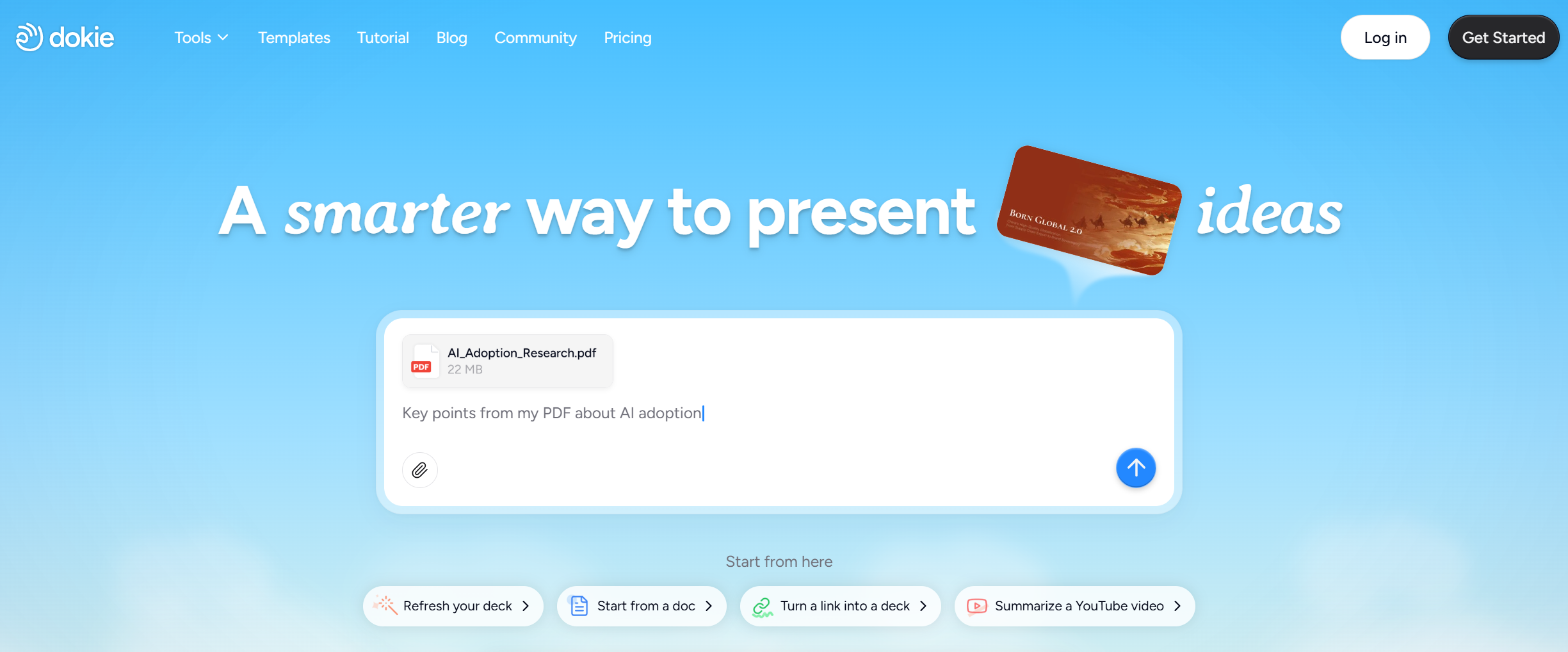
IT administrators often need to explain technical topics clearly. They may create onboarding materials, security awareness training, software guides, incident reports, system update briefings, or internal process documentation.
Dokie AI can help turn technical notes into clear presentations. You can use it to create IT training decks, cybersecurity awareness slides, onboarding guides, software tutorial presentations, and internal process reports.
Instead of starting from a blank slide, Dokie AI helps organize information into a structured and professional format. This makes it easier for IT teams to communicate with employees, managers, and other departments.
Common Challenges for IT Administrators
One common challenge is balancing urgent support requests with long-term system improvements. IT administrators often need to fix immediate problems while also maintaining infrastructure and security.
Another challenge is communicating with non-technical users. A solution may be simple from an IT perspective, but users need clear and patient guidance.
Security is also a major challenge. IT administrators must protect systems while still making tools easy enough for employees to use.
A final challenge is keeping up with technology changes. New platforms, threats, and business needs require constant learning.
Tips for New IT Administrators
Start by building strong troubleshooting habits. Do not guess too quickly. Ask questions, check logs, test possible causes, and document what you learn.
Learn the company’s systems carefully. Every organization has different tools, policies, and workflows.
Document common problems and solutions. This will save time later and help the whole team.
Improve your communication skills. Technical ability is important, but your ability to explain problems clearly is just as valuable.
Stay security-minded. Even simple tasks like password resets and account permissions can affect company security.
Keep learning. IT administrators who continue improving can move into stronger technical and leadership roles.
FAQs About IT Administrators
1. What is an IT administrator?
An IT administrator is a professional who manages and supports an organization’s technology systems, including computers, networks, software, user accounts, servers, and security tools.
2. What does an IT administrator do?
An IT administrator sets up devices, manages user accounts, troubleshoots technical problems, supports networks, maintains software, monitors systems, manages backups, and helps protect company data.
3. What skills does an IT administrator need?
An IT administrator needs technical knowledge, problem-solving skills, communication skills, security awareness, organization, patience, and the ability to keep learning.
4. Is an IT administrator the same as a system administrator?
Not always. IT administrator is often a broader role, while system administrator usually focuses more on servers, operating systems, and backend systems.
5. Do IT administrators need coding skills?
Coding is not always required, but scripting can be useful. Skills in PowerShell, Bash, Python, or automation tools can help IT administrators work more efficiently.
6. What certifications help IT administrators?
Helpful certifications include CompTIA A+, Network+, Security+, Microsoft certifications, Cisco CCNA, AWS Cloud Practitioner, Google IT Support Certificate, and ITIL Foundation.
7. Is IT administration a good career?
Yes. IT administration can be a strong career path because organizations need reliable technology, secure systems, and skilled support. It can also lead to careers in cloud, cybersecurity, networking, systems engineering, or IT management.
Conclusion
IT administrators play a critical role in modern organizations. They keep systems running, support employees, protect data, manage access, and help businesses use technology effectively.
A strong IT administrator combines technical ability with problem-solving, communication, patience, and security awareness. As workplaces become more digital, IT administrators will continue to be essential for stable, secure, and productive business operations.