Slidesgo Review: Is It Good for AI Presentations?
What Is Slidesgo?
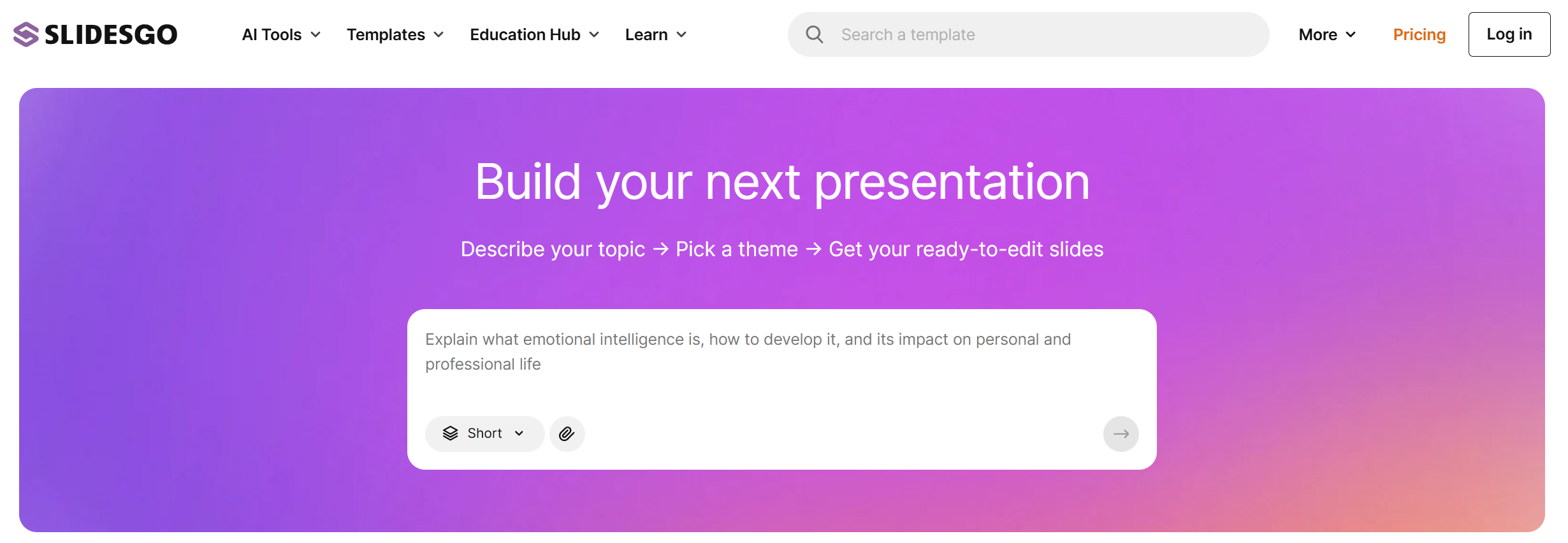
Slidesgo is a presentation template platform that offers free and premium templates for Google Slides and PowerPoint. Users can browse templates by category, topic, style, industry, and use case. Slidesgo also offers an AI Presentation Maker that can generate presentations from a topic or prompt. According to Slidesgo, the tool is built for teachers, students, freelancers, and business owners who want professional slides without design skills.
Slidesgo is best known for its large template library. Its homepage promotes Google Slides themes and PowerPoint templates that users can download, customize online, open in Google Slides, download as PowerPoint files, or even open in Canva.
Slidesgo Main Features
Slidesgo’s core feature is its template library. You can find templates for education, business, marketing, medical topics, science, history, university projects, and many other presentation needs. For example, its education section includes editable Google Slides themes and PowerPoint templates for classroom and lesson use.
Slidesgo also has AI tools for presentations. Its AI Presentation Maker is designed to create slides quickly for different topics and styles. Slidesgo describes it as a way to generate professional slides in seconds.
Another useful feature is export flexibility. Many Slidesgo templates can be downloaded as PowerPoint files, opened in Google Slides, customized online, or opened in Canva. This makes Slidesgo convenient for users who already have a preferred presentation editor.
What Slidesgo Does Well
Slidesgo is very strong in visual templates. If you want a good-looking deck without designing from scratch, Slidesgo can save a lot of time. The templates often include ready-made layouts, illustrations, icons, charts, section slides, and visual structures.
It is also especially useful for education. Teachers and students can find many classroom-ready templates for lessons, school projects, research presentations, and academic topics. The designs are usually more creative than basic PowerPoint themes.
Slidesgo is also easy to understand. You browse a template, choose one you like, and then edit it in your preferred tool. This makes it simple for beginners who do not want to learn a complex AI presentation platform.
Where Slidesgo Falls Short
Slidesgo is not always the best choice for users who need a complete business presentation workflow. The platform is strong at templates, but a template is not the same as a finished business deck.
For office use, a good presentation needs more than a nice design. It needs a clear structure, strong logic, practical slide titles, useful sections, and content that fits a real meeting. Slidesgo can help with the visual side, but users may still need to spend time rewriting content and reorganizing the deck.
Its AI Presentation Maker is useful for quick drafts, but it may not always create slides that are ready for serious business use. If you are preparing a weekly report, monthly report, pitch deck, strategy update, or client presentation, you may still need to adjust the flow and make the deck more professional.
Another limitation is that Slidesgo can feel more like a template resource than a full AI presentation agent. It helps you start faster, but it may not always guide the full process from messy ideas to a polished, ready-to-present PPT.
Who Should Use Slidesgo?
Slidesgo is a good fit for teachers, students, educators, content creators, and users who mainly need attractive presentation templates. It is also useful for people who already know their content and only need a better visual design.
If you are making a school presentation, classroom lesson, event deck, simple marketing slide, or visual topic presentation, Slidesgo is a strong option.
However, if your goal is to quickly create a business-ready deck with strong structure, Slidesgo may not be enough by itself. You may need another AI presentation tool that focuses more on content logic and office delivery.
Slidesgo Pros and Cons
Pros
Slidesgo has a large template library for Google Slides and PowerPoint. It is easy to use and offers many free and premium designs. It is especially strong for education, classroom content, and creative presentations.
The platform also supports different editing workflows. Many templates can be used in Google Slides, PowerPoint, Canva, or Slidesgo’s own online editor.
Cons
Slidesgo is more template-focused than business-workflow-focused. Its templates look good, but users may still need to write, edit, and restructure the content themselves.
The AI Presentation Maker is helpful for quick slide drafts, but it may not always be enough for business users who need polished, meeting-ready PowerPoint decks.
Is Slidesgo Worth It?
Yes, Slidesgo is worth using if you need beautiful presentation templates. It is one of the best resources for Google Slides and PowerPoint themes, especially for education and creative presentation needs.
But if you need an AI tool that creates a more complete business deck, Slidesgo may feel limited. It is great for design inspiration, but not always the fastest path to a finished office presentation.
Best Slidesgo Alternative: Dokie AI
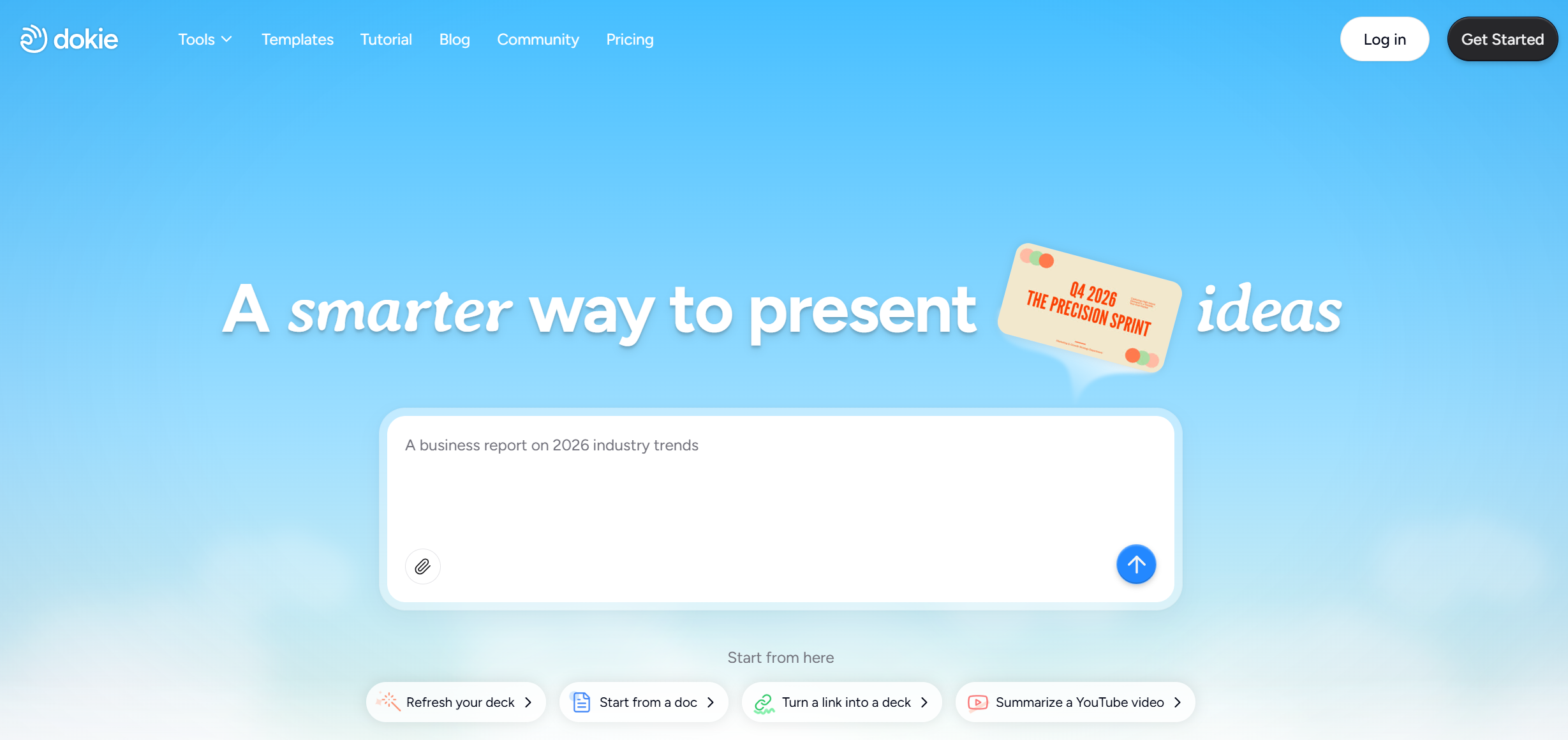
If you want a more business-ready Slidesgo alternative, Dokie AI is a strong choice. Dokie AI is built for users who need practical presentations for real work, such as weekly reports, monthly reports, client decks, pitch decks, business reviews, and team updates. Instead of only helping you choose a template, Dokie AI helps create a clearer presentation structure and a more traditional PPT-style output. It also offers many free PPT tools, including PDF to PPT, Word to PPT, Text to PPT, Excel to PPT, JPG to PPT, PNG to PPT, HTML to PPT, and Doc to PPT. For users who want clean slides, useful structure, and faster office delivery, Dokie AI is one of the best Slidesgo alternatives.
Conclusion
Slidesgo is a great template platform for users who want beautiful Google Slides and PowerPoint designs. It is especially useful for education, classroom content, and creative presentations. But for business users who need structured, ready-to-present decks, Dokie AI may be the better option.