Pitch Review: Is It the Right AI Presentation Tool for Teams?

Pitch has become one of the better-known names in presentation software, especially among startups, sales teams, and modern business teams. It does not position itself as just a basic slide editor. On its homepage, Pitch describes itself as an AI presentation platform that helps professionals collaborate on, create, and deliver slide decks while staying on brand. It also says it is used by more than 3 million teams worldwide.
That positioning matters. A lot of AI presentation tools focus only on one thing: generating a quick first draft from a prompt. Pitch goes further. It combines AI slide generation with templates, real-time collaboration, brand management, live sharing, pitch rooms, and engagement analytics. In other words, Pitch is trying to be a full presentation workflow platform, not just an AI shortcut.
If you are deciding whether Pitch is right for you, the real question is not “Can it make slides?” It clearly can. The better question is whether its workflow is a match for how you and your team actually work.
What is Pitch?
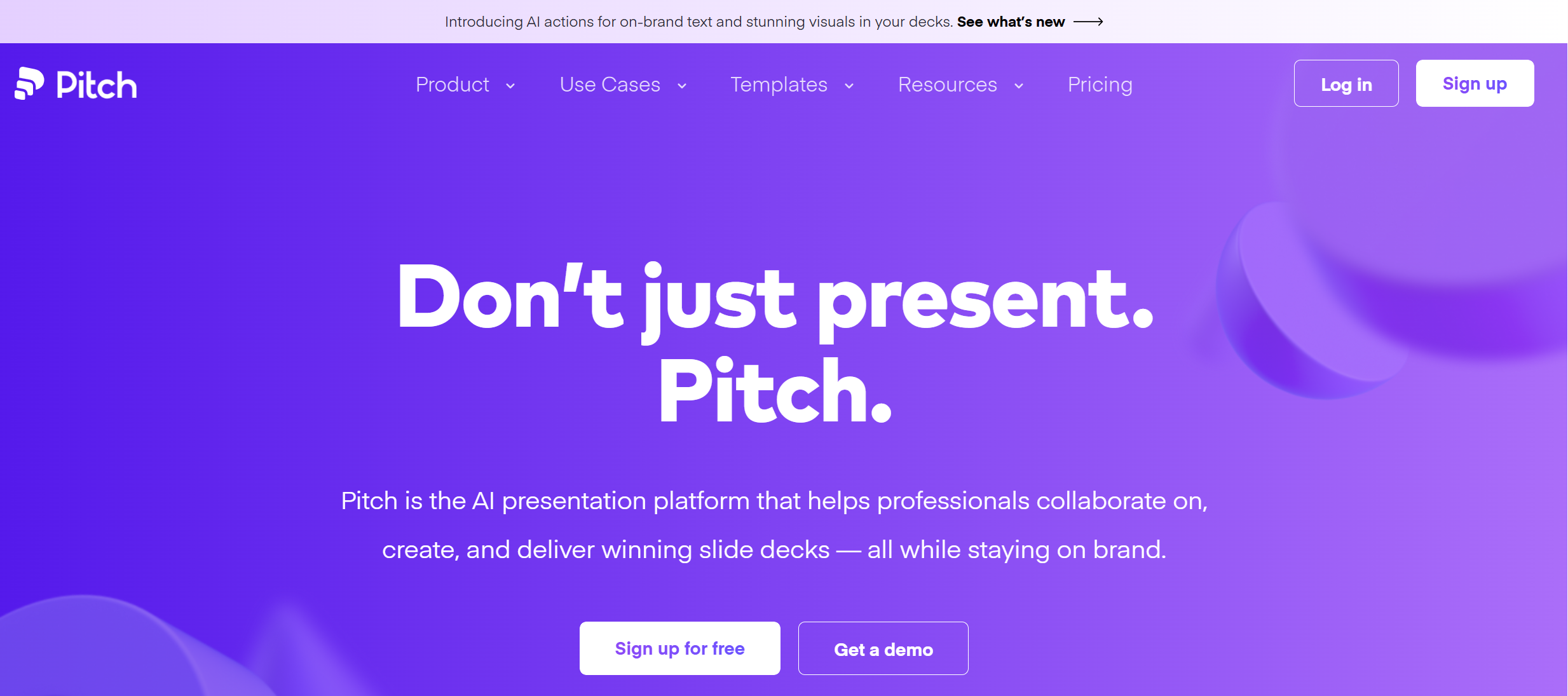
Pitch is presentation software built for teams that need to create, edit, share, and track presentations in one place. The official site puts a lot of focus on four stages: start, edit, share, and measure. You can begin with AI or templates, collaborate on slides in real time, share decks by live link, and then see how viewers engage with those decks.
That setup makes Pitch feel different from older presentation tools. In PowerPoint, the main job is making slides. In Pitch, the job is not only making slides, but also managing how those slides move through a team and out to clients, investors, or other viewers. The platform also supports features like speaker view, comments, assignments, brand libraries, custom fonts, and presentation analytics.
Pitch is especially aimed at business use cases. Its website highlights templates and use cases for pitch decks, sales decks, team meetings, board decks, business proposals, investor updates, product launches, and go-to-market strategy decks. That tells you a lot about the product’s sweet spot. It is not mainly built for school presentations or casual slide work. It is built for professional teams that present often.
Key Features in Pitch
1. AI presentation generation
Pitch includes an AI presentation generator that lets users start with a prompt and get an initial deck draft. Its AI presentation maker page says users can jump-start a deck with AI, then choose fonts and colors and continue editing with their team. Pitch also says its AI tools help with proofreading, rewriting text, adjusting tone, and enhancing images.
This is useful, but it is important to set the right expectation. Pitch’s AI is not presented as a magic button that fully replaces presentation work. Instead, Pitch frames AI as part of a broader creation system that helps teams move faster while keeping slides aligned with brand and design rules. That is a more realistic and, in many cases, more useful approach.
2. Real-time collaboration
One of Pitch’s strongest features is collaboration. The platform supports real-time editing, comments, slide statuses, assignees, and notifications. Users can work on the same deck together without constantly sending files back and forth.
This matters a lot for teams. If your presentations are reviewed by managers, edited by marketers, updated by sales, and polished by design, then collaboration becomes just as important as slide creation. Pitch is clearly built for this kind of workflow.
3. Templates and brand control
Pitch offers more than 100 free templates, and its template pages show a large selection across business, professional, design, sales, and startup use cases. The platform also supports custom fonts, branded templates, and a shared library for team assets.
This is one of the reasons Pitch works well for teams that care about consistency. Instead of rebuilding the same structure again and again, teams can reuse approved templates and keep presentations visually aligned.
4. Sharing and presentation analytics
Pitch is not only about making decks. It is also built around sharing them. The platform supports public links, passcode-protected sharing, pitch rooms, and presentation analytics. According to Pitch’s site, users can see when someone opens a deck and which slides they viewed for how long.
That is a major advantage for sales and fundraising teams. If you are sending investor decks, client decks, or proposal presentations, it helps to know whether people actually opened the file and what they spent time looking at. This makes Pitch more than a presentation tool. It also becomes part of outreach and follow-up.
5. PowerPoint import and export
Pitch supports PowerPoint import and export, which lowers the risk of switching. Its presentation maker page says users can migrate content from PowerPoint, Keynote, or Google Slides as PPTX files and also export Pitch presentations back to PowerPoint.
This is important because many teams are interested in better software, but do not want to get stuck in a closed system. Pitch gives a path in and out, which makes it easier to test without fully changing the whole workflow on day one.
What Pitch Does Well
Pitch is strongest when presentations are part of a team process. If you regularly create decks for meetings, investor updates, proposals, sales conversations, or internal reporting, the product makes sense. It is especially strong in these areas:
First, it is collaborative by design. You do not have to force teamwork into it. Comments, shared editing, assignments, and statuses are already built into the workflow.
Second, it takes brand consistency seriously. With custom fonts, brand assets, and reusable templates, it is easier to keep decks aligned across departments.
Third, it handles the sharing side better than many basic slide tools. Live links, pitch rooms, and analytics make it more useful for external-facing decks than traditional file-based workflows.
Fourth, the AI features are integrated into a mature platform rather than sitting on top of a weak editor. Pitch’s own AI page makes this a big part of its message: the company argues that AI should be built together with a robust presentation maker, not replace the presentation system itself.
Where Pitch Falls Short
Pitch is good, but it is not perfect.
One limitation is that it can feel more useful for teams than for solo users. If you are working alone and mainly want the fastest possible topic-to-deck generator, some lighter AI presentation makers may feel quicker. Pitch’s strength is workflow depth, but that depth can feel like extra weight if you do not need collaboration, analytics, or brand systems.
Another limitation is that Pitch is not trying to be a pure “traditional PowerPoint replacement” in the same way some office-heavy users might expect. It does support PowerPoint files, but its best experience is clearly inside its own platform. Teams that are deeply attached to native PowerPoint or Google Slides editing may still feel some friction.
Also, while the AI tools are useful, they are not the whole reason to buy Pitch. If someone is looking only for the most aggressive AI generation, the product may feel more balanced than magical. That is not really a flaw, but it does mean Pitch is best understood as a full presentation platform with AI support, not as a pure AI slide bot.
Who Should Use Pitch?
Pitch is a strong fit for startup teams, sales teams, business development teams, marketers, and founders who make presentations often and need more than basic slide editing. It is also useful for companies that care about template control, brand consistency, and knowing how recipients engage with shared decks.
It is especially good for:
-
sales decks
-
investor decks
-
board decks
-
proposals
-
team presentations
-
brand-led presentation workflows
Who Might Not Love Pitch?
Pitch may be less ideal for users who just want a simple AI presentation maker for school, one-off talks, or fast standalone drafts. It may also be more platform than you need if your main workflow is already deeply rooted in PowerPoint or Google Slides and you do not want to shift into a new collaborative environment.
Pitch Review: Final Verdict
Pitch is one of the better presentation platforms for modern teams because it solves more than just slide design. It combines AI generation, templates, real-time collaboration, brand control, live sharing, and analytics in a way that makes sense for real business workflows. That is why it stands out. It is not just helping you make slides. It is helping your team manage presentations from first draft to delivery and follow-up.
If you like Pitch’s team-first approach but want a stronger business-ready first draft and a more practical AI presentation maker for structured decks, Dokie AI is the best alternative to Pitch. Dokie is a better fit when your priority is generating cleaner, more usable business presentations with less rework, especially for reports, client decks, and internal presentations where structure matters most.
FAQs
Is Pitch good for teams?
Yes. Pitch is especially strong for teams because it includes real-time collaboration, comments, assignments, shared templates, and presentation analytics.
Does Pitch have AI presentation generation?
Yes. Pitch includes an AI presentation generator and AI actions for rewriting, proofreading, adjusting tone, and refining slides.
Can Pitch export to PowerPoint?
Yes. Pitch supports PowerPoint import and export, which makes it easier to move presentations in and out of the platform.
What is Pitch best for?
Pitch is best for sales decks, startup decks, proposals, investor presentations, and other business presentations that need collaboration, brand control, and viewer analytics.
Is Pitch better than PowerPoint?
That depends on your workflow. Pitch is better for teams that want collaboration, live sharing, and analytics built into the product. PowerPoint may still feel more familiar for users who want a classic file-based workflow.