Canva AI Presentation Maker Review: Is It Good for Business Slides?
What Is Canva AI Presentation Maker?
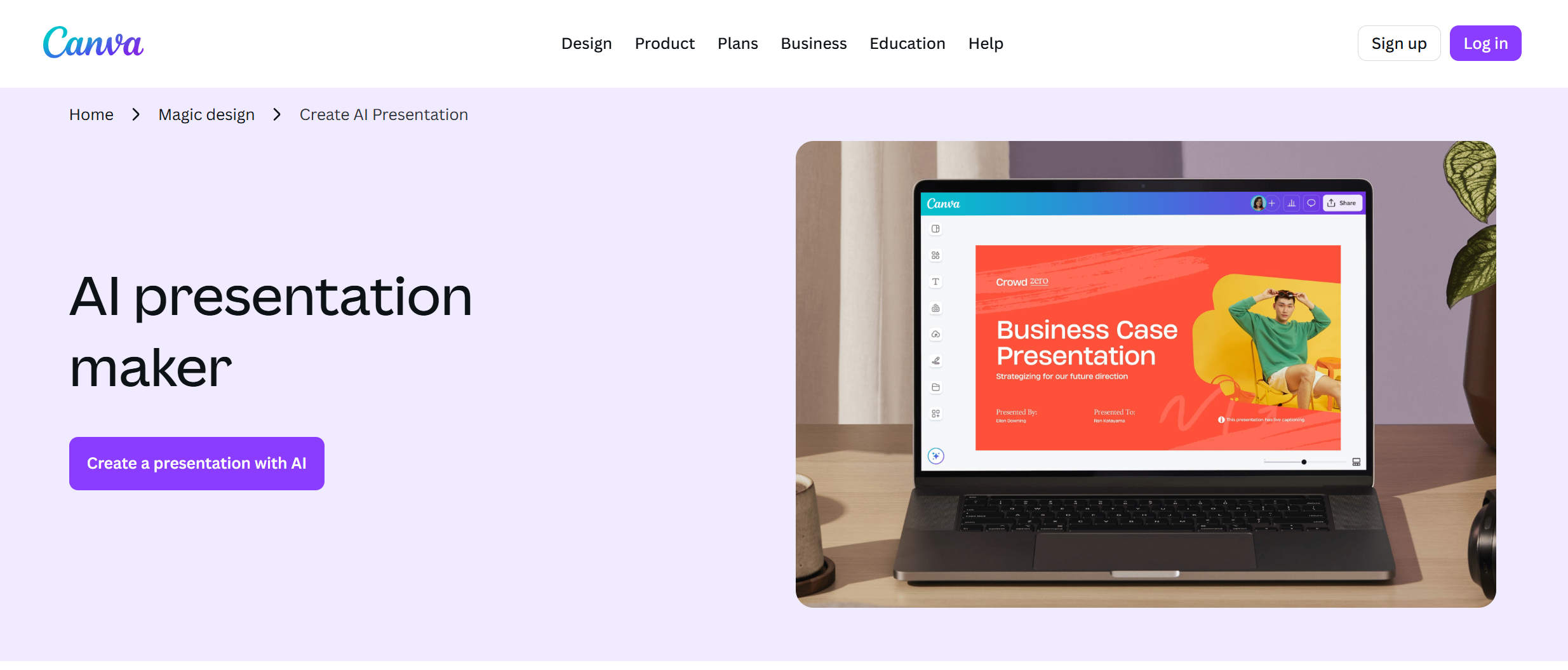
Canva AI Presentation Maker is Canva’s AI-powered presentation tool. It helps users create slide decks from simple prompts, then edit them inside Canva’s visual editor. Canva says its Magic Design for Presentations can generate draft presentations with an outline, content, and a cohesive slide flow based on your topic.
It is part of Canva’s broader AI and design ecosystem. Canva AI now supports design, writing, brand, editing, and creative workflows inside Canva’s Visual Suite.
For many users, this is the biggest advantage: you do not need to start from a blank slide. You can type an idea, choose a style, and get a draft that already looks polished.
Canva AI Presentation Maker Features
Canva AI Presentation Maker focuses on speed and visual design. Its main features include AI-generated slide drafts, editable presentation layouts, Canva templates, brand styling, AI writing help, and access to Canva’s design assets.
You can use it to create business presentations, school slides, pitch decks, lesson plans, marketing decks, and social media-style presentations. Canva’s presentation editor also lets you add images, icons, charts, animations, videos, and brand elements.
Another useful point is that Canva is not only a presentation tool. You can reuse the same design style across posters, social posts, documents, videos, websites, and other visual assets. This is helpful for teams that want consistent visual branding.
What Canva AI Presentation Maker Does Well
The best thing about Canva AI Presentation Maker is its design quality. Canva has a huge template library and a very simple editor. Even beginners can make a slide deck look clean and modern.
It is also strong for visual-first presentations. If your goal is to make a deck for marketing, education, social sharing, or a light internal update, Canva can save a lot of time. You can quickly change colors, fonts, layouts, images, and icons without needing design skills.
Canva is also useful when your presentation is part of a bigger content workflow. For example, you can create a presentation, turn some slides into social posts, reuse visuals in a document, or adapt your design into other formats.
Where Canva AI Presentation Maker Falls Short
Canva AI Presentation Maker is not perfect for every presentation workflow. The biggest issue is that it is often stronger at design than business structure.
For serious office work, users often need slides that follow a clear logic: problem, insight, data, recommendation, next step. Canva can generate attractive slides, but the deck may still need manual work to make it suitable for a client meeting, weekly report, monthly report, investor update, or business review.
Another limitation is the traditional PPT workflow. Canva is great inside its own editor, but many business teams still work in PowerPoint. If your team needs a standard .pptx file that is easy to present, revise, and share in a corporate setting, you may need extra checking after exporting.
Canva is also a broad design platform. That is a strength, but it can also make the experience feel less focused if your only goal is to create a ready-to-use presentation quickly.
Who Should Use Canva AI Presentation Maker?
Canva AI Presentation Maker is a good fit for students, teachers, marketers, creators, small business owners, and non-designers. It is especially useful when you care about visual style and need a deck quickly.
It is also good for users who already use Canva for social media, posters, brand kits, or marketing assets. If your team already works in Canva, using its AI presentation feature can feel natural.
However, if your main use case is business presentation delivery, Canva may not be the fastest option. You may still spend time adjusting slide logic, rewriting sections, and making the deck feel more suitable for meetings.
Canva AI Presentation Maker Pros and Cons
Pros
Canva AI Presentation Maker is easy to use, visually polished, and beginner-friendly. It has a large template library and many design assets. It is also flexible because you can edit almost every visual element inside Canva.
It is very useful for creative decks, educational slides, social presentations, marketing materials, and simple business slides.
Cons
Canva AI Presentation Maker may not always create the most business-ready structure. Some decks can feel more like good-looking visual drafts than finished office presentations. If you need a clear meeting-ready PPT, you may need to spend more time editing the flow, content, and export format.
It can also feel too broad for users who only want one thing: a practical, ready-to-go presentation.
Is Canva AI Presentation Maker Worth It?
Yes, Canva AI Presentation Maker is worth trying if you want a fast and visual way to create slides. It is one of the easiest AI presentation tools for beginners, and it works well for many common use cases.
But it is not always the best choice for business users who need structured, traditional, and ready-to-present PowerPoint decks. Canva helps you design faster, but it may not always help you think through the full presentation logic.
Best Canva AI Presentation Maker Alternative: Dokie AI
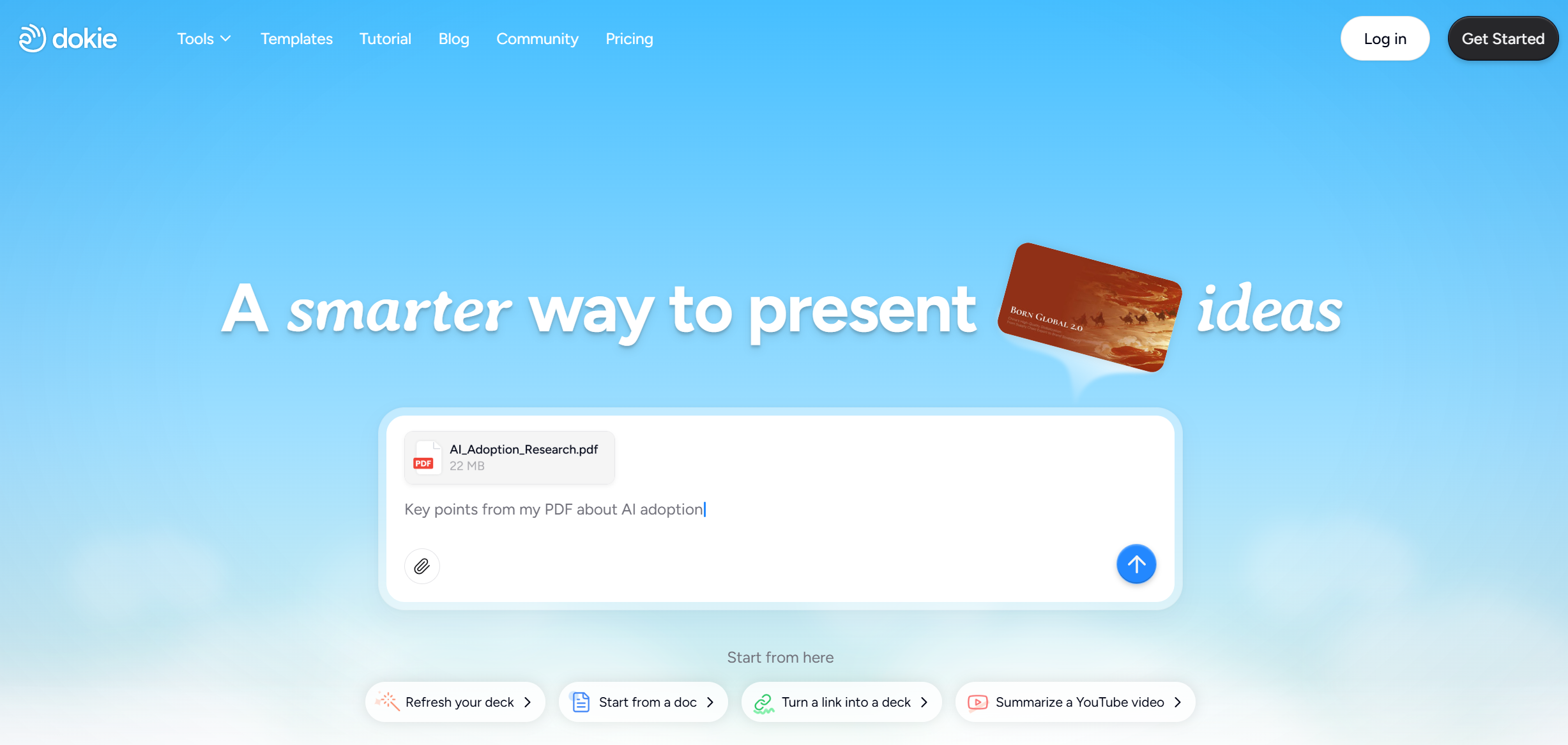
If you want a more business-ready Canva AI Presentation Maker alternative, Dokie AI is a strong choice. Dokie AI is built for users who need practical presentations for real work, such as weekly reports, monthly reports, client decks, business reviews, pitch decks, and team updates. Instead of only focusing on visual design, Dokie AI helps create a clearer slide structure and a more traditional PPT-style output. It also offers many free PPT tools, including PDF to PPT, Word to PPT, Text to PPT, Excel to PPT, JPG to PPT, PNG to PPT, HTML to PPT, and Doc to PPT. For users who want clean slides, useful structure, and a smoother office workflow, Dokie AI is one of the best Canva AI Presentation Maker alternatives.
Conclusion
Canva AI Presentation Maker is great for quick, beautiful, and easy slide creation. It is best for visual content, simple presentations, and users who already like Canva’s design ecosystem. But if your goal is to create structured business decks with less rearranging, Dokie AI may be the better tool to try.