How to Make Your Resume: A Simple Step-by-Step Guide
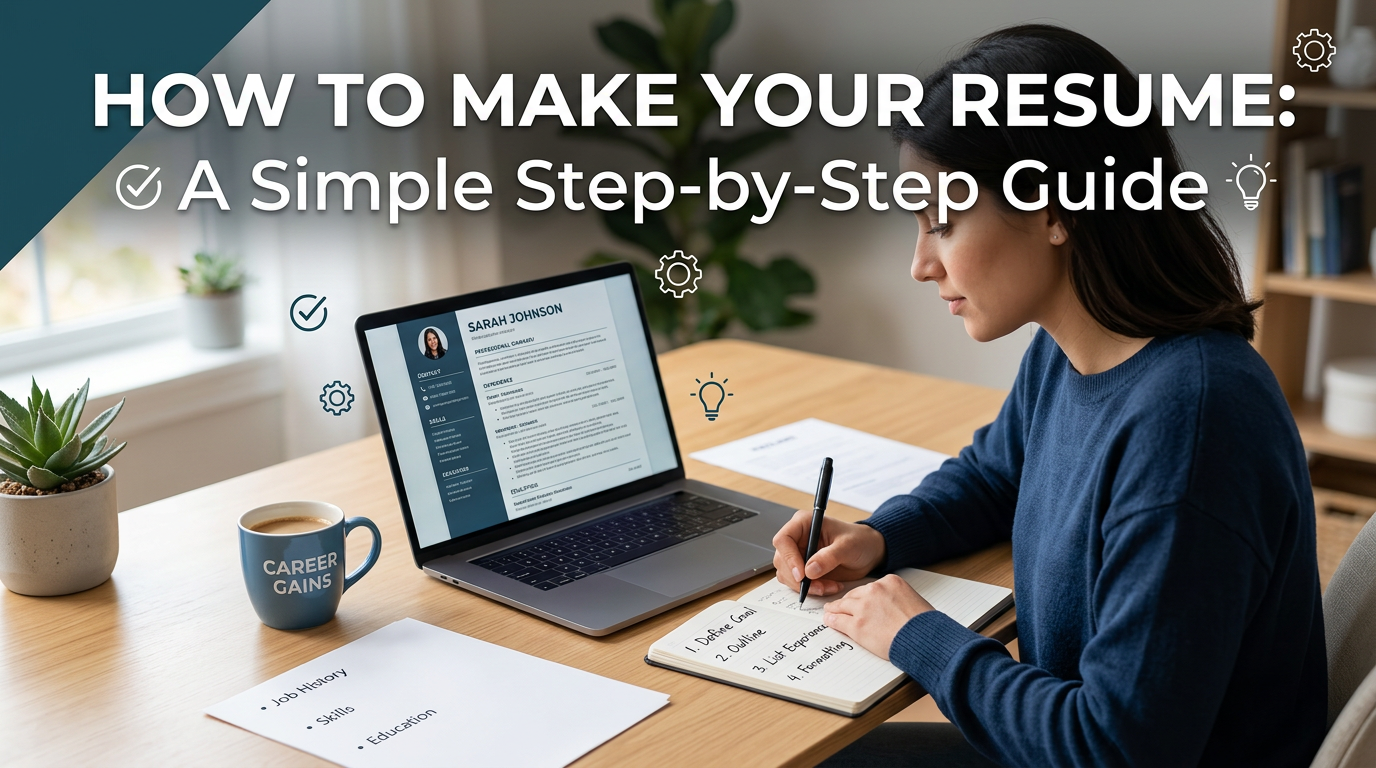
Your resume is often the first thing an employer sees. Before you get an interview, your resume needs to show that you have the right skills, experience, and potential for the job.
Making a resume can feel difficult, especially if you do not know what to include or how to format it. The good news is that a strong resume does not need to be complicated. It just needs to be clear, focused, and easy to scan.
In this guide, you will learn how to make your resume step by step, what sections to include, and how to make it stronger for job applications.
What Is a Resume?
A resume is a short professional document that summarizes your experience, education, skills, and achievements.
Employers use resumes to decide whether you may be a good fit for a job. A resume usually includes your contact information, work experience, education, skills, and sometimes a summary, projects, certifications, or volunteer experience.
The goal of a resume is not to tell your whole life story. The goal is to show the most relevant information for the job you want.
Why Is a Resume Important?
A resume helps hiring managers understand your background quickly.
Many companies receive many applications for one role. A clear resume can help you stand out by showing your strongest qualifications in a simple format.
A strong resume can help you:
Get more interview opportunities
Show your most relevant experience
Highlight your skills and achievements
Explain your career background clearly
Support job applications, internships, and freelance opportunities
Make a strong first impression
Even if you have strong experience, a weak resume can make it harder for employers to see your value.
How Long Should a Resume Be?
For most people, a resume should be one page.
A one-page resume is best for students, recent graduates, entry-level workers, and professionals with fewer than 10 years of experience.
A two-page resume can work if you have many years of relevant experience, leadership roles, technical projects, publications, or certifications.
The key rule is simple: include only information that helps the employer understand why you fit the job.
How to Make Your Resume Step by Step
Step 1: Choose the Right Resume Format
Before writing, choose a resume format.
The most common format is the reverse-chronological resume. This means you list your most recent experience first, then older experience below it.
This format works well for most job seekers because it is easy for employers to read.
A simple resume order is:
Contact information
Professional summary
Work experience
Skills
Education
Projects, certifications, or volunteer experience
If you are a student or have little work experience, you can move education and projects higher on the page.
Step 2: Add Your Contact Information
Your contact information should be at the top of your resume.
Include:
Your full name
Email address
Phone number
City and state
LinkedIn profile
Portfolio or personal website, if relevant
Example:
Alex Johnson
alex@email.com
New York, NY
linkedin.com/in/alexjohnson
alexportfolio.com
Use a professional email address. Avoid emails that look too casual or old.
Step 3: Write a Short Resume Summary
A resume summary is a short paragraph at the top of your resume. It explains who you are, what you do, and what value you bring.
A good resume summary should be 2 to 4 lines.
Example:
Marketing specialist with experience in content planning, social media campaigns, and performance tracking. Skilled at writing clear copy, organizing campaigns, and using data to improve results. Interested in helping growing teams build stronger marketing workflows.
If you are a student or recent graduate, you can write a resume objective instead.
Example:
Recent business graduate with experience in class projects, research presentations, and marketing internships. Looking for an entry-level role where I can use communication, research, and project coordination skills.
Step 4: List Your Work Experience
Your work experience is one of the most important parts of your resume.
For each job, include:
Job title
Company name
Location
Dates worked
3 to 5 bullet points about your responsibilities and achievements
Example:
Marketing Assistant
ABC Company, New York, NY
June 2024 – May 2026
Planned weekly social media content for LinkedIn, Instagram, and TikTok
Supported email campaigns by writing subject lines and short promotional copy
Tracked campaign results and created weekly performance summaries
Coordinated with designers to prepare marketing materials on time
Try to focus on what you achieved, not only what you did.
Weak bullet point:
Responsible for social media.
Better bullet point:
Managed weekly social media posts and helped increase engagement by 25% in three months.
Step 5: Use Action Verbs
Action verbs make your resume stronger and more direct.
Instead of starting every bullet point with “helped” or “worked on,” use stronger verbs.
Examples:
Managed
Created
Improved
Designed
Organized
Led
Built
Developed
Analyzed
Supported
Launched
Coordinated
Increased
Reduced
Prepared
Presented
For example:
Weak:
Worked on reports for the team.
Better:
Prepared weekly reports to help the team track project progress and key results.
Action verbs make your experience sound more active and professional.
Step 6: Add Numbers When Possible
Numbers make your resume more convincing because they show results.
You can include numbers related to:
Revenue
Traffic
Users
Projects
Customers
Team size
Time saved
Costs reduced
Campaign results
Content produced
Events managed
Examples:
Increased website traffic by 40%
Managed 15 client projects
Created 30 blog posts in six months
Reduced reporting time by 25%
Supported a campaign that reached 500,000 users
Trained 10 new team members
If you do not have exact numbers, you can still describe clear results.
Example:
Created a new project tracking system that helped the team manage deadlines more clearly.
Step 7: Add Your Skills
Your skills section should match the job you want.
You can include hard skills and soft skills.
Hard skills are technical or job-specific skills, such as:
Excel
Google Analytics
SEO
Copywriting
Data analysis
Project management
SQL
Python
Canva
Figma
Salesforce
Public speaking
Presentation design
Soft skills are personal and workplace skills, such as:
Communication
Teamwork
Leadership
Problem-solving
Time management
Adaptability
Attention to detail
Critical thinking
Do not list too many skills. Choose the ones that are most relevant to the job description.
Step 8: Add Your Education
Your education section should include:
School name
Degree or program
Major or field of study
Graduation year or expected graduation year
Relevant coursework, honors, or GPA if useful
Example:
University of California, Los Angeles
Bachelor of Arts in Communication
Graduated 2025
If you already have several years of work experience, your education section can be short.
If you are a student or recent graduate, you can add more details, such as relevant coursework, academic projects, or honors.
Step 9: Include Projects
Projects are useful if you are a student, career changer, freelancer, or someone with limited work experience.
Projects can show your skills even if they were not part of a full-time job.
Examples of resume projects include:
Research projects
Marketing campaigns
Class presentations
Coding projects
Design projects
Business plans
Portfolio work
Volunteer projects
Personal websites
Data analysis projects
Example:
Market Research Project
Analyzed customer reviews from three competing brands to identify common pain points and product opportunities. Created a presentation summarizing key findings and recommendations.
Projects can help employers see what you can do in real situations.
Step 10: Add Certifications or Training
Certifications can make your resume stronger, especially if they match the job.
Examples:
Google Analytics Certification
HubSpot Content Marketing Certification
Project Management Certification
Microsoft Excel Certification
AWS Certification
First Aid Certification
Teaching Certification
Language Certification
Include the certification name, organization, and year if needed.
Example:
Google Analytics Certification, Google, 2026
Only include certifications that are relevant or useful for the role.
Step 11: Add Volunteer Experience If Relevant
Volunteer experience can be helpful, especially for students, recent graduates, career changers, or people with employment gaps.
Volunteer work can show teamwork, leadership, communication, event planning, teaching, or project management skills.
Example:
Volunteer Event Coordinator
Local Community Center
Organized weekly event schedules, communicated with volunteers, and helped prepare materials for community workshops.
If your volunteer experience is highly relevant to the job, include it. If not, keep it short.
Step 12: Format Your Resume Clearly
A good resume should be easy to read.
Use:
Clear headings
Simple fonts
Consistent spacing
Short bullet points
One-page layout when possible
Professional file name
Enough white space
Avoid:
Long paragraphs
Too many colors
Unusual fonts
Crowded layouts
Large images
Unclear section titles
Spelling mistakes
A clean resume is better than an overly designed resume for most jobs.
Best Resume Structure
Here is a simple resume structure you can follow.
Name and Contact Information
Full name
Email
Phone
Location
LinkedIn or portfolio
Professional Summary
2 to 4 lines about your background, skills, and career goal.
Work Experience
Job title
Company
Dates
Bullet points with achievements and responsibilities
Skills
Relevant hard and soft skills.
Education
School, degree, major, and graduation year.
Projects or Certifications
Relevant projects, training, or certificates.
Resume Template
Here is a simple resume template you can edit.
[Your Name]
[Email] | [Phone] | [City, State] | [LinkedIn] | [Portfolio]
Professional Summary
[Write 2 to 4 lines about your experience, key skills, and career goal.]
Work Experience
[Job Title]
[Company Name], [Location]
[Month Year] – [Month Year]
Managed [task or responsibility]
Created [project or work result]
Improved [process, result, or metric]
Supported [team, client, or business goal]
[Job Title]
[Company Name], [Location]
[Month Year] – [Month Year]
Led [task or project]
Analyzed [data, process, or issue]
Coordinated [team, event, or workflow]
Delivered [result or outcome]
Skills
[Skill 1]
[Skill 2]
[Skill 3]
[Skill 4]
[Skill 5]
Education
[School Name]
[Degree or Program], [Major]
[Graduation Year]
Projects
[Project Name]
[Short description of the project, your role, skills used, and result.]
Certifications
[Certification Name], [Organization], [Year]
Resume Example for a Student
Taylor Kim
taylor@email.com | Boston, MA | linkedin.com/in/taylorkim
Professional Summary
Business student with experience in research projects, class presentations, and student club event planning. Skilled in communication, teamwork, market research, and presentation design. Looking for an internship in marketing or business operations.
Education
Boston University
Bachelor of Science in Business Administration
Expected Graduation: 2027
Projects
Consumer Behavior Research Project
Surveyed 80 students about online shopping habits and created a presentation with key findings and recommendations.
Student Club Event Plan
Helped organize a campus event for 100 students, including scheduling, promotion, and volunteer coordination.
Skills
Market research
Presentation design
Google Sheets
Public speaking
Teamwork
Social media content
Event planning
Resume Example for a Marketing Role
Alex Johnson
alex@email.com | New York, NY | linkedin.com/in/alexjohnson
Professional Summary
Marketing specialist with experience in content planning, SEO writing, campaign tracking, and social media management. Skilled at creating clear marketing content and using data to improve campaign results.
Work Experience
Marketing Assistant
BrightLabs, New York, NY
June 2024 – May 2026
Created weekly content calendars for blog, email, and social media channels
Wrote SEO blog outlines and product content for new feature launches
Tracked campaign performance and prepared weekly reports for the marketing team
Supported a product campaign that increased trial sign-ups by 18%
Skills
SEO writing
Content planning
Google Analytics
Email marketing
Social media management
Campaign reporting
Copywriting
Education
New York University
Bachelor of Arts in Communication
Graduated 2024
Resume Example With No Experience
Jamie Lee
jamie@email.com | Los Angeles, CA | linkedin.com/in/jamielee
Professional Summary
Motivated recent graduate with strong communication, research, and organization skills. Experienced in class projects, volunteer work, and group presentations. Interested in an entry-level administrative or marketing support role.
Education
California State University
Bachelor of Arts in English
Graduated 2026
Projects
Research Presentation Project
Created and presented a 10-slide research presentation on digital media habits among college students.
Writing Portfolio
Completed multiple essays, article drafts, and editing assignments focused on clear writing and audience understanding.
Volunteer Experience
Event Volunteer
Community Youth Center
Helped prepare event materials, welcome guests, and coordinate sign-in for local education events.
Skills
Writing
Research
Communication
Google Docs
Organization
Presentation skills
Teamwork
How to Make Your Resume Better
A good resume is not just a list of tasks. It should show value.
To improve your resume, ask yourself:
What did I help improve?
What problems did I solve?
What tools did I use?
What results did I create?
What skills match the job description?
What makes me different from other candidates?
Then rewrite your bullet points to be more specific.
Weak:
Helped with customer service.
Better:
Responded to customer questions through email and chat, helping resolve common issues and improve customer satisfaction.
Weak:
Made presentations.
Better:
Created project presentation slides for weekly team meetings, helping managers understand progress and next steps.
Common Resume Mistakes to Avoid
One common mistake is using the same resume for every job. You should adjust your resume based on the role.
Another mistake is writing long paragraphs. Bullet points are easier to read.
A third mistake is listing responsibilities without results. Employers want to know what impact your work had.
A fourth mistake is adding too many unrelated details. Your resume should focus on what matters for the job.
A final mistake is not proofreading. Spelling or formatting errors can make your resume look careless.
How to Tailor Your Resume for a Job
Tailoring your resume means adjusting it for a specific job description.
Start by reading the job post carefully. Look for repeated skills, tools, and responsibilities.
Then update your resume to highlight matching experience.
For example, if the job mentions “project coordination,” your resume should include examples of planning, scheduling, communication, and deadline management.
If the job mentions “data analysis,” include tools like Excel, Google Sheets, SQL, or analytics platforms if you have used them.
Do not lie or add skills you do not have. Instead, make your real experience easier to connect to the job.
Resume File Name and Format
When saving your resume, use a professional file name.
Good examples:
Alex-Johnson-Resume.pdf
Taylor-Kim-Marketing-Resume.pdf
Jamie-Lee-Resume-2026.pdf
Avoid file names like:
resume-final-final.pdf
myresume.docx
newresume2.pdf
PDF is usually the best format because it keeps your layout consistent. However, some application systems may ask for a Word document. Always follow the company’s instructions.
Use Dokie AI to Create Resume and Interview Presentations
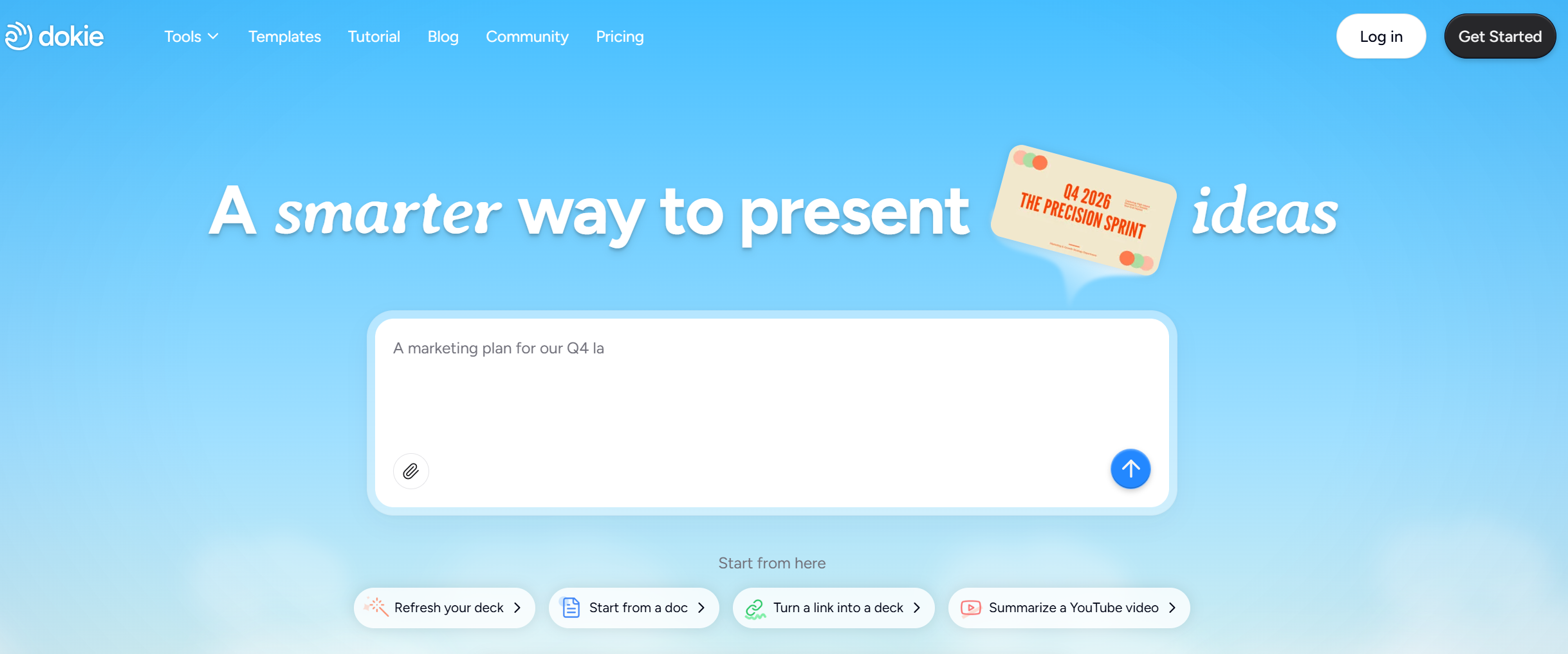
A resume helps you summarize your experience, but some opportunities require more than a one-page document. You may need to present your work portfolio, explain a case study, or prepare a final-round interview deck.
Dokie AI can help you turn your resume, project notes, and achievements into a clear presentation. You can use it to create career summary slides, work portfolio decks, interview presentations, and project case studies.
Instead of starting from a blank slide, Dokie AI helps organize your experience into a professional structure. This makes it easier to show your value, explain your work, and prepare for important career opportunities.
Resume Checklist
Before sending your resume, check these points:
Is your contact information correct?
Is your resume easy to read?
Does it fit on one page if possible?
Did you include the most relevant experience?
Did you use action verbs?
Did you include numbers or results where possible?
Does your resume match the job description?
Are your bullet points clear and specific?
Did you proofread for spelling and grammar mistakes?
Is the file name professional?
If the answer is yes, your resume is ready to send.
FAQs About Making a Resume
1. What should I include in my resume?
Your resume should include contact information, a short summary, work experience, skills, education, and relevant projects or certifications.
2. How long should my resume be?
Most resumes should be one page. A two-page resume is acceptable if you have many years of relevant experience or detailed professional achievements.
3. What is the best resume format?
The reverse-chronological format is the most common. It lists your most recent experience first and is easy for employers to read.
4. How do I make a resume with no experience?
Focus on education, class projects, volunteer work, internships, personal projects, skills, and achievements. Show what you can do, even if it was not from a full-time job.
5. Should I include a photo on my resume?
In many countries, especially the United States, you usually should not include a photo unless the employer specifically asks for one.
6. Should I include references on my resume?
You usually do not need to include references on your resume. Employers will ask for them later if needed.
7. What skills should I put on my resume?
Include skills that match the job description. These can include technical tools, communication, project management, writing, data analysis, leadership, or industry-specific skills.
Conclusion
Making a resume is easier when you follow a clear structure. Start with your contact information, add a short summary, list your experience, highlight your skills, and include education, projects, or certifications.
A strong resume should be clear, focused, and relevant to the job. It should show not only what you have done, but also the value you can bring to an employer.