What Is a Multimedia Presentation?
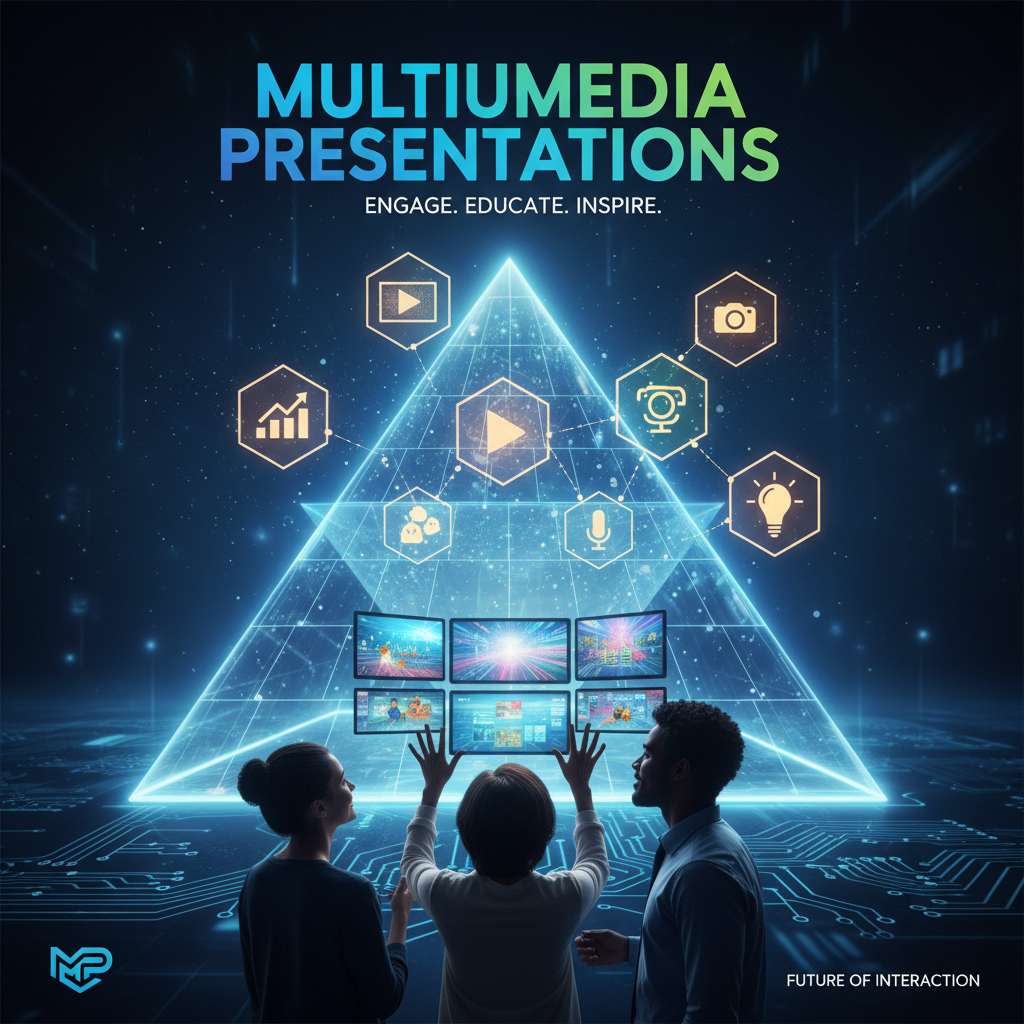
A multimedia presentation does more than show words on slides. It combines different types of content to make information easier to understand and more interesting to watch.
In this guide, you will learn what a multimedia presentation is, what elements it includes, why it matters, and how to create one effectively.
What Is a Multimedia Presentation?
A multimedia presentation is a presentation that uses more than one type of media to communicate information. Instead of relying only on plain text, it may include:
- text
- images
- charts
- audio
- video
- animation
- transitions
- interactive elements
In simple terms, it is a presentation that mixes visuals and media to make the message clearer and more engaging.
For example, a basic slide deck with only bullet points is not very rich. But if the same deck includes visuals, short video clips, voiceover, icons, and charts, it becomes a multimedia presentation.
Why Is It Called “Multimedia”?
The word multimedia means using multiple forms of media together.
In presentations, that means you are not limited to just written content. You can explain an idea with a diagram, support it with a video, guide the audience with narration, and highlight key points with animation.
That combination helps people absorb information in different ways.
Key Elements of a Multimedia Presentation
A multimedia presentation can include many elements, but most of them are built from a few core parts.
1. Text
Text is still the base of most presentations. It includes titles, section headings, short explanations, and bullet points.
Good multimedia presentations do not overload slides with text. They use text to support the main message, not replace the speaker.
2. Images
Images help explain ideas faster than long paragraphs. A photo, icon, diagram, or illustration can make a slide easier to understand.
Images are especially useful when you want to explain a process, compare options, or make abstract ideas feel more concrete.
3. Audio
Audio can include narration, voiceover, background sound, or interviews. It is useful for recorded presentations, training decks, and educational materials.
For example, if you create a self-paced presentation, audio can guide viewers through each slide without needing a live presenter.
4. Video
Video adds motion and real-world context. It is useful for product demos, tutorials, case studies, interviews, and storytelling.
A short video clip can often explain something better than several static slides.
5. Animation
Animation helps direct attention. It can reveal points step by step, show movement in a process, or make transitions feel smoother.
Used well, animation improves clarity. Used too much, it becomes distracting.
6. Charts and Graphs
Charts and graphs are important when you need to explain data. They help audiences understand trends, comparisons, and patterns more quickly.
A multimedia presentation often feels stronger when data is shown visually instead of being described only with text.
7. Interactive Elements
Some multimedia presentations include clickable menus, navigation buttons, embedded links, quizzes, or interactive demos.
These are especially useful in training, online learning, and product presentations where the audience needs to explore content actively.
What Makes Multimedia Presentations Different From Regular Presentations?
The main difference is depth of communication.
A regular presentation may only use text and a few basic visuals. A multimedia presentation uses multiple content formats together to create a fuller experience.
Here is the difference in simple terms:
- Regular presentation: mostly text and static slides
- Multimedia presentation: text plus images, audio, video, animation, or interactivity
That does not mean every presentation needs all media types. It just means multimedia presentations go beyond plain slides when that adds value.
Why Multimedia Presentations Matter
Creating multimedia presentations matter because they help people understand information more easily.
Different people respond to different forms of content. Some understand best through visuals. Others prefer spoken explanations. Some need examples, movement, or demonstrations.
By combining media, you can make your message:
- easier to follow
- more engaging
- more memorable
- more persuasive
- more useful for different audiences
This is why multimedia presentations are common in classrooms, business meetings, online courses, sales decks, and training materials.
Common Uses of Multimedia Presentations
Education
Teachers and students use multimedia presentations to explain lessons, present research, and improve classroom engagement.
A history presentation might include maps, timelines, photos, voiceover, and documentary clips. A science presentation might include diagrams, animations, and charts.
Business
In business, multimedia presentations help teams explain ideas more clearly. A strategy deck may include charts, product screenshots, short demo videos, and annotated visuals.
This is especially useful in client presentations, internal reports, and pitch decks.
Marketing
Marketing presentations often use multimedia to tell stories and support brand messaging. This may include product videos, customer quotes, campaign visuals, and motion graphics.
The goal is usually to keep the audience engaged while making the message easier to remember.
Training
Training decks often benefit from voiceover, recorded walkthroughs, short demos, and clickable sections. Multimedia makes training materials more practical, especially when people review them on their own.
Online Learning
In online learning, multimedia presentations are one of the most useful formats because they can combine explanation, visuals, and interaction in one place.
Examples of Multimedia Presentations
Here are a few simple examples:
- a classroom presentation with text, images, and video clips
- a sales deck with charts, product screenshots, and a short demo video
- a course presentation with voiceover and animations
- a company training deck with clickable sections and screen recordings
- a conference presentation with data visuals and embedded media
In each case, the presentation is doing more than showing text. It is using multiple media types to improve communication.
Benefits of Multimedia Presentations
Better audience engagement
People usually pay more attention to presentations that mix visuals and media instead of showing slide after slide of text.
Clearer explanation
Complex ideas often become easier to understand when you use diagrams, videos, or charts.
Stronger memory retention
Audiences are more likely to remember content when they see and hear it in a structured way.
More flexibility
Multimedia presentations can work for live speaking, recorded lessons, training materials, product demos, and async communication.
More professional impact
A well-designed multimedia presentation often feels more polished and intentional than a text-heavy deck.
Challenges of Multimedia Presentations
Even though multimedia presentations are useful, they can go wrong if they are overloaded.
Common mistakes include:
- too much animation
- too many videos on one slide
- cluttered visuals
- audio that does not work properly
- too much text competing with media
- inconsistent design
The goal is not to add media everywhere. The goal is to use media only when it improves understanding.
How to Create a Good Multimedia Presentation
Start with the message
Before adding visuals or video, decide what the presentation needs to say. A clear message always comes first.
Build the structure first
This is where many people lose time. They jump into design before the deck has a good flow.
A better approach is to first organize the presentation into a strong outline. That is where Dokie AI can help. Instead of starting from a blank page, you can turn rough notes, ideas, or source material into a clearer presentation structure first. Once the flow is in place, adding multimedia becomes much easier.
Add media with purpose
Only add images, audio, charts, or video when they make the slide clearer or more useful. Every media element should support the point of the slide.
Keep slides simple
Even multimedia slides should stay clean. Do not put too many competing elements on the same slide.
Check playback and formatting
If your presentation includes video, audio, or interactive parts, always test it before sharing or presenting. Technical issues can weaken the whole experience.
Best Practices for Multimedia Presentations
Keep one main idea per slide
This helps your audience stay focused.
Use visuals to explain, not decorate
A decorative image may look nice, but an explanatory image does more work.
Do not overuse animation
Animation should guide attention, not distract from the message.
Make sure media matches the audience
A school presentation, business deck, and training course will use multimedia differently. Choose the right tone and format for the situation.
Focus on flow
A multimedia presentation is still a presentation. Good structure matters more than fancy effects.
That is another reason tools like Dokie AI are useful in the workflow. If your deck structure is weak, adding more media will not fix it. A clean outline and logical slide flow make every visual element work better.
Multimedia Presentation vs. Traditional Presentation
A traditional presentation usually depends on simple text slides and a speaker’s explanation.
A multimedia presentation uses different media formats to help communicate the message more effectively.
The difference is not just visual style. It is the way information is delivered.
A traditional deck says, “Here are the points.”
A multimedia presentation says, “Here are the points, supported by visuals, motion, sound, or interaction that make them easier to understand.”
Is Every Modern Presentation a Multimedia Presentation?
Not necessarily.
Many modern presentations include images and charts, but that alone does not always make them fully multimedia in the richer sense. A true multimedia presentation usually makes meaningful use of multiple media types, not just a few decorations.
Still, the line can be flexible. A presentation does not need video, audio, and animation all at once to count. If it uses several forms of media in a purposeful way, it can still be considered multimedia.
How Dokie AI Fits Into the Process
If you are creating a multimedia presentation, one of the hardest parts is often not the media itself. It is the structure.
Before you add video clips, voiceover, or visuals, you need a clear presentation flow. Dokie AI can help by turning your topic, notes, or draft content into a more organized deck faster. That gives you a stronger base before you start adding multimedia elements.
So instead of using multimedia to rescue a messy presentation, you start with a clearer structure and build from there.
Final Thoughts
A multimedia presentation uses multiple types of media, such as text, images, audio, video, charts, and animation, to communicate ideas more clearly. It is widely used because it helps audiences stay engaged and understand information faster.
The best multimedia presentations are not just full of effects. They are well-structured, easy to follow, and purposeful in the way they use media. And if you want to create that structure faster, Dokie AI can help you build a cleaner presentation before you start adding multimedia.
FAQs
What is a multimedia presentation?
A multimedia presentation is a presentation that uses more than one form of media, such as text, images, audio, video, charts, or animation.
What are the main elements of a multimedia presentation?
The main elements usually include text, images, audio, video, charts, animation, and sometimes interactive features.
What is the purpose of a multimedia presentation?
The purpose is to communicate ideas more clearly and keep the audience more engaged by using different content formats together.
Where are multimedia presentations used?
They are commonly used in education, business, marketing, training, and online learning.
How can I make a multimedia presentation better?
Start with a clear structure, keep slides simple, and only add media that supports the message. Tools like Dokie AI can help organize the presentation before you add multimedia elements.